Note
Access to this page requires authorization. You can try signing in or changing directories.
Access to this page requires authorization. You can try changing directories.
SharePoint Embedded is a consumption-based, pay-as-you-go (PAYG) offering, meaning you pay only for what you use. SharePoint Embedded provides two billing models that the tenant developing the SharePoint Embedded application can select when creating their container type, tailoring it to their unique business requirements. The two billing models are Standard and Passthrough billing.
Note
Once a container type is created, its billing model can't be changed. To change the billing model, a new container type must be created with the desired billing model.
Standard billing
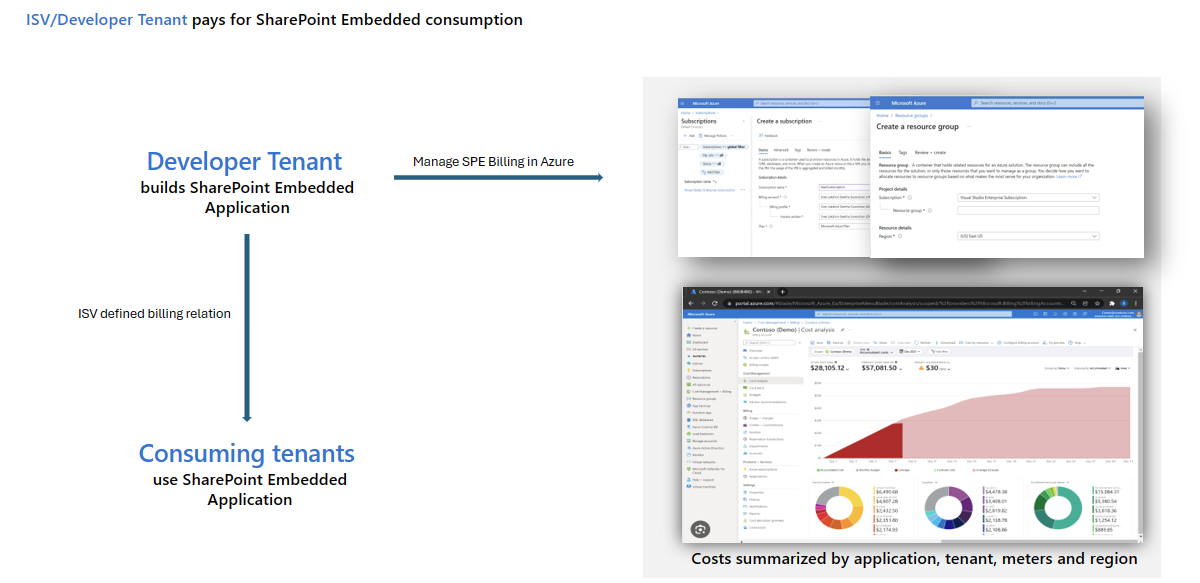
With the standard billing model, all consumption-based charges are directly billed to the tenant who owns or develops the application. After creating the container type, the admin in the developer tenant must establish a valid billing profile before the container type can be used. This billing profile will be used to charge for all consumption incurred by any consuming tenant that uses the SharePoint Embedded application associated with this container type. To set up the billing profile for a standard container type, see set the billing profile.
Passthrough billing
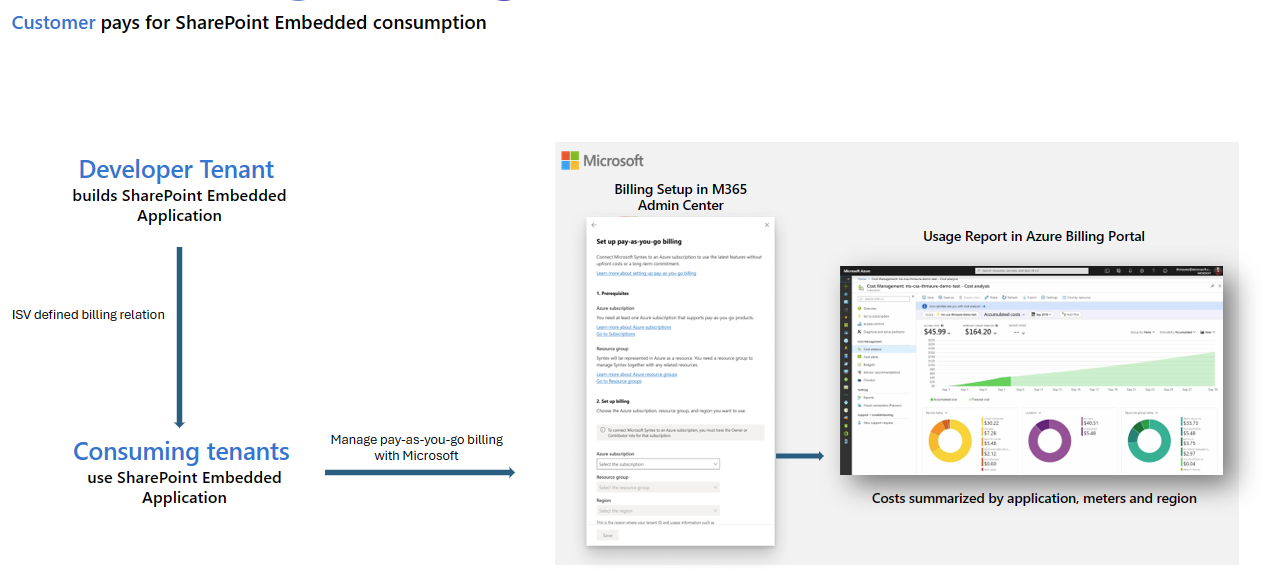
With passthrough billing, consumption-based charges are billed directly to the consuming tenant registered to use the SharePoint Embedded application. Admins in the developer tenant don't need to set up a billing profile for a passthrough SharePoint Embedded container type. Once the container type is registered in the consuming tenant, the consuming tenant admin (SharePoint Admin or Global Admin) needs to set up the billing profile in the consuming tenant to use the SharePoint Embedded application.
Create a SharePoint Embedded container type
For information on how to create a container type with billing enabled, see creating a container type.
View & edit billing properties of standard container type
You can view the properties of a container type using the fileStorageContainerType APIs:
To update the billing properties on a container type with standard billing, see set the billing profile.
Set up billing for passthrough container types in consuming tenant
To set up billing for a passthrough container type in the consuming tenant, see the setup guide in the consuming tenant Admin Center.
SharePoint Embedded meters
To learn more about the supported pay-as-you-go meters, refer to the SharePoint Embedded meters article.