Exercise - Assign owners to agents to prevent agent sprawl
Reassign ownership for ownerless or active agents to help maintain accountability and ensures proper management. Reassignment of shared agents is supported only for Agent Builder and Copilot Studio agents. Assigning an owner is critical for governance and management. It ensures that a responsible person maintains and updates the agent as needed and helps prevent agent sprawl.
In this exercise, you play the role of Reed and assign a new owner to an agent so that designated users can manage it. The owner can edit the agent, publish it, and manage its settings. By default, the user who creates the agent is assigned as its owner.
Assign owners to agents
Go to Microsoft 365 admin center.
In the left navigation pane, select Agents > Overview.
In the Top actions for you section, review agents without owners.
Select Assign owners.
Alternatively, in the left navigation pane, select Agents > All agents and then select Agents without owners filter.
Select the Invoice Processing agent from the list of agents with no owners.
Select Assign new owner.
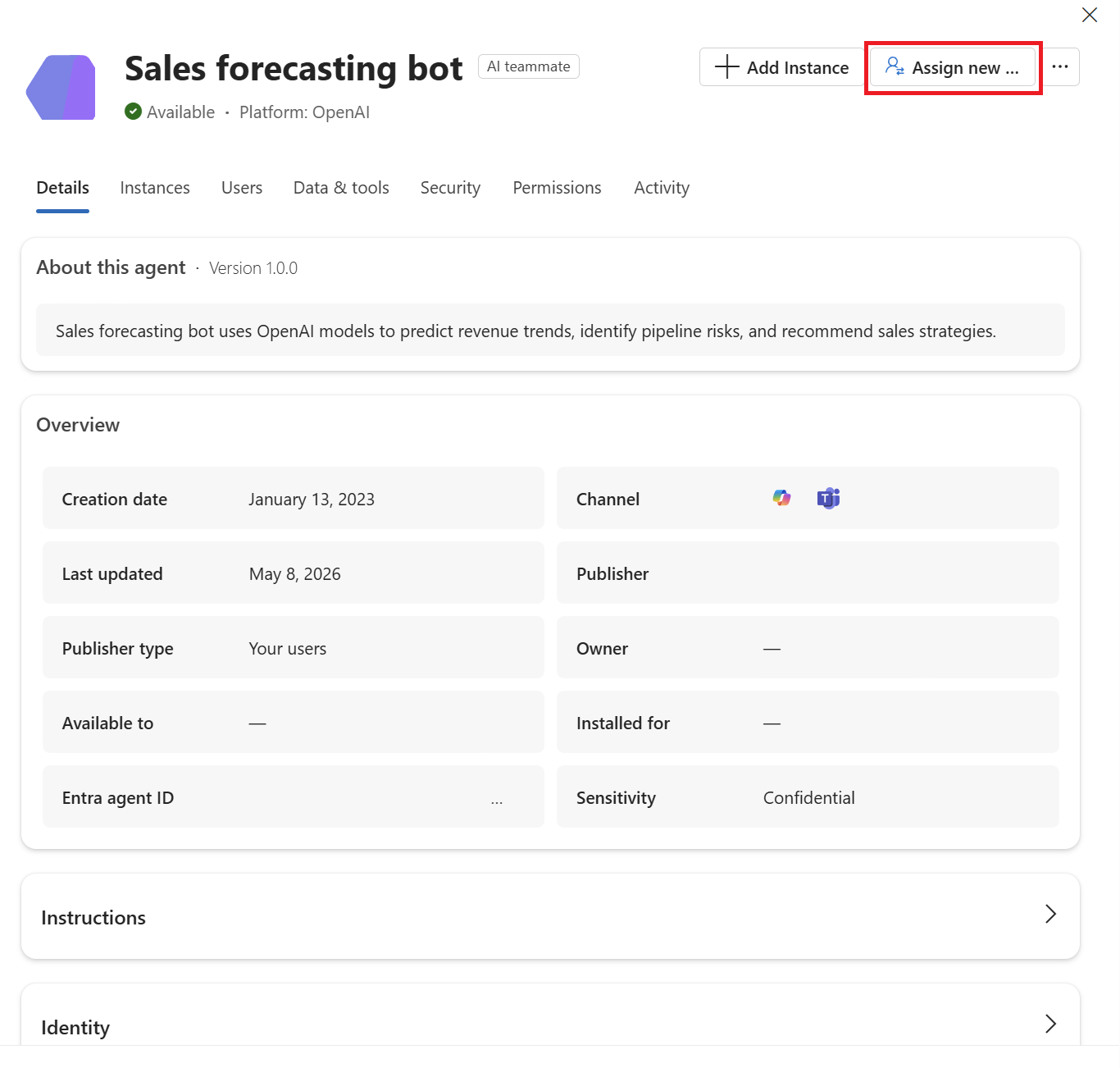
Select the user you want to assign.
Select Assign.
