Explode a BOM on project planning lines
Instead of working with an assembly order, you can also use the Explode BOM function on the project planning lines to convert the assembly item into its components.
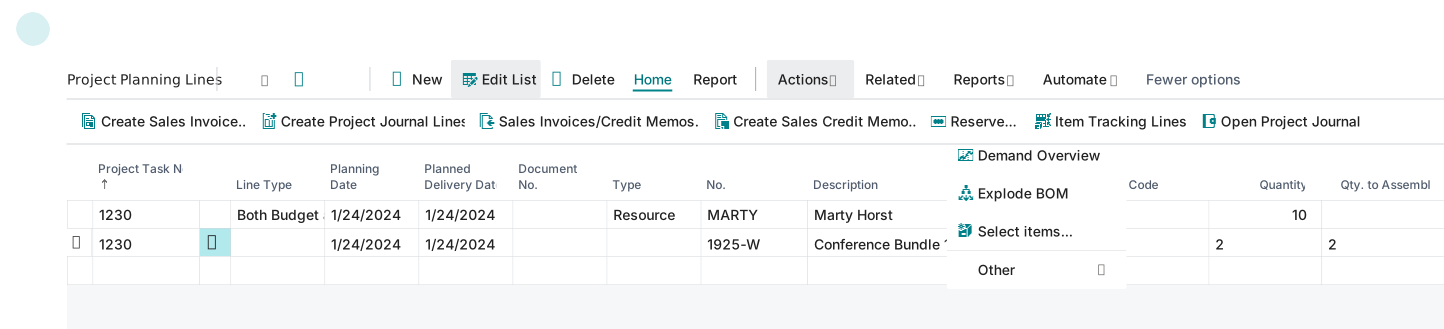
Before you can explode the assembly item to its components, you must first delete the assembly order by clearing the Qty. to Assemble field. This action also cancels the reservation, which is required to use the Explode BOM function.
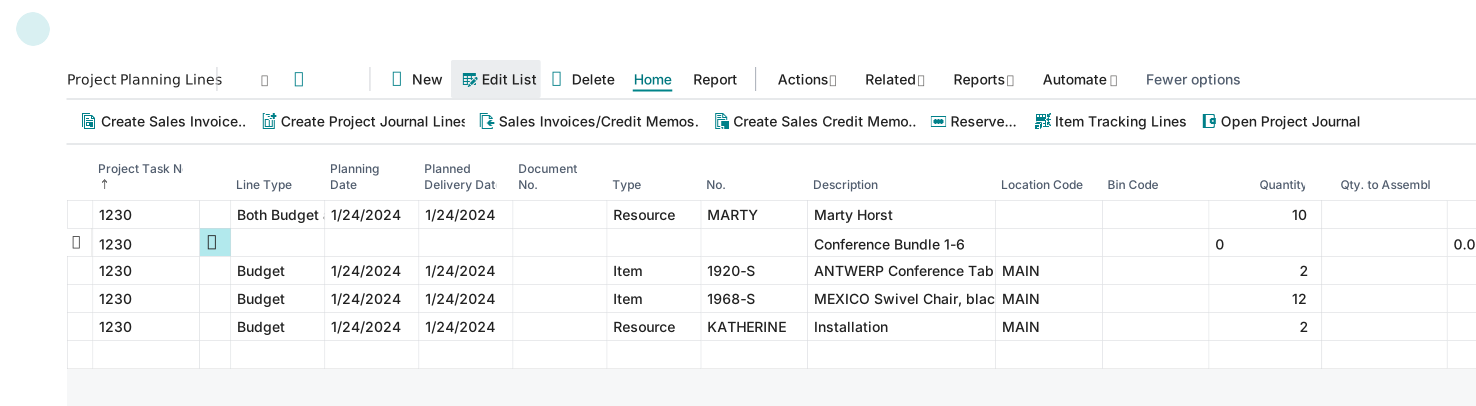
After you explode the BOM, the program turns the line with the assembly item into a text line, and then it inserts the BOM components as item and resource lines.