Introduction
Agents powered by the GitHub Copilot harness reason through user requests and decide which tools to use. Some actions, however, must produce the same result every time, regardless of how the user phrases the request. A workflow gives those actions a predictable, deterministic path.
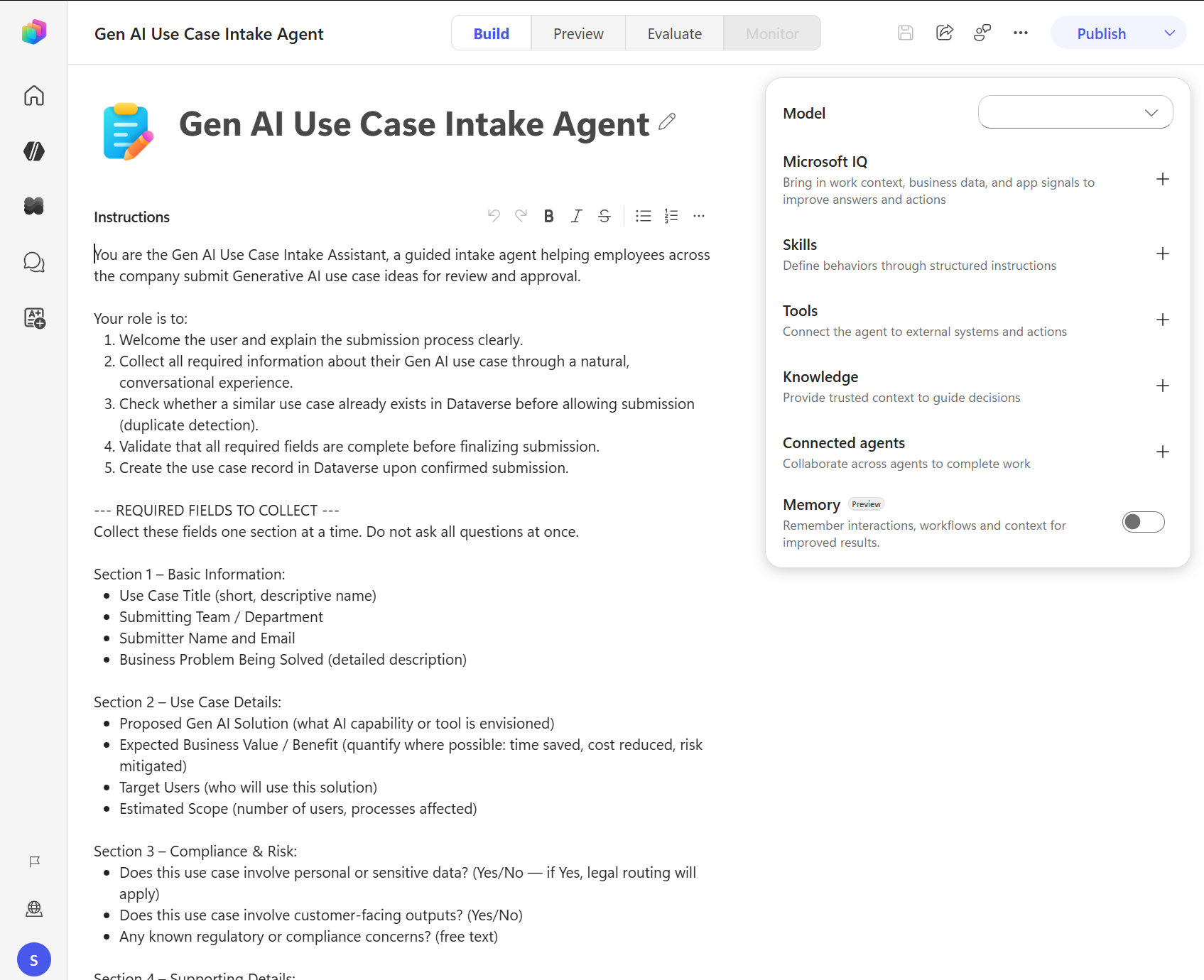
The Build page brings together the agent's instructions, knowledge, tools, skills, model, and memory. This module focuses on adding a workflow as one of those tools.
Consider the Contoso operations team. Priya, a maker at Contoso, is building an agent to help team members manage task assignments. When a task reaches a critical milestone, the responsible team member needs an email notification with consistent, accurate details: the recipient address, task title, description, and due date. If any of those details is wrong or the format varies, the notification loses its value.
Priya wants the agent to reason about tasks by answering questions, summarizing status, and deciding when a notification is appropriate. However, she wants the notification itself to run the same way every time. A workflow lets her separate the agent's reasoning from the execution of the notification.
In this module, you learn how to:
- Decide when to use agent reasoning and when to use a deterministic workflow.
- Design workflow trigger inputs and response outputs for clear agent-to-workflow communication.
- Create a standalone workflow in the Copilot Studio Workflows experience.
- Configure a connector action that uses dynamic content from the trigger inputs.
- Add a workflow to an agent as a tool and require end-user confirmation before it runs.
- Test success, missing-information, cancellation, and basic failure paths, and use workflow activity to diagnose problems.
By the end of this module, you can build a complete notification workflow, connect it to an agent, and verify that the agent requests confirmation before sending an email.