Introduction
You're on Contoso's Azure infrastructure operations team. At shift handover, a teammate passes you a ticket: the Custom Script extension reports a failed run of vmops-report on vm-m02-linux, but the same script prints report-ready os=ubuntu over SSH. What failed, and what evidence would show that the retry worked?
Start with what your teammate recorded. A deployment asks Azure to create or update one or more resources. In this deployment, the failed operation was an update to the Custom Script extension.
The ticket lists three statuses: Running for the VM, Ready for the platform agent, and Failed for the extension. A colleague suggests reinstalling every extension and rebooting. That would change the VM before you know whether the handler even started the command.
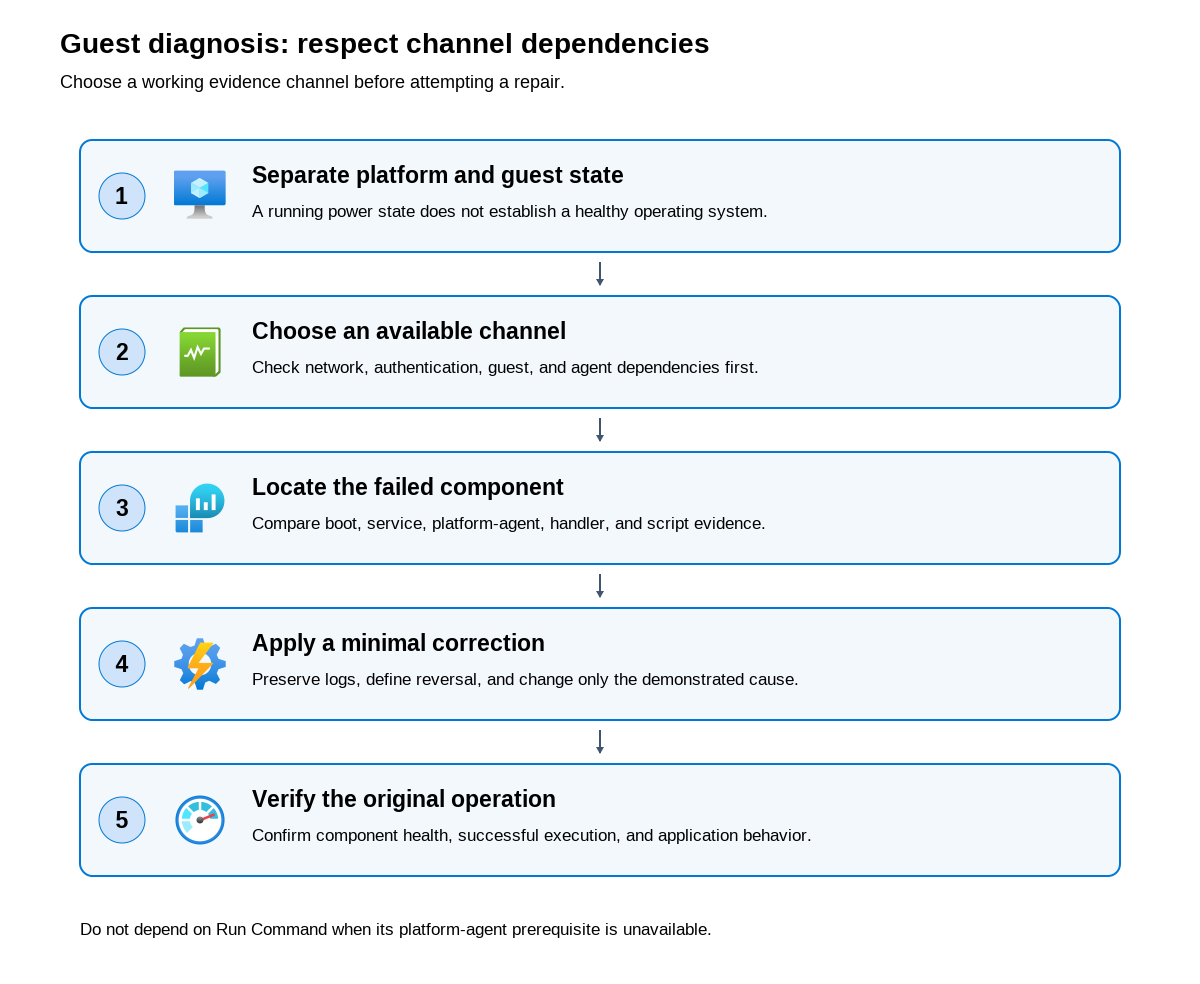
You must answer a more precise question: which component accepted the request, which component attempted it, and which dependency prevented the intended result? A deployment status combines several operations. It isn't a complete guest-health diagnosis.
The investigation starts with what you can observe and ends when the original operation works again.
Note
Before you begin, you should know how to troubleshoot Windows startup and VM extension failures. This module adds cross-component classification, channel selection, evidence preservation, and proof that the original operation works after correction. It doesn't replace a tested restore procedure.
Use these four checks to distinguish what Azure reported from what happened inside the VM during the failed run:
- A service is a program the OS manages in the background. Its current state tells you whether it's running now. Its history tells you whether it was running when the request arrived.
- An exit code is the number a program returns when it finishes. For the report command, zero means success and nonzero means failure. Azure's provisioning status describes the management operation, not the report's exit code.
- A guest login can still work when the platform agent stops. A tool that sends commands through that agent can't provide an independent check.
- A useful log entry identifies the component, operation, and time. A success from yesterday doesn't explain a failure today.
On Windows, Event Viewer shows records written by the OS and its services. On Ubuntu, the systemd service manager tracks service state and the exit status of service processes. The worked examples in this module use those records. You don't need an Azure subscription or a running VM to follow them.