Choose a development approach
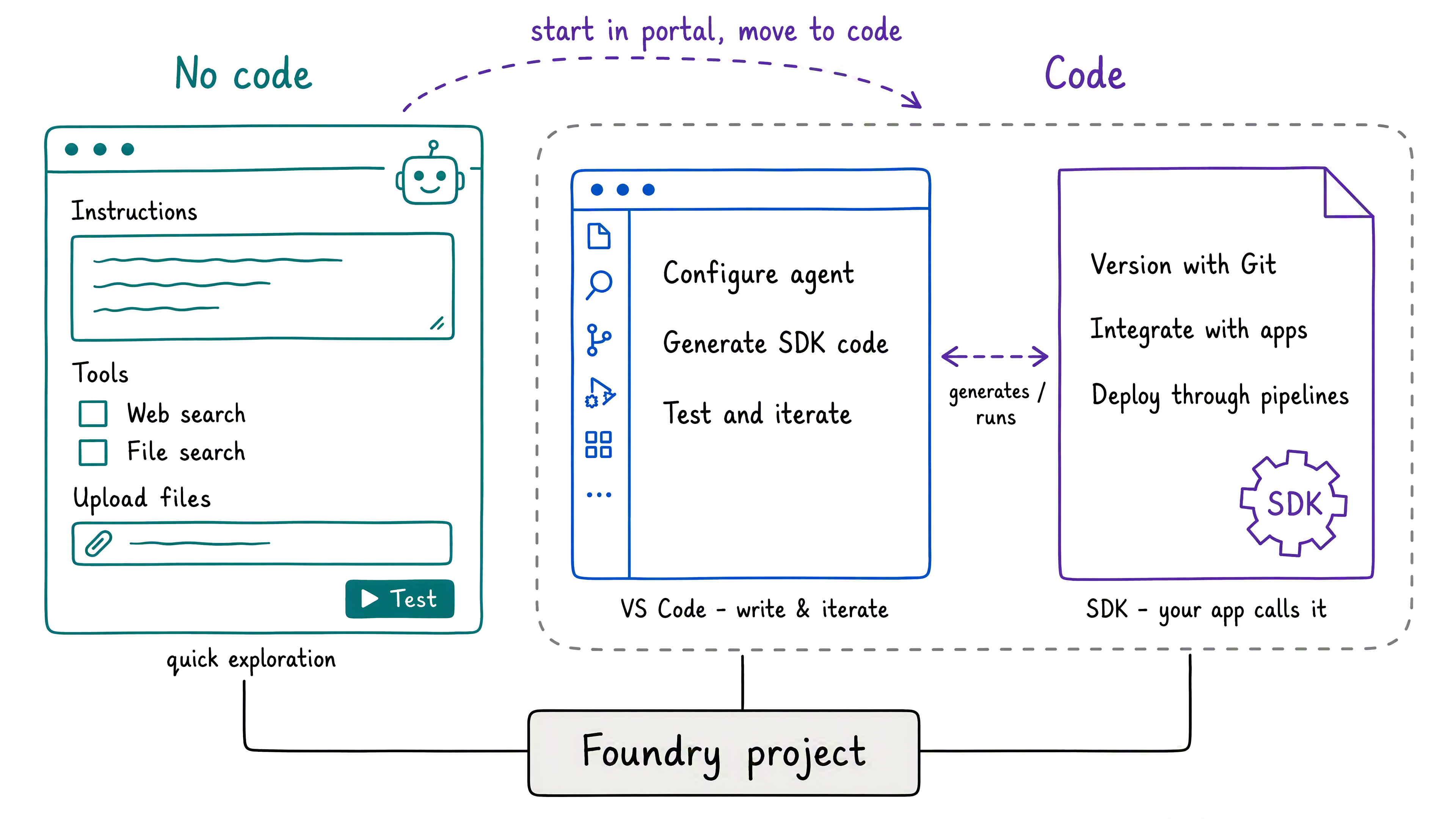
The right development approach changes as an agent matures. The Foundry portal helps you test an idea quickly, while code supports source control, automation, and application integration.
| Project need | Foundry portal | Visual Studio Code and SDK |
|---|---|---|
| Create an early prototype | Configure and test through forms | Write and run application code |
| Manage changes | Update settings in the project | Track code and configuration with Git |
| Integrate with an application | Test the agent before integration | Call the agent from an application or pipeline |
Build without code in the Foundry portal
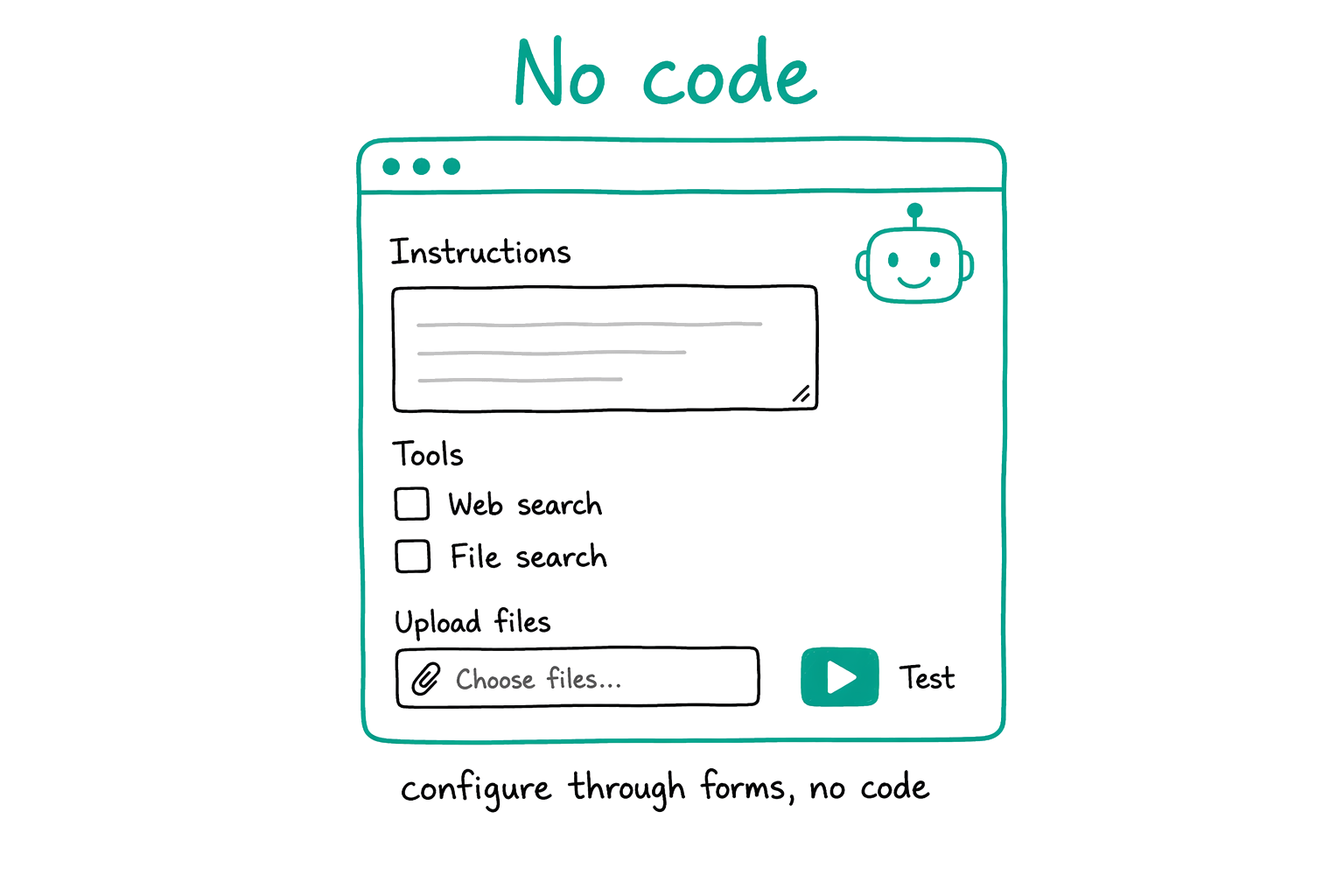
The Foundry portal provides forms for creating and configuring agents without writing code. For example, you set instructions, add tools, upload grounding files, and test responses from one interface.
This approach fits an early prototype because it requires little development setup. Caldova uses the portal to ground the assistant in policy documents and confirm that its responses meet supply chain needs.
Develop the agent with code
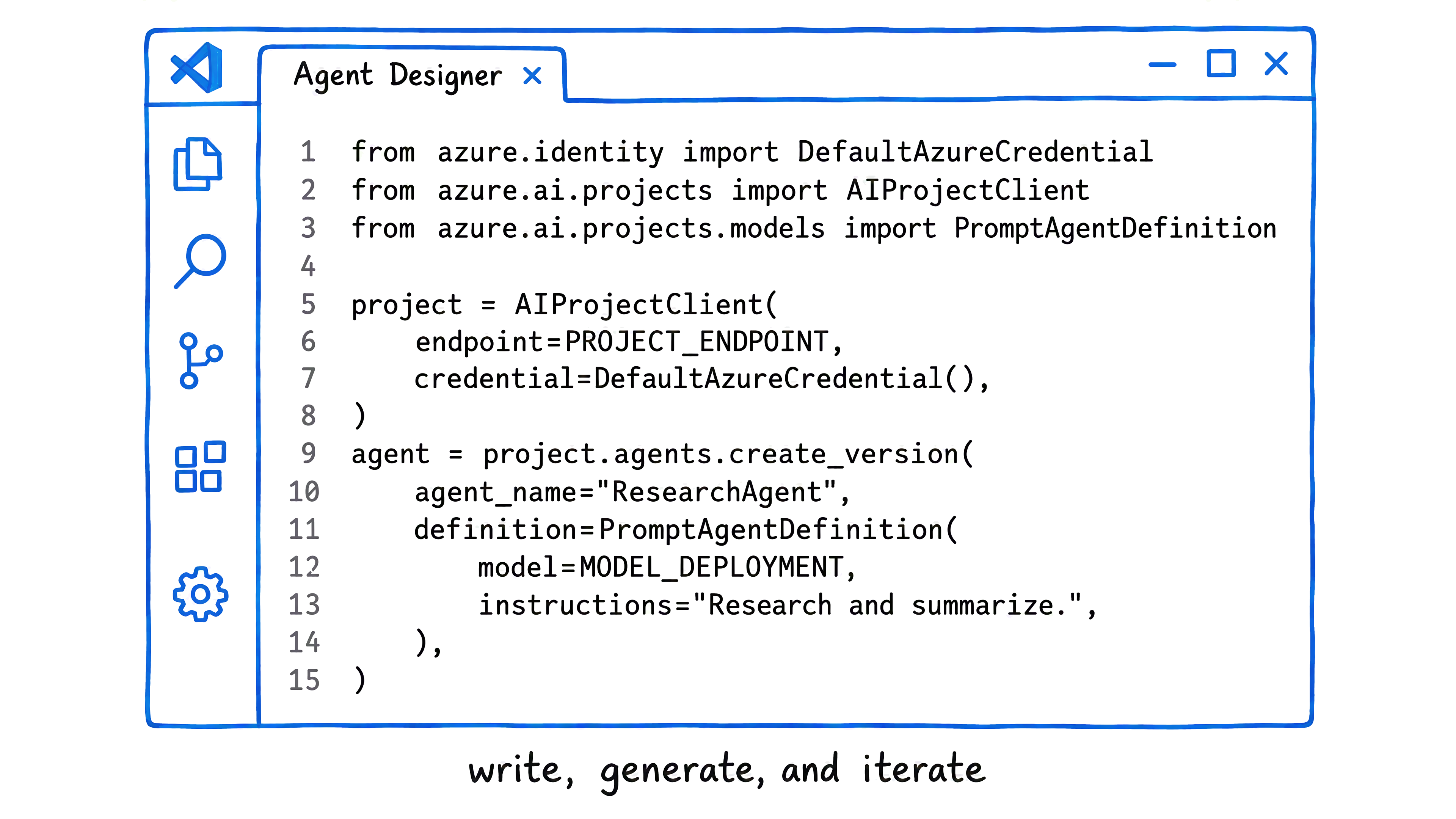
Code-based development fits an agent that becomes part of an application or automated process. The Microsoft Foundry SDK is the library that your application uses to create, configure, and call the agent.
The Microsoft Foundry extension for Visual Studio Code supports this path in your editor. If you already manage application code in Git, the agent follows the same review and version-control workflow. The resources view organizes models, agents, connections, and vector stores. Agent Designer helps you configure an agent visually and generate SDK code. You also use the same code in a deployment pipeline.
Choose an approach for each stage
The portal and code paths share the same Foundry project and model deployments. As a result, the choice depends on the task rather than a permanent commitment. For example, you validate instructions in the portal, then open the agent in Visual Studio Code when it needs source control or application integration.
Tip
Consider your current project. Choose the portal for a quick prototype or the code path for an agent integrated with an application. Caldova starts in the portal, then uses code as the assistant gains custom tools.
With the development path clear, you next examine how custom tools let the assistant work with business data and take action.