Implement component interfaces and platform features
With the lifecycle and manifest mental model in place, you're ready to write the logic that lives inside init, updateView, and getOutputs. This unit explores how the context object ties your code to the manifest's declared properties. It also explores how its Device, Utility, and Web API interfaces extend a component beyond the data already bound to the form.
Use the context parameter for inputs and outputs
Every lifecycle method receives the same context parameter, and context.parameters is where the manifest's declared properties become usable TypeScript. The manifest's property and data-set nodes from the previous unit generate the matching IInputs interface, so context.parameters.deviceStatus.raw on the availability indicator returns exactly the bound column value the manifest describes, with full type safety.
Output flows the opposite direction, through a callback rather than a return value. init receives notifyOutputChanged as one of its parameters, and the component holds onto that reference for as long as it's active.
When the employee selects a device in the picker, the component's event handler calls notifyOutputChanged(), and that single call is what prompts the framework to invoke getOutputs next. getOutputs then returns an object matching the manifest's bound properties, for example { selectedDeviceId: "d-10432" }, and the framework writes that value back to the form. Skip the call to notifyOutputChanged, and the selection sits in the component's local state, never reaching Dataverse.
Use updatedProperties and mode to react selectively
updateView runs on every bound change, so a component that re-renders its entire UI each time quickly becomes sluggish on a busy form. The context.updatedProperties array names exactly what changed on this call, with values like "dataset" for record updates or "layout" for a container resize. context.mode exposes details like allocatedWidth and isVisible that help you decide whether a render is even worth doing.
The device picker's updateView checks updatedProperties before doing any work: if the array contains "dataset", it re-filters the device list; if it only contains "layout", it resizes the existing markup instead of rebuilding it. A common pitfall is skipping that check entirely and re-rendering on every call. That wastes cycles and can introduce flicker the employee notices while typing in an unrelated field on the same form.
Choose the right platform feature for the task
Beyond the data bound in the manifest, the context object exposes three feature groups that reach outside the component's own inputs: Device, Utility, and Web API. Each solves a different kind of gap in the equipment-provisioning scenario.
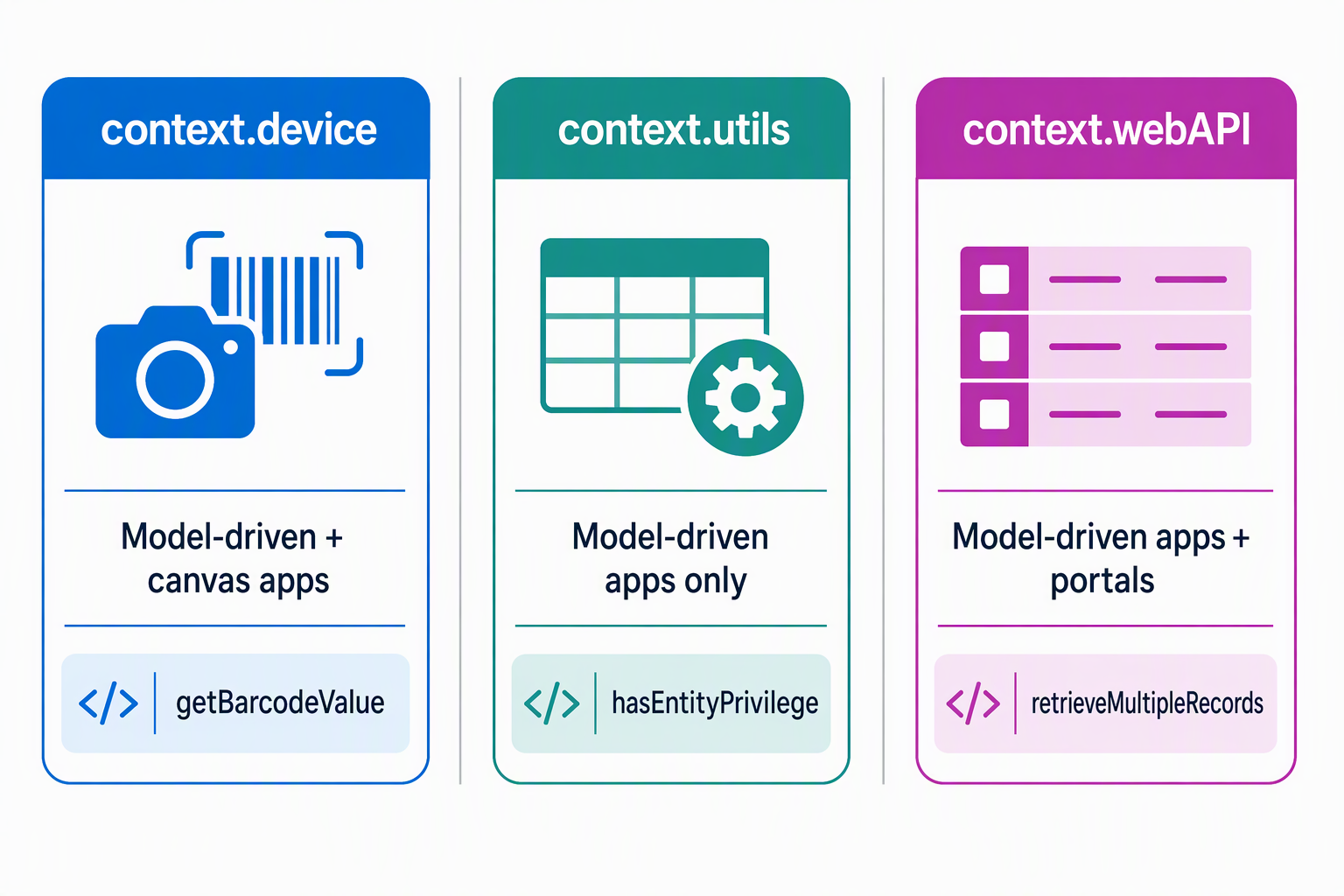
| Feature group | What it provides | Available for | Equipment-provisioning example |
|---|---|---|---|
context.device |
Native device capabilities: captureAudio, captureImage, captureVideo, getBarcodeValue, getCurrentPosition, pickFile |
Model-driven and canvas apps | The device picker calls getBarcodeValue to scan an asset tag, or pickFile to let the employee attach a photo of the equipment they return |
context.utils |
Table-level helpers: getEntityMetadata, hasEntityPrivilege, lookupObjects |
Model-driven apps | Before rendering the picker, the component calls hasEntityPrivilege against the device table so it never shows options the employee can't request |
context.webAPI |
Dataverse record operations: createRecord, updateRecord, deleteRecord, retrieveRecord, retrieveMultipleRecords |
Model-driven apps & portals | The picker calls retrieveMultipleRecords to pull available devices by category and status beyond what the bound dataset already includes |
A short, illustrative call shows the shape of a Web API request from inside the component:
context.webAPI.retrieveMultipleRecords(
  "device",
  "?$select=name,status&$filter=category eq 'laptop' and status eq 'available'"
).then((result) => {
  this.renderDeviceList(result.entities);
});
The device table, column names, and filter values here are illustrative and depend on the actual Dataverse schema behind the equipment-provisioning system. The pattern matters more than the exact query: request only the records the UI needs, then re-render.
Important
In model-driven apps, calling Device, Utility, or Web API methods requires a matching feature-usage declaration in the manifest, for example <uses-feature name="WebAPI" required="true" /> or <uses-feature name="Device.pickFile" required="true" />. If you don't declare the feature, the API isn't available to call at run time, even though the code still compiles.
Guiding question: Picture a canvas-app version of the availability indicator calling an external availability-reporting service directly from the browser instead of reading a Dataverse column. What would that change about the manifest, and who in your organization needs to know before that component ships?
Account for licensing when a component calls an external service
The device picker and availability indicator in this scenario read and write Dataverse data, which keeps them in the standard licensing tier. A canvas-app component that instead calls an external service, such as an availability-reporting service hosted outside Dataverse, has to declare that domain in an external-service-usage node in its manifest. Declaring any enabled external domain makes the component a premium component, and an end user needs a Power Apps license to open an app that contains it.
That distinction matters earlier than it seems. A maker who adds a component to a form expects it to behave like any other Dataverse-bound control. Flagging the external call and its licensing effect during design review avoids a surprise once the app reaches production.
Learn more about component framework licensing.
With feature declarations and licensing both accounted for, the component has everything it needs to move from the manifest's promise to working logic on the request form. It's ready to package and deploy in the next unit.