Introduction
Power Platform developers regularly need to connect flows and apps to REST APIs that have no built-in connector. A custom connector is how they expose that API safely and reusably across their organization.
Consider an internal equipment-provisioning system built as a custom Dataverse solution. It tracks four tables: employee, device, request, and allowance. An employee submits a request for replacement equipment, and the system checks that request against the employee's allowance.
Stock availability comes from an external device-availability service that sits outside the organization, and a coordinator tracks each request through approval and fulfillment. Because that availability service isn't one of Power Platform's built-in connectors, the team builds a custom connector to reach it from their flows and apps.
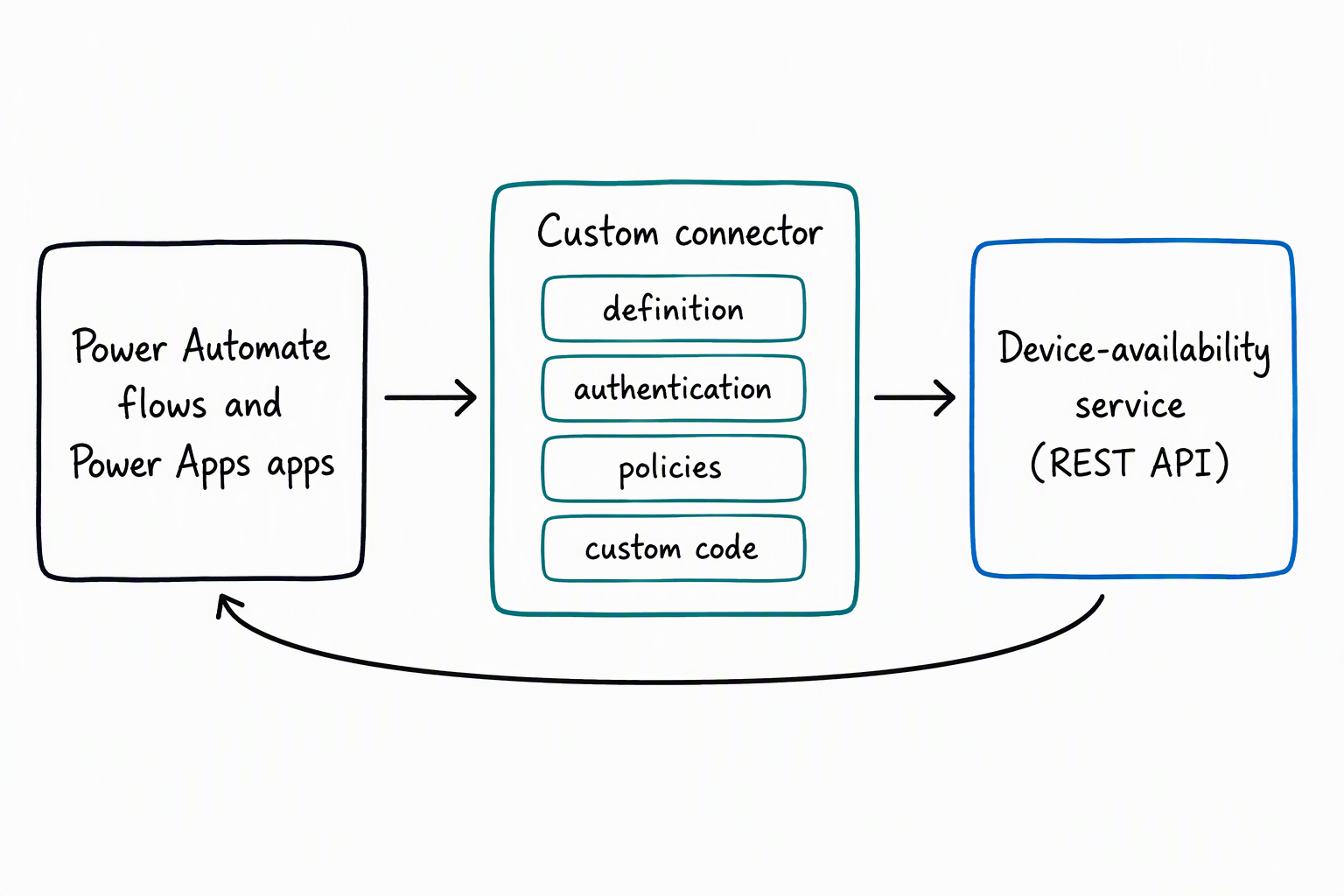
In this module, you learn how to create a custom connector from an existing API definition, including OpenAPI definitions, Azure services, and GitHub. You explore how to implement authentication so the connector accesses the external service securely.
You also explore how policy templates and OpenAPI extensions let you modify connector behavior at runtime without changing the underlying API. You also learn how an Azure Function or custom connector code transforms data as it moves between the external service and your flows and apps.
By the end of this module, you can build and secure a working custom connector for an external REST API, and shape the data it returns at runtime.