Introduction
A new way to build solutions
Many business problems are understood best by the people closest to the work. You might rebuild the same report every Monday, manage a process in a spreadsheet, or track information across emails and documents. You know what needs to improve, but turning that knowledge into a working solution has often required time, budget, or technical expertise.
Copilot Code offers a more direct path. Describe what you need in plain language, and Copilot Code generates a first version that you can review, test, and refine.
You may have heard the term vibe coding. It means describing what you want in natural language and using AI to create a working first version. This approach helps people turn ideas into something they can see, test, and improve. However, results that remain in a chat can be difficult to revisit, refine, or share with others.
Copilot Code takes the process beyond a one-time chat response. It creates a working project that you can reopen, test, and refine over time. Projects retain a history of changes, which makes it easier to improve a solution without starting over.
How Work IQ shapes what you build
Work IQ helps Microsoft Copilot understand your work context by connecting relevant information from your emails, files, meetings, conversations, and other Microsoft 365 content. Code can use information you already have permission to access, along with context you provide, such as a spreadsheet or recurring report, to better understand the problem you want to solve.
Before you start
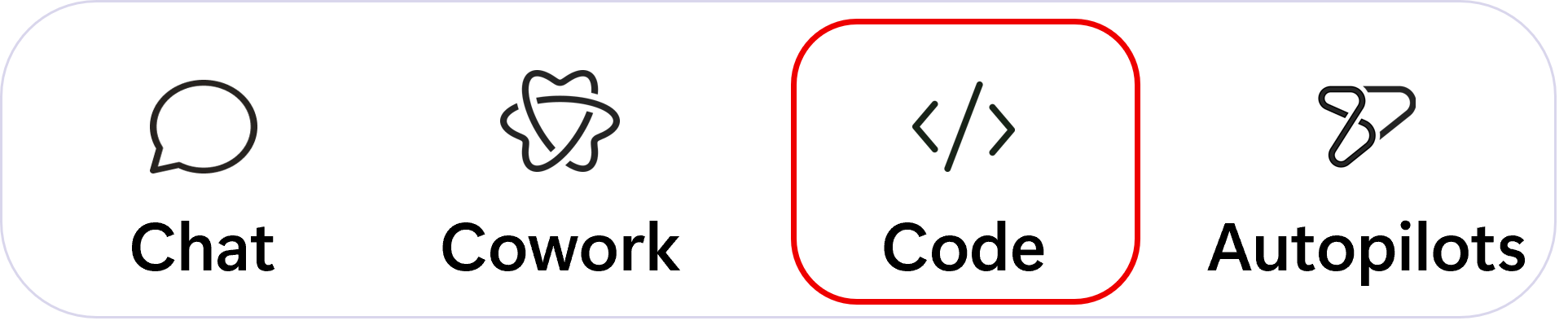
Open the Microsoft Copilot app and look for the Code tab. When you select the Code tab, Copilot Code opens a workspace where you can describe the solution you want, review its plan, and refine the result. If you do not see it, your organization has not enabled Copilot Code yet, and your IT administrator is the right person to ask.