Learning activities in Copilot Study Guide
Active recall is one of the most effective techniques for learning, and Study Guide includes interactive activities designed to strengthen retention.
Flashcards
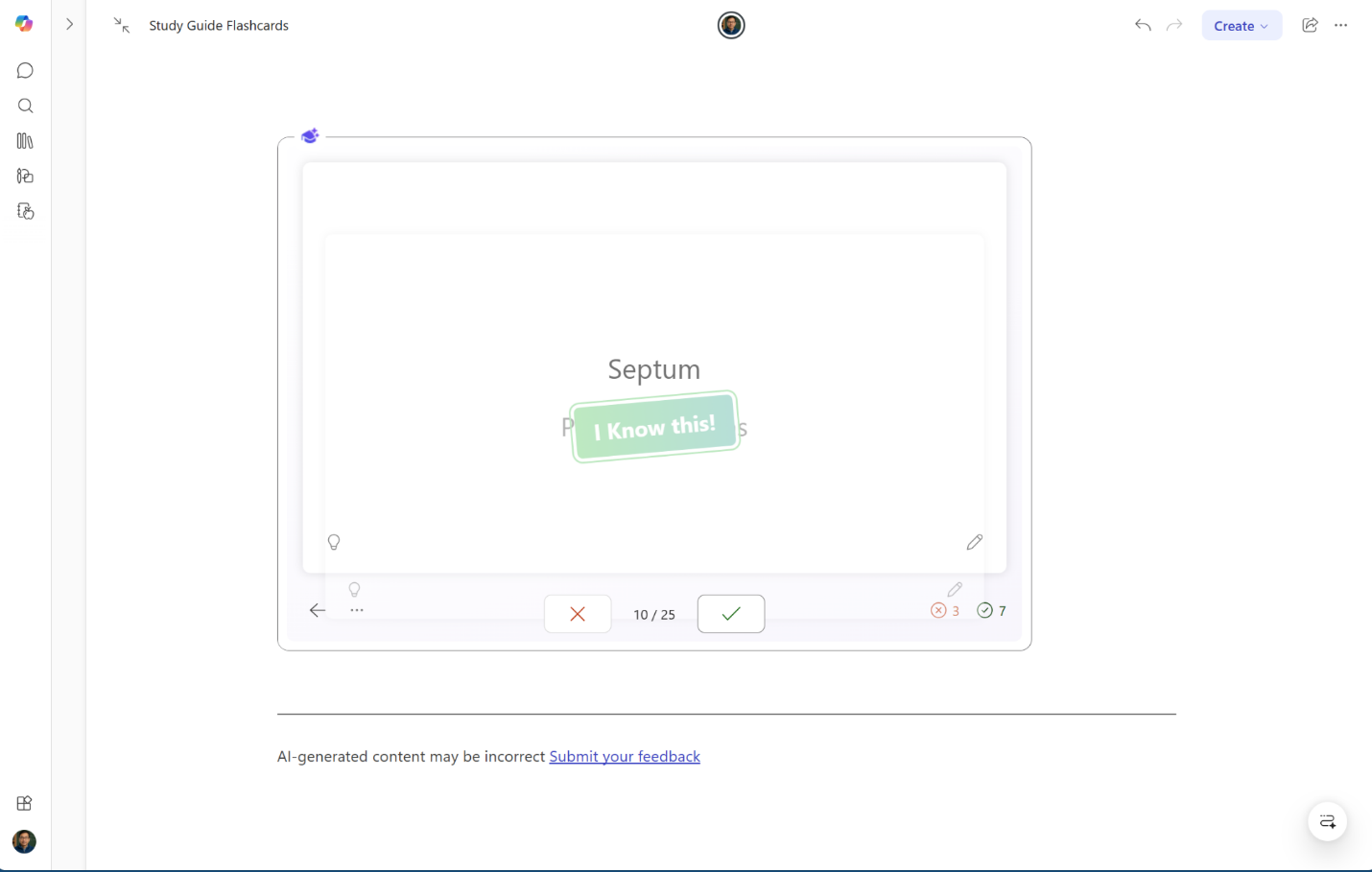
The Flashcards page presents interactive Q&A cards based on key facts, definitions, and concepts from source material. One side features a question or term; the other side reveals the answer. Copilot generates these questions from important points in the study materials. It identifies key facts and vocabulary for memorization and aligns them with information emphasized in the Summary and Topic pages. This ensures that flashcards are relevant to the Study Guide's specific content, not generic cards from across the internet.
Tips for using Flashcards:
- Incorporate flashcards into a regular study routine for spaced repetition. Frequent practice strengthens memory.
- Read the question, answer it from memory, then flip the card to check mastery.
- Use the hint feature before revealing the answer if needed.
- Edit or customize cards through the Learning Activities app. Rephrase questions, add context, or create new cards for concepts that need more review.
Fill-in-the-blanks
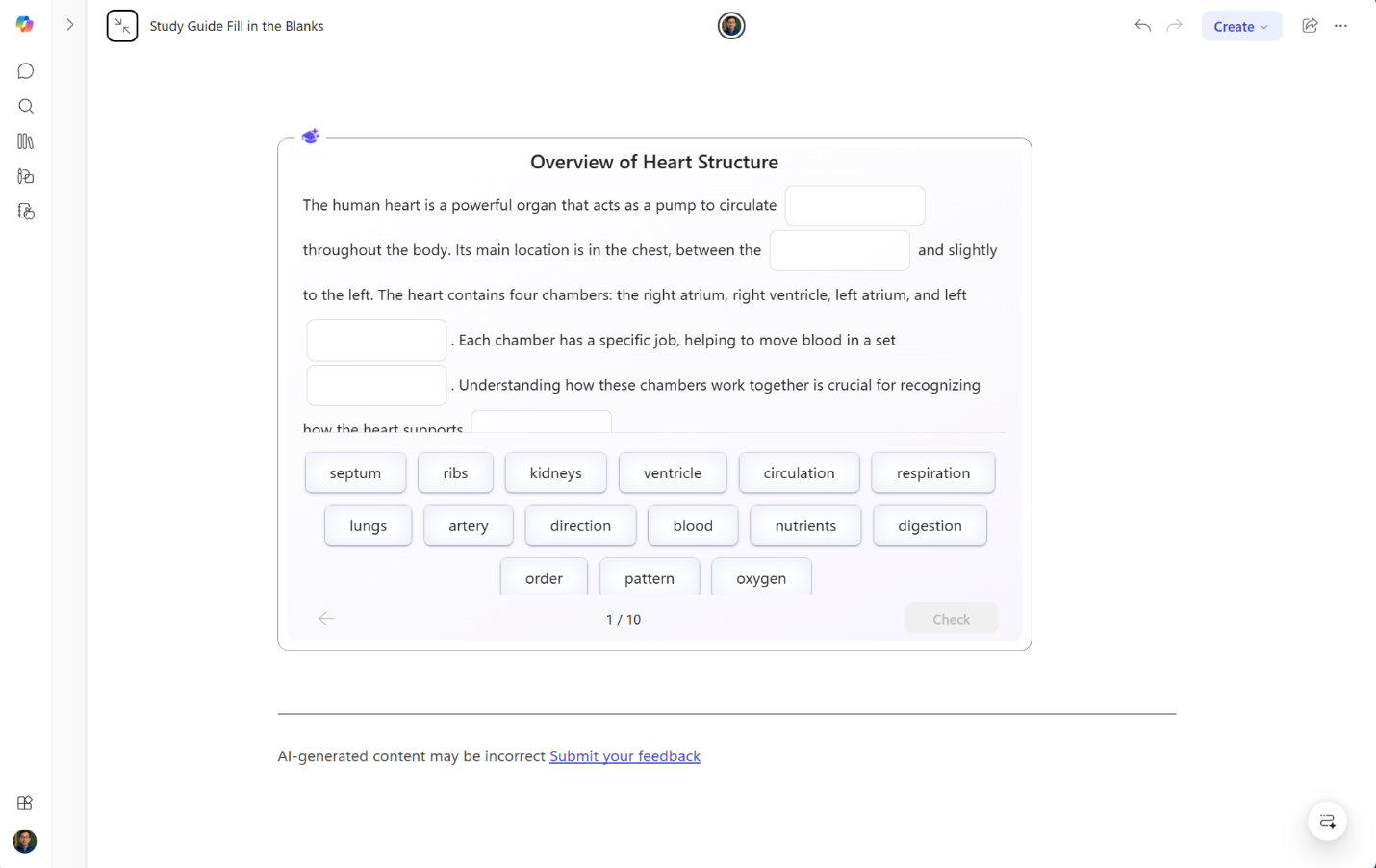
The Fill-in-the-blanks activity presents sentences and passages drawn from source materials with key terms or phrases removed. Unlike multiple-choice questions, this format doesn't offer answers to choose from — learners must generate responses from memory. This makes it particularly effective for content where order and relationships matter, such as processes, sequences of events, and cause-and-effect relationships.
By prompting learners to produce answers rather than recognize them, Fill-in-the-blanks encourages deeper processing and reinforces retention. The activity also helps learners identify where understanding might be incomplete, so they can focus on the areas that need it most.
Tips for using Fill-in-the-blanks:
- Use this activity for content covered in Topic pages that follows a sequence or process—it's especially effective for reinforcing how steps or events connect.
- If a blank is difficult, revisit the corresponding Topic page before attempting it again rather than guessing.
- Return to the activity after a short break to test whether the information has moved into longer-term memory.
Matching
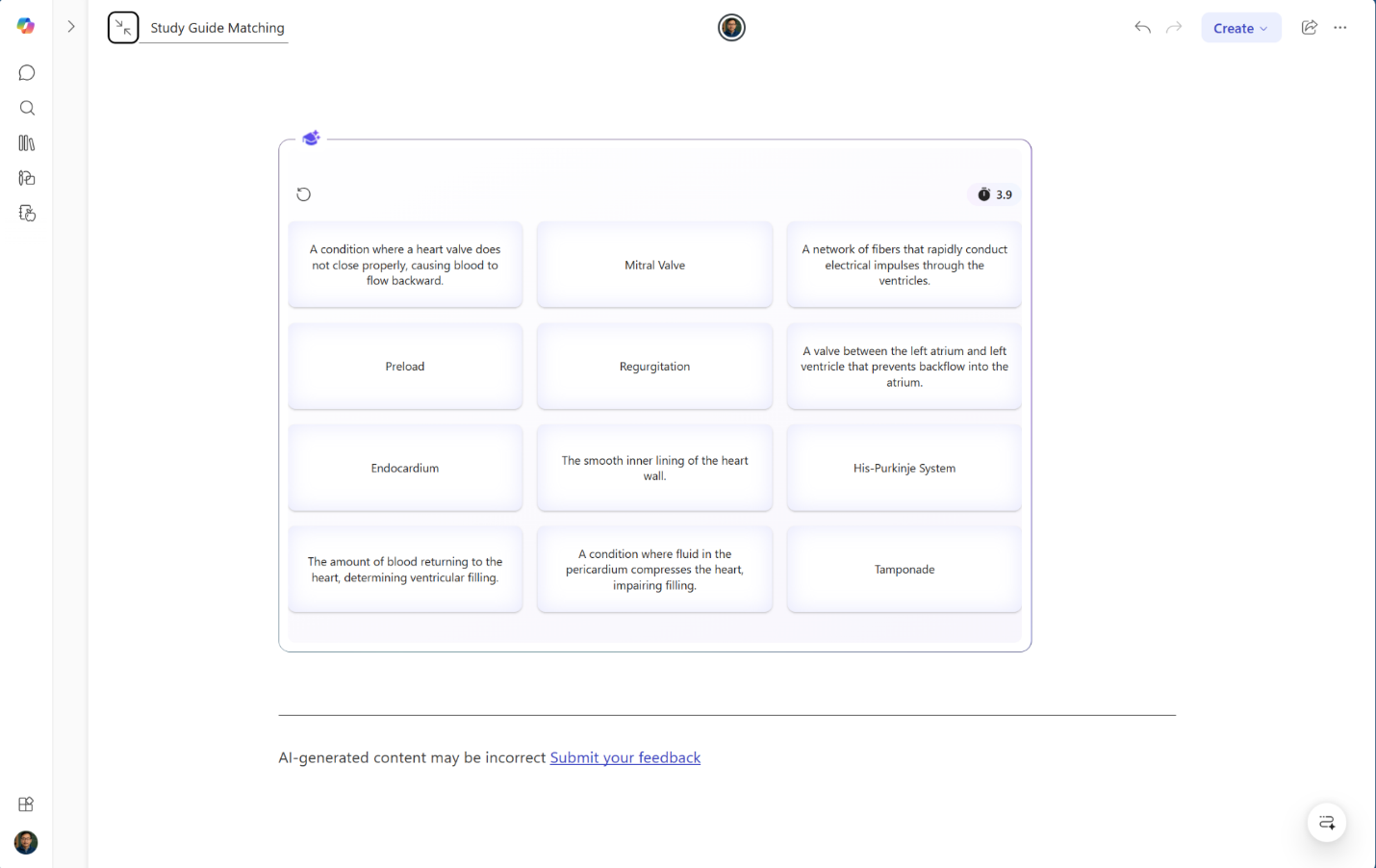
The Matching activity lays out a grid of cards drawn from source materials and asks learners to pair each card with the one it goes with, much like the classic tabletop matching game. For example, some cards might name parts of a plant cell while others name the corresponding functions. Rather than reading or listening to information passively, learners must actively work with concepts and the relationships between them—making this activity well suited for content with clearly defined pairings, such as terms and definitions, causes and effects, or concepts and examples.
Like all Study Guide activities, Matching content is grounded in the specific materials added to the notebook, so learners practice the connections that are most relevant to their course or unit.
Tips for using Matching:
- Try this activity after Flashcards to move from recalling individual terms toward understanding how concepts relate to one another.
- If a pairing feels unclear, use the Copilot chat pane to ask for more context grounded in the notebook's materials.
- Revisit any missed pairings on the corresponding Topic page before the next study session.