Quiz pages
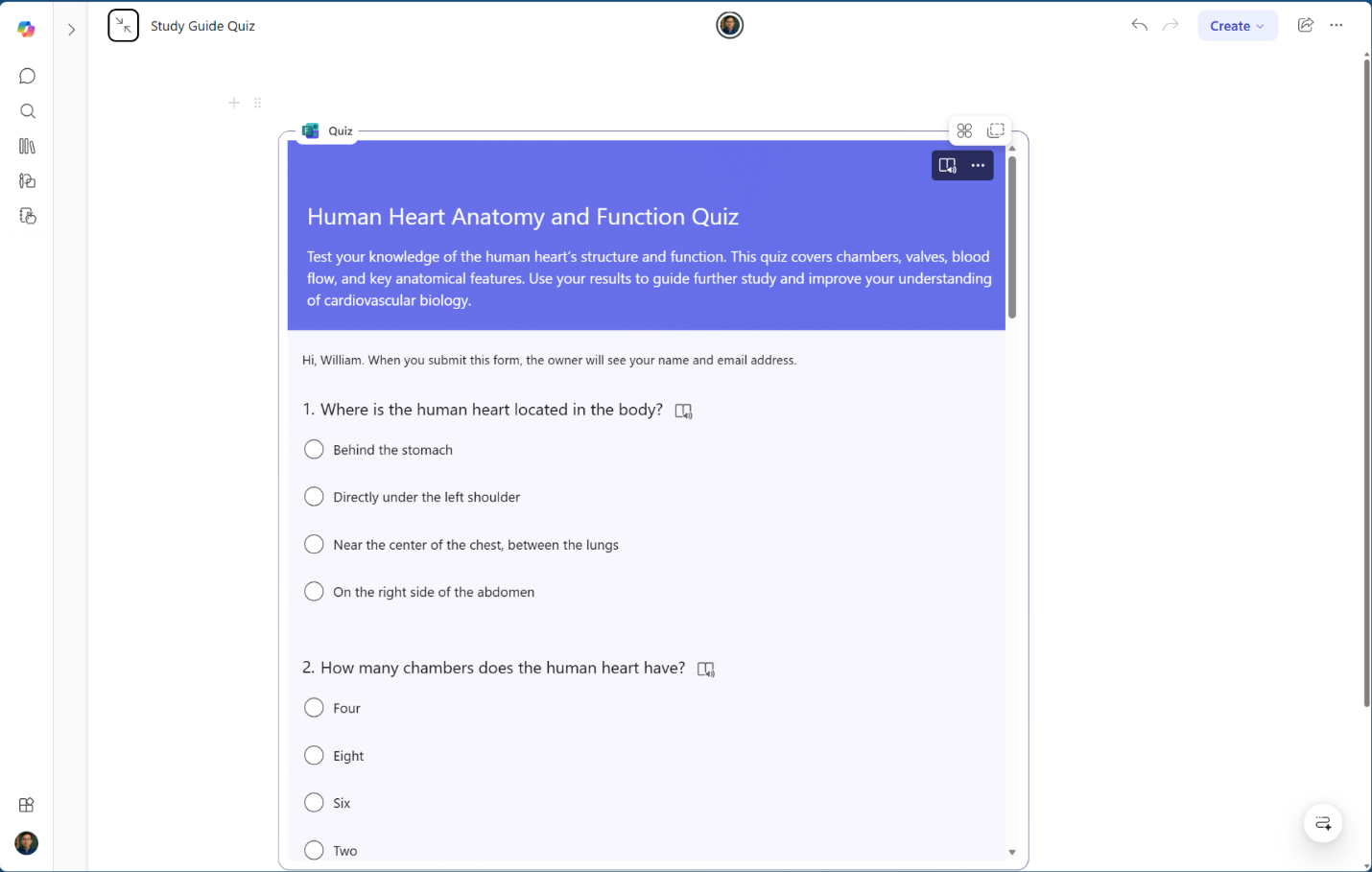
Quiz pages offer an auto-generated assessment to test learner knowledge across all source content. The Quiz is powered by Microsoft Forms and embedded directly in the Copilot Notebook and provides a low-stakes way to check for understanding.
Quiz page components
Quiz features include:
- Multiple question formats: Including multiple-choice and open text questions that cover key points from source materials.
- Immediate feedback: After they submit the quiz, learners receive results showing correct and incorrect answers along with explanations for multiple-choice questions.
- Privacy by design: Quiz results are private. They aren't sent to an educator or stored in a gradebook. The Study Guide quiz is solely for self-assessment and creates a safe space to make mistakes and learn without impacting formal grades.
How to use Quiz pages
- Take the quiz after reviewing the Summary and Topic pages to gauge mastery.
- Encourage learners to review the explanation for any missed questions and revisit the corresponding Topic page.
- Learners can take quizzes as many times as they need to.
A secondary science educator creates a Study Guide for an upcoming assessment on ecosystems. After learners independently review the Summary and Topic pages, the educator encourages them to take the Quiz as a self-check. One learner scores lower than they expected on questions about food webs and uses the feedback to revisit that Topic page. Because quiz results are private, the learner feels comfortable making mistakes and focusing on areas where they need more work without worrying about grades.