Introduction
Declarative agents, also known as Copilot agents, extend the capabilities of Microsoft 365 Copilot. In this module, you learn to create agents that can answer questions using authoritative content and custom knowledge.
Example scenario
Suppose you work on a team that creates products that your organization sells. You and your team handle internal queries about the products from sales, marketing, and customer service teams. You want to improve response times and provide a better experience. You store documents in a document library on a SharePoint Online site that contains product specifications, frequently asked questions, and policies for handling repairs, returns, and warranties. You want to be able to use natural language to query information in these documents and get answers quickly to queries.
What will we be doing?
Here, you create a declarative agent which can answer product support questions using information stored in documents in Microsoft 365.
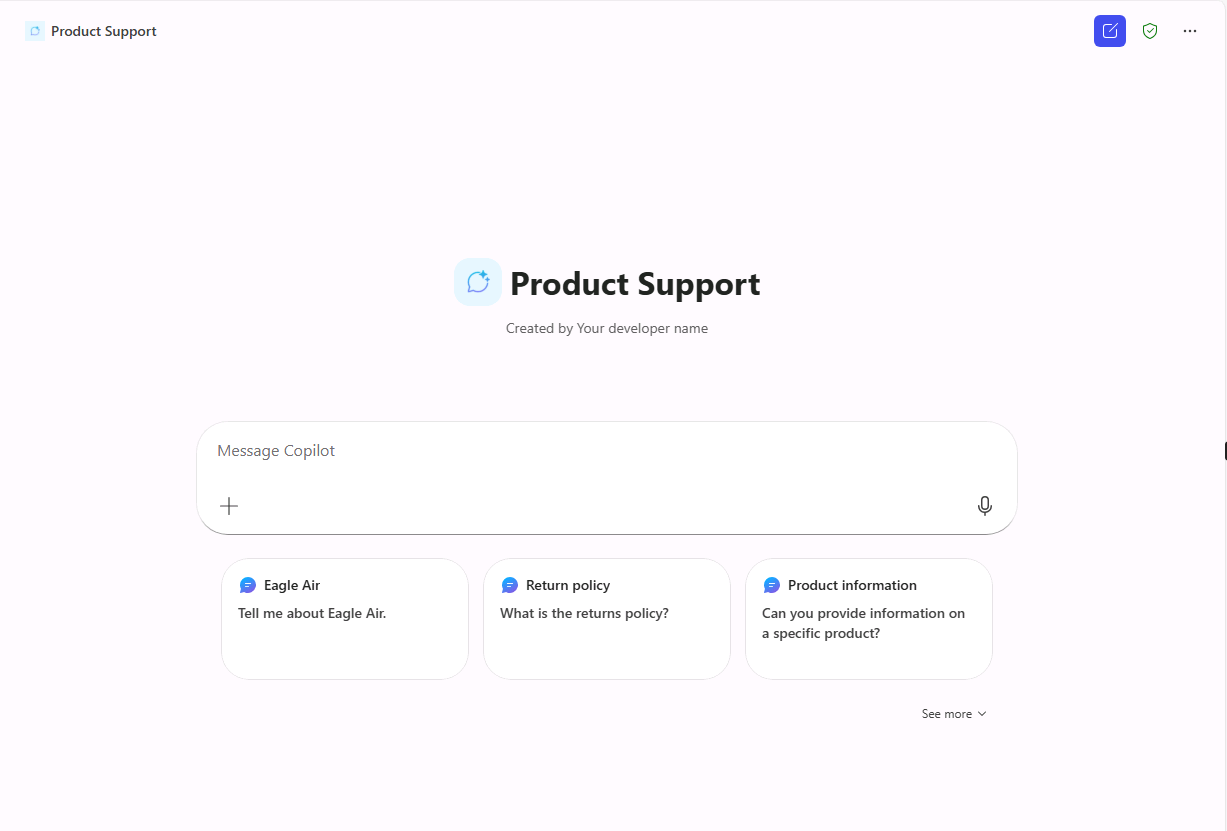
- Create: Create a declarative agent using generative AI in Copilot Studio.
- Custom instructions: Shape responses by defining custom instructions.
- Custom grounding: Add extra context to the agent by configuring grounding knowledge.
- Suggested prompts: Define prompts that make it easier for your users to start new conversations with the agent
- Publish: Publish your declarative agent to Microsoft 365 Copilot and validate the results.
What is the main goal?
By the end of this module, you're able to create a declarative agent, publish it to Microsoft 365, then use it in Microsoft 365 Copilot to validate the results.