Deploy Claude models in Microsoft Foundry
Note
See the Text and images tab for more details
In Microsoft Foundry, a deployment is a specific instance of a model with its own unique name and endpoint; which are used by client applications to connect to and chat with your model.
Deploying a model
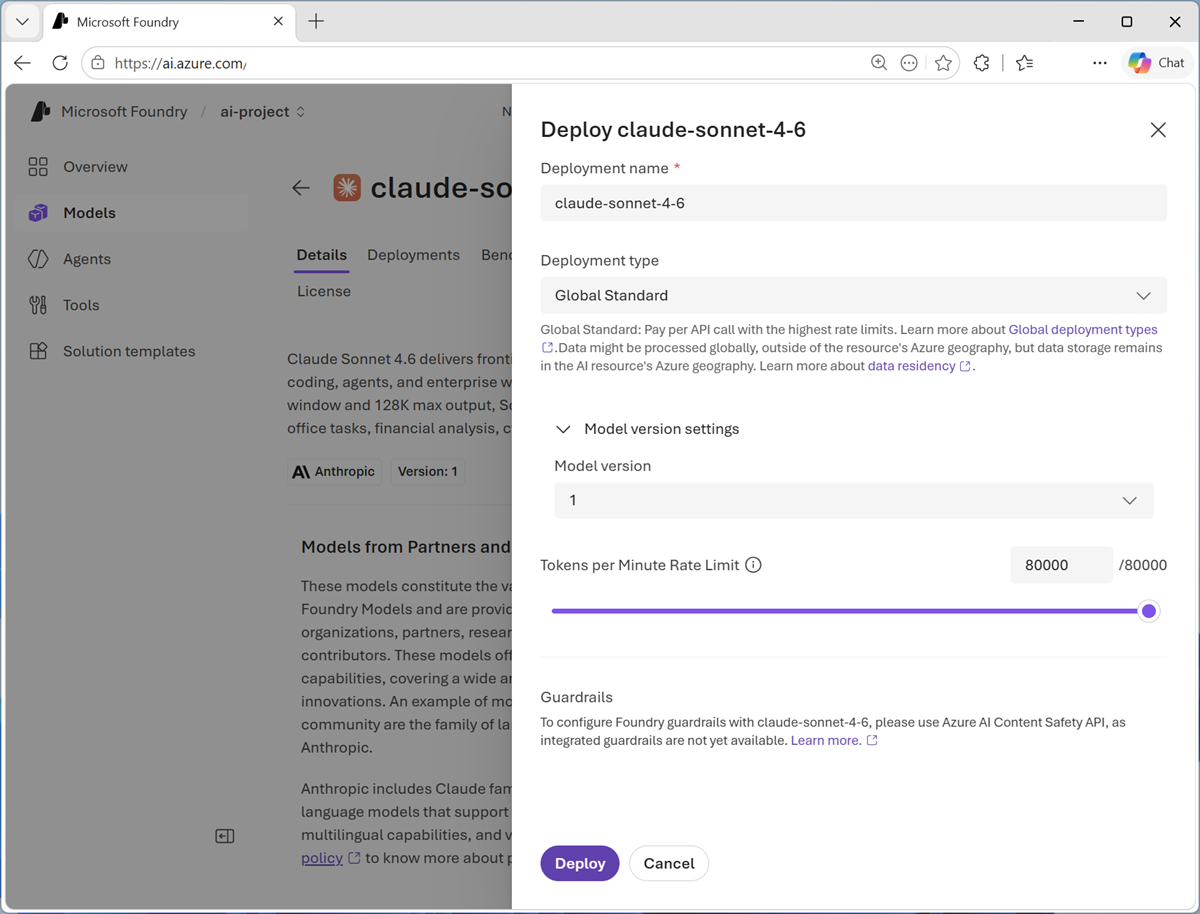
The easiest way to deploy a model is from the model catalog in the Foundry portal. Claude models in Foundry are deployed using the Global Standard deployment configuration and billed through your Azure subscription.
Tip
Unless you have a specific reason to customize it, keep the default deployment name. This makes it easier to identify which model is deployed and maintains consistency across your projects.
Testing a deployment in the playground
Foundry provides a built-in playground where you can immediately test your deployment without writing any code.
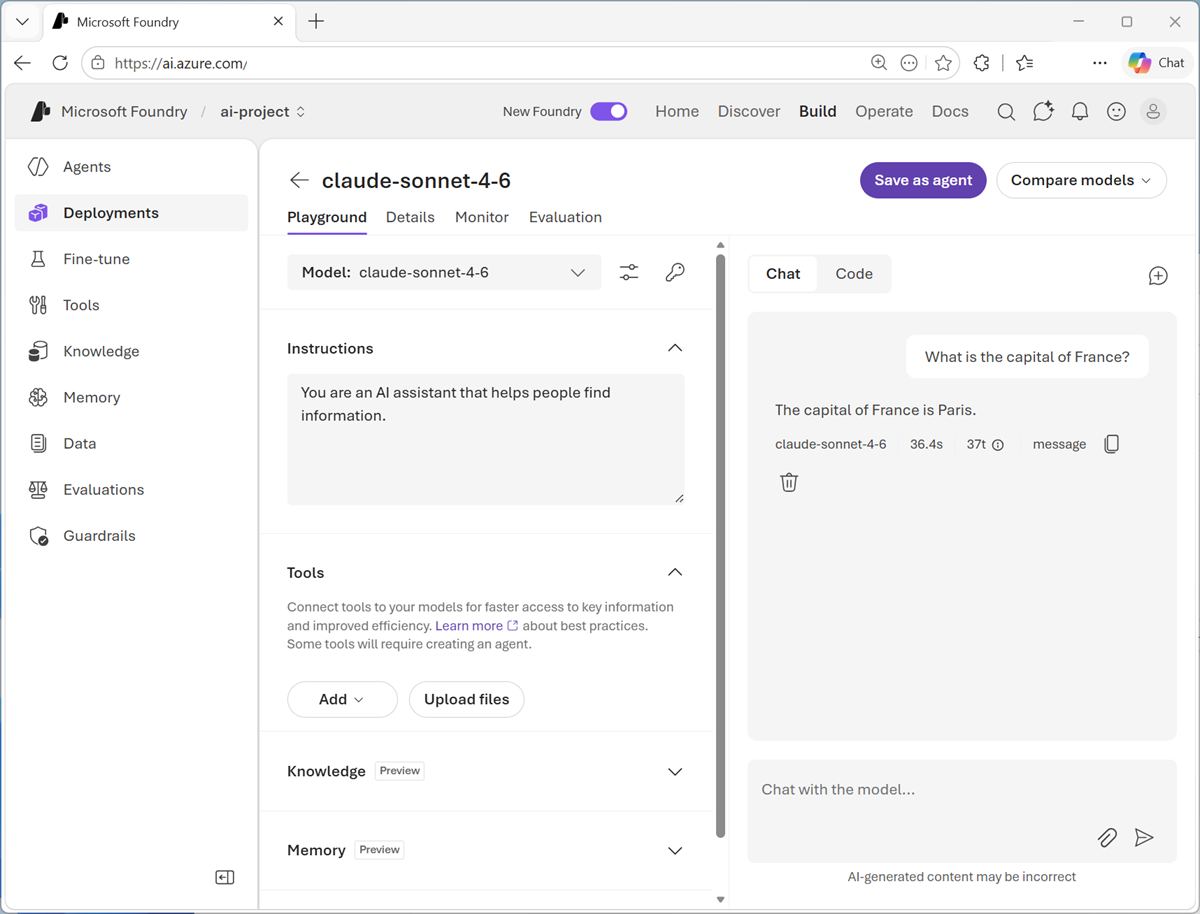
The playground is perfect for:
- Verifying the deployment is working correctly.
- Experimenting with prompts and responses.
- Understanding the model's behavior before integration.
- Sharing examples with stakeholders.