Configure the fixed asset journal setup
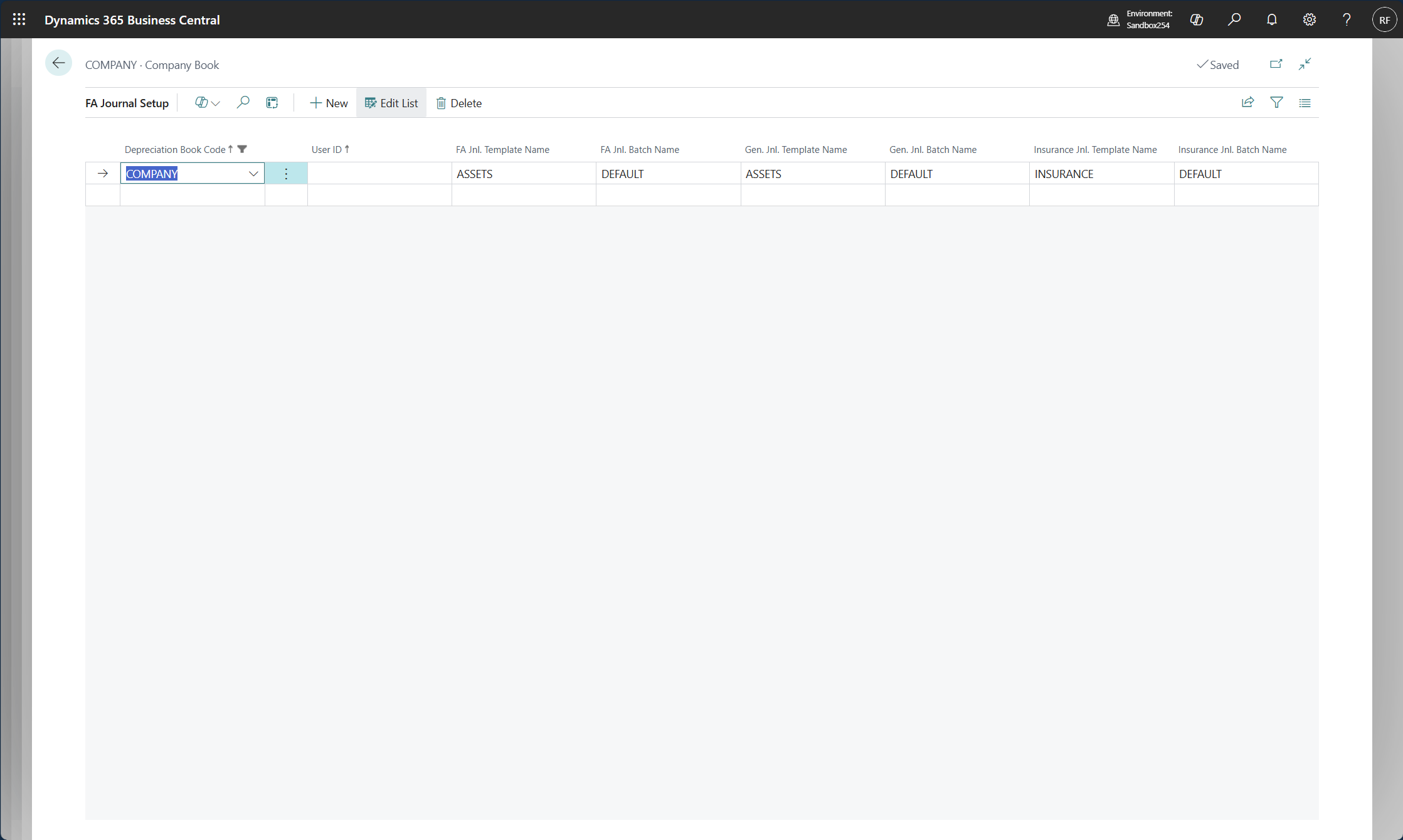
The FA Journal Setup page specifies the default setup of the FA general ledger journal, the FA journal, and the insurance journal. You can use these journals in Business Central when you have to duplicate lines from one depreciation book to another, create journal lines by running a batch job (such as the Calculate Depreciation or Index Fixed Assets batch jobs), and duplicate acquisition-cost entries in the insurance journal.
You can access the FA Journal Setup page from a depreciation book by selecting the FA Journal Setup action. To define defaults for a specific user, select a User ID, and then select the journal templates and batches to use by default.