Explore the Copilot+ PC Hub
As organizations adopt AI-powered devices and workflows, users may need a way to explore new experiences and understand how those experiences fit into their everyday work.
The Copilot+ PC Hub provides a guided, interactive experience designed to help users explore Copilot+ PC capabilities at their own pace. Through visual demonstrations, practical examples, and guided workflows, users can discover experiences that support their everyday tasks and responsibilities.
What is the Copilot+ PC Hub?
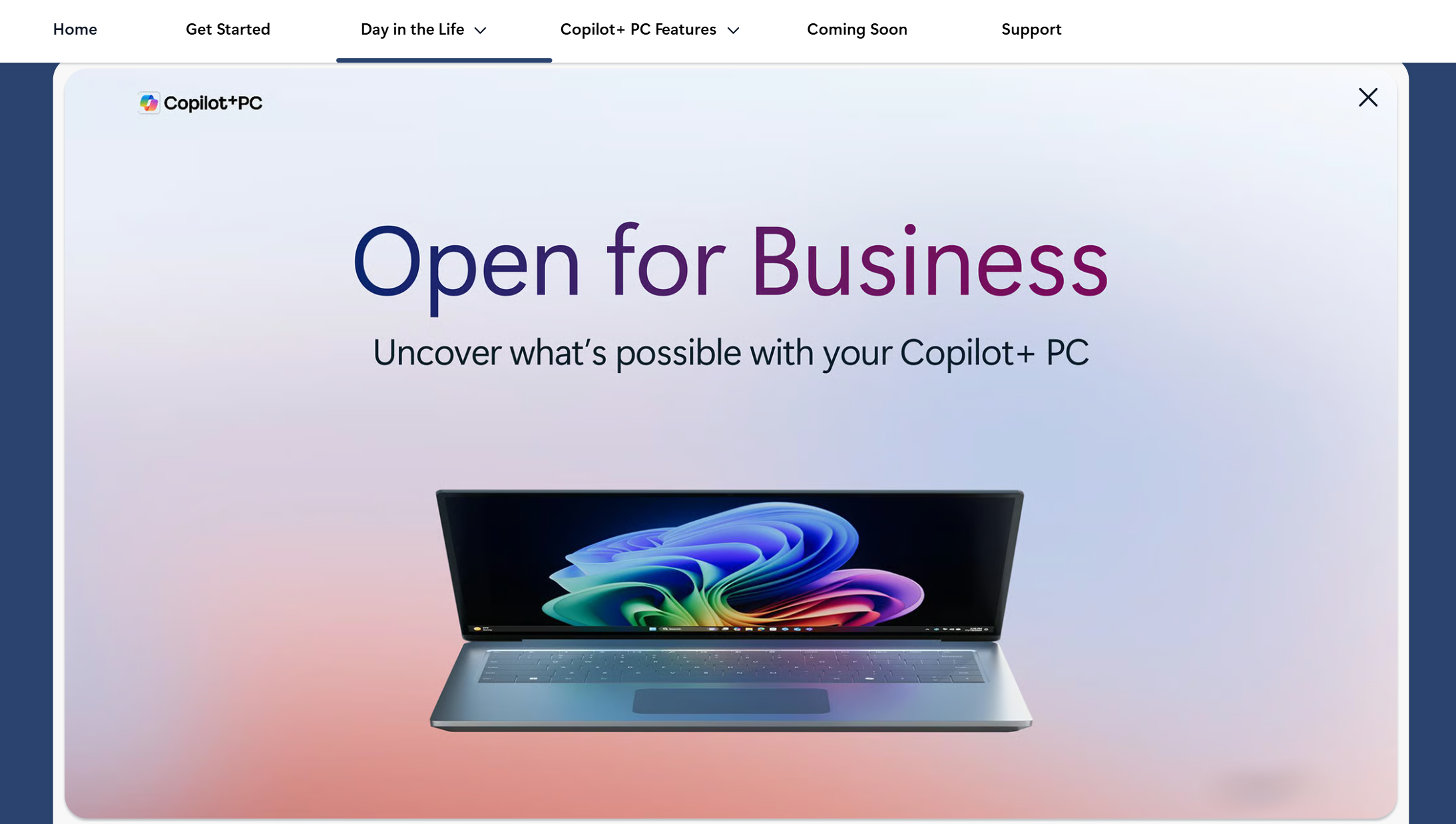
The Copilot+ PC Hub includes:
- Guided feature exploration
- Practical examples and walkthroughs
- Role-based productivity scenarios
- Resources that support continued learning over time
This approach helps users discover Copilot+ PC experiences and explore practical ways those experiences can support everyday tasks and workflows.
Tip
Explore the Copilot+ PC Hub throughout this module to follow along with feature walkthroughs, role-based scenarios, and guided learning experiences.
How users can explore the hub
The Copilot+ PC Hub is organized into sections that help you explore Copilot+ PC experiences from different perspectives. You can move between feature walkthroughs, role-based scenarios, and learning resources based on your interests and daily workflows.
The Copilot+ PC Hub includes examples across business functions such as:
- HR
- Finance
- IT
- Marketing
- Sales
- Operations
- Legal
These examples help users understand how Copilot+ PC experiences may support real workplace scenarios across different teams and workflows.
Copilot+ PC experiences available through the hub
The Copilot+ PC Hub introduces several Copilot+ PC experiences designed to support productivity, communication, and information discovery.
Important
Copilot+ PC experiences vary by device, market, and language and may require updates that continue to roll out over time. Availability and timing may vary. See Copilot + PCs claims.
Examples include:
- Improved Windows Search for natural language file and content discovery when users remember context but not exact file names
- Click to Do for quick actions and workflow shortcuts while working across content and tasks
- Live Captions with translation for multilingual communication support
- Windows Studio Effects for enhanced video and meeting experiences
- Recall (preview) for rediscovering previously viewed content
- Agent in Settings for natural language device assistance
Because users may adopt Copilot+ PC experiences at different speeds and for different needs, this web experience is designed to support flexible exploration. Some users may begin with communication and meeting experiences, while others may focus on productivity, search, or workflow organization.