Explore role-based workflows with Copilot+ PCs
While individual Copilot+ PC experiences provide value on their own, productivity gains often come from how multiple experiences work together throughout the day. The Copilot+ PC Hub shows you how Copilot+ PC experiences can work together across end-to-end workflows in different roles and business functions.
As users move between communication, planning, collaboration, and information discovery throughout the workday, Copilot+ PC experiences can support multiple stages of those connected workflows.
How Copilot+ PC experiences support workflows
Workplace workflows often follow familiar patterns, such as:
- Finding information
- Preparing content or materials
- Communicating and collaborating with others
- Returning to work later to continue or refine tasks
The Copilot+ PC Hub organizes experiences and examples around common workplace workflows, helping users understand how Copilot+ PC capabilities can support multiple stages of work.
Tip
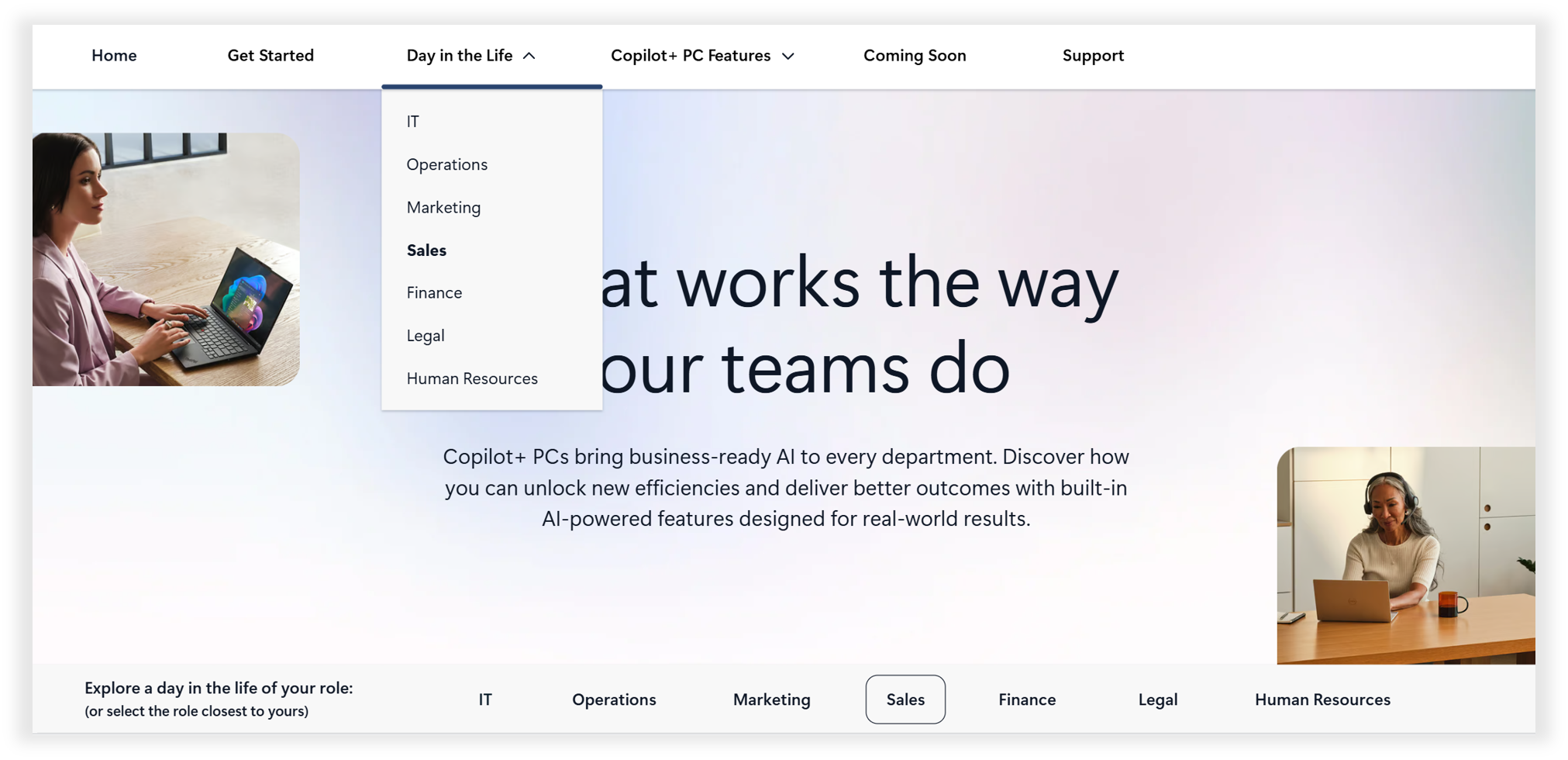
As you explore this unit, consider opening the Day in the Life section of the Copilot+ PC Hub alongside the learning content. You can browse role-based scenarios, feature walkthroughs, and practical examples to see how these experiences support everyday work.
Explore workflows across business functions
The Copilot+ PC Hub includes role-based scenarios that illustrate how different teams may move through common workflows using Copilot+ PC experiences.
Examples span business functions such as:
- HR
- Finance
- IT
- Marketing
- Sales
- Operations
- Legal
Rather than focusing on individual features, these scenarios show how Copilot+ PC experiences can support the flow of work across typical responsibilities.
People and HR workflows
People-focused roles often involve workflows that span onboarding, training, documentation, and communication.
Examples of supported workflow stages include:
- Locating employee documents or policy materials
- Supporting multilingual training or meetings
- Organizing notes and follow-up actions related to hiring or employee development
By connecting these activities into a single workflow, Copilot+ PC experiences can help reduce time spent switching between tools and searching for information.
Finance, operations, and planning workflows
Finance and operations roles often work across planning, reporting, and review cycles.
Workflow examples include:
- Finding relevant reports, spreadsheets, or presentations
- Returning to previously reviewed materials during planning or forecasting
- Taking action on important content without interrupting focus
These workflows highlight how Copilot+ PC experiences can support continuity and organization across complex workstreams.
IT and technical workflows
Technical roles frequently involve workflows that combine documentation, collaboration, and real-time support.
Examples include:
- Locating troubleshooting resources or technical documentation
- Supporting clear communication during remote calls or training sessions
- Maintaining focus during collaborative problem-solving
These scenarios demonstrate how Copilot+ PC experiences can support both information discovery and communication across technical environments.
Creative, marketing, and sales workflows
Roles focused on communication and content creation often move between preparation, presentation, and follow-up tasks.
Workflow examples include:
- Reviewing creative assets or presentation materials
- Communicating clearly during virtual meetings or customer conversations
- Returning to previously viewed content to prepare follow-ups or revisions
These workflows show how Copilot+ PC experiences can support momentum across communication-heavy roles.
Continue exploring workflows in the hub
Because workflows vary across organizations and roles, the Copilot+ PC Hub is designed to support ongoing exploration. As users continue navigating the hub, they can discover additional workflow examples, role-based scenarios, and learning resources aligned to their daily work.
This approach allows users to return to the hub over time as their needs, responsibilities, and Copilot+ PC experiences evolve.