Overview of Copilot Studio workflows as tools
Copilot Studio workflows can perform actions ranging from simple tasks, like sending notifications, to multi-step automations across connected systems.
Copilot Studio workflows can be added as tools to extend your Copilot Studio agent's capabilities. A workflow tool can automate back-end tasks so your agent can perform actions in external systems.
Overview of Copilot Studio workflows
Workflows are built in Microsoft Copilot Studio.
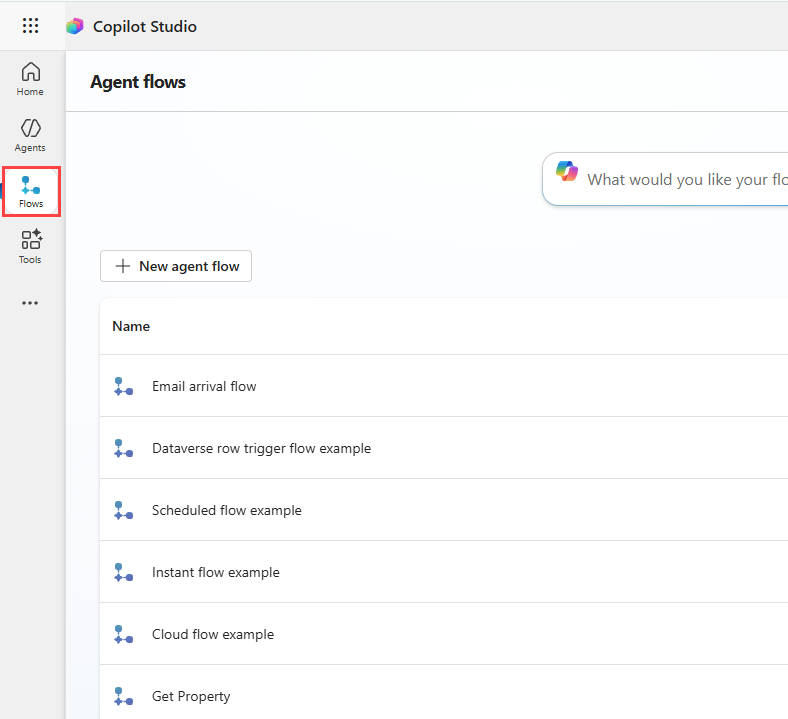
Copilot Studio workflows provide a native experience for building and integrating agents with business processes. They support intelligent automation while keeping execution predictable.
Copilot Studio workflows are optimized for use in Copilot Studio, offering a seamless maker experience that simplifies and accelerates agent development.
Unlike autonomous agents that use AI to make decisions on the fly, Copilot Studio workflows are deterministic workflows, meaning they follow the same path every time and produce consistent, reliable results.
Overview of tools
Agents in Copilot Studio might need to interact with external systems. Tools expand your agent's capabilities, allowing it to perform actions in response to user prompts or autonomous triggers.
A tool is a reusable capability that performs a specific task or provides a specific functionality for an agent. These tools work behind the scenes to handle specific tasks. For example, a tool can help an agent answer a natural language query, execute a workflow, connect to an external system, or provide topic-specific guidance.
In Copilot Studio, you can create a tool once and reuse it across multiple agents. You can find and manage tools on the Tools page in Copilot Studio. From there, you can browse existing tools or create new ones to meet your needs.
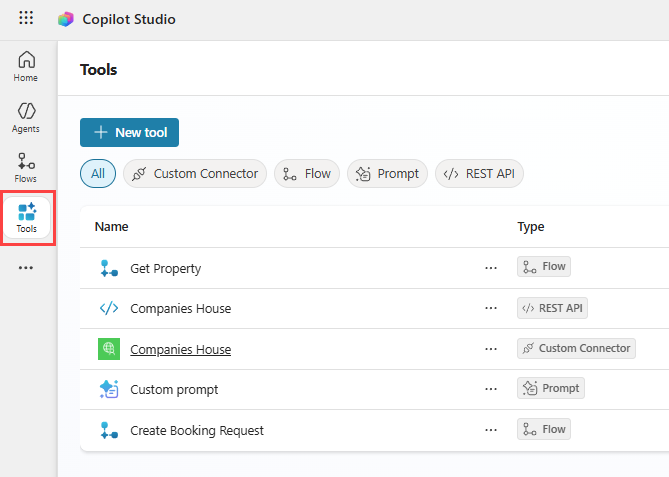
How tools are used by agents
When a user sends a message, the agent automatically decides which tools to use based on what the user is asking. This means your agent can handle requests and take actions even when you don't anticipate every possible question in advance.
Overview of Copilot Studio workflows as tools
You can add Copilot Studio workflows as tools directly to agents, or to specific topics within an agent. When workflows are added as tools, they extend a Copilot Studio agent's capabilities with governed, reusable automation.
A Copilot Studio workflow used as a tool orchestrates step-by-step actions, capturing inputs, applying logic, routing actions, and ensuring consistent outcomes across repeatable business processes.
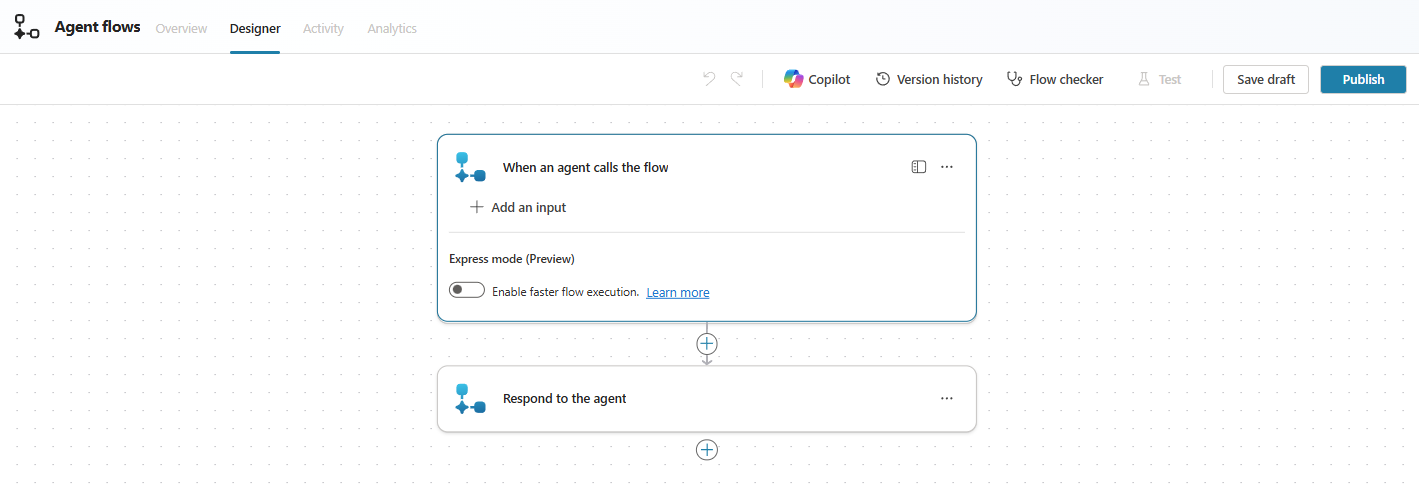
For example, a procurement request agent can use a workflow as a tool to guide employees through submitting purchase requests. The workflow captures item details and budget, validates policy compliance, routes approvals to managers, and confirms submission, ensuring consistent and auditable requests.
In simple terms, a Copilot Studio workflow used as a tool:
- Helps your agent do things, not just say things to users.
- Is reusable across topics and agents, and can be triggered by user messages, events, or other applications and services.
- Supports reliable execution and can include intelligent steps when your scenario requires reasoning.
Why Copilot Studio workflows as a tool are useful:
- Native to Copilot Studio and easy to build, with no coding required.
- Ideal for automating in-conversation tasks, such as submitting a leave request or routing an approval.
- Supports governance through controlled, auditable actions across all connected systems.
- No separate Power Automate license is needed—billing is based on Copilot Studio usage.
We'll now look at how to create Copilot Studio workflows as tools.