Introduction
Some work never finishes. A launch runs for weeks. An account needs attention all quarter. A risk has to be watched until it stops being a risk. You can ask Copilot about any of it and get a good answer. Then Thursday comes around and you ask again. Then Monday.
Asking over and over is what ongoing work really costs you. You have to remember to check, spot what slipped, and explain the same background every time. If a colleague had time to spare, you'd ask them to keep an eye on it and tell you when something needed you.
Autopilot gives you somewhere to put that work. Instead of one task at a time, you give it a standing responsibility, and it holds on to that responsibility while the work continues. You set one up from the Autopilot tab in the Microsoft Copilot app.
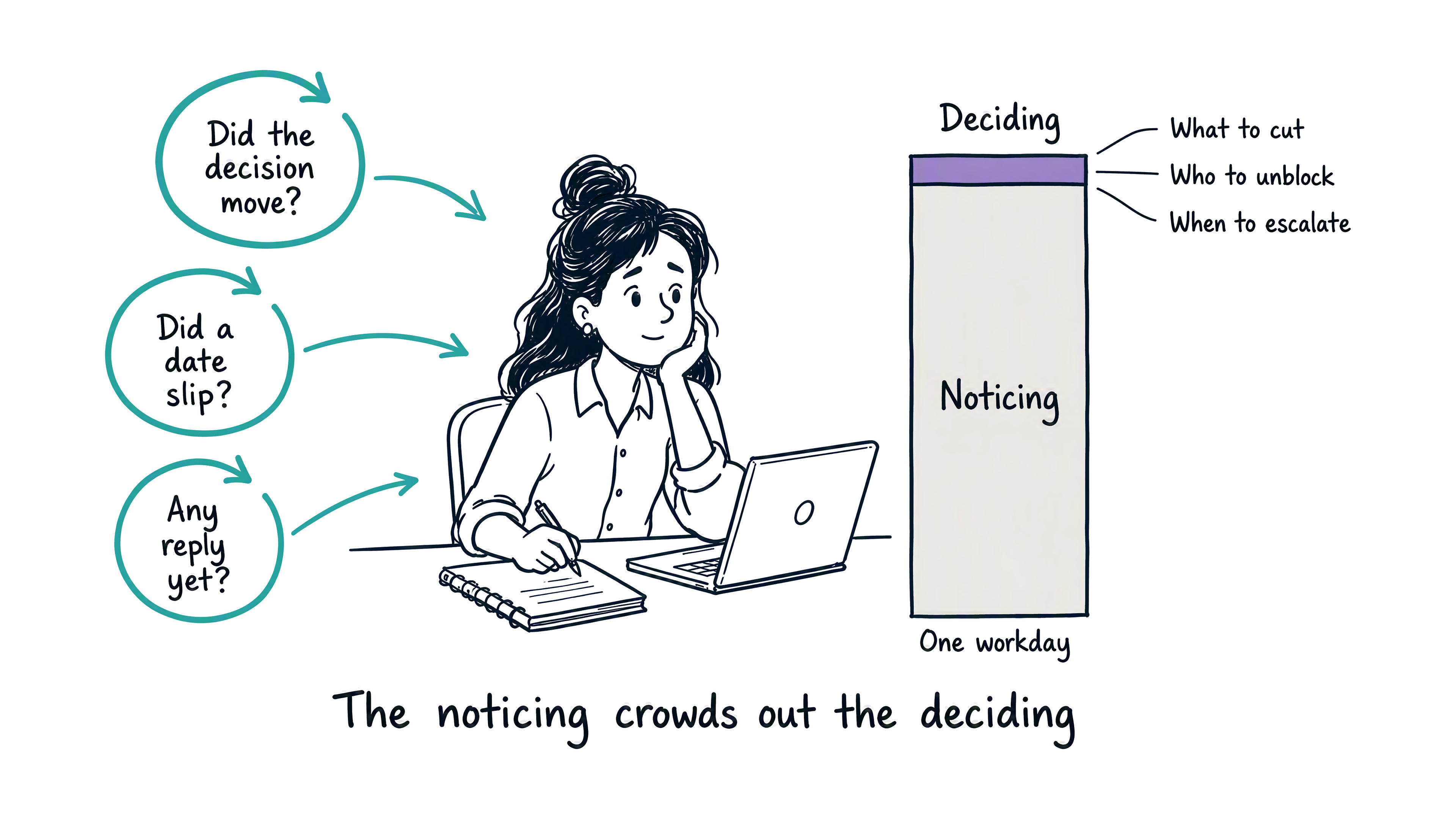
Consider Priya, a project manager who runs a cross-team launch. Her real job is judgment: what to cut, who to unblock, when to escalate. But her days fill up with staying informed instead. She checks whether a decision moved, spots a date that slipped, and chases a reply that never came. The noticing crowds out the deciding.
Delegating is a skill you already have. You choose what's worth passing on, how much room to give someone, and how closely to check their work. This module puts that skill to use with Autopilot. You'll see what Autopilot is and how it compares to the other Copilot modes. From there you'll work out which of your own tasks are worth delegating and write a brief it can act on. Last, you'll decide how much it can settle alone and review what it brings you.
By the end, you'll know which of your ongoing work suits Autopilot, and how to keep the right amount of oversight once you've delegated it.