Introduction
Teachers often need to deliver engaging lessons while managing limited time and assessing student understanding effectively. Microsoft Learning Zone helps by bringing lesson creation, delivery, interaction, and insight into one place. Using AI powered capabilities, you develop a complete interactive lesson including explanations, activities, and feedback in minutes. This module introduces Microsoft Learning Zone and shows how it supports lesson design, assignment, student engagement, and data-informed teaching.
Overview
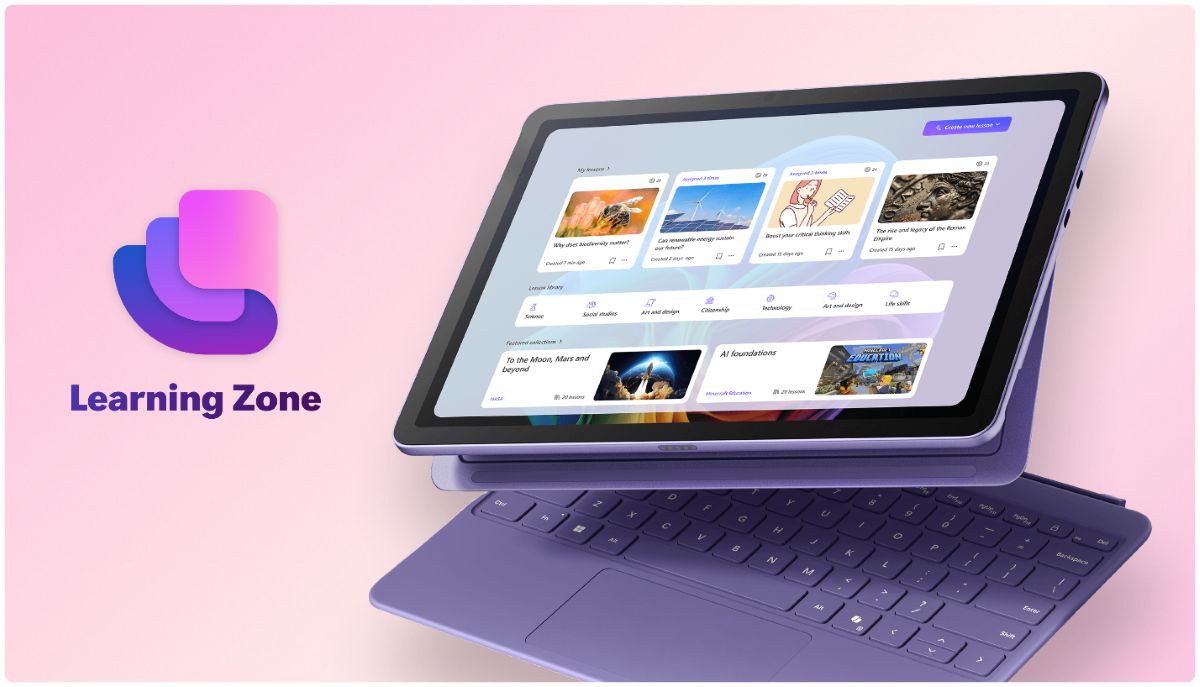
Learning Zone is a free Windows app that enables educators to create, refine, deliver, and track interactive lessons with the help of AI. As a holder of the ISTE Seal of Alignment, Learning Zone is aligned with research-based learning practices that support how students learn, such as immediate feedback, bite-sized content, and personalized learning paths. All lessons are fully editable and adaptable by the teacher. You can share and assign lessons as links or embedded in a Teams or LMS assignment. You can manage lessons where you already communicate and assign work.
Learning objectives
Upon completion of this module, you'll be able to:
- Describe what Microsoft Learning Zone is, and its key value to your classroom
- Access the software and explain key prerequisites, including licensing and device requirements
- Create and refine classroom-ready interactive lessons using your own prompts and resources, as well as utilizing pre-made lesson content
- Assign and share lessons
- View and interpret insights to support assessment and learning interventions
- Create interactive Kahoot! quizzes through Microsoft Learning Zone