Learning Zone ready-to-learn gallery
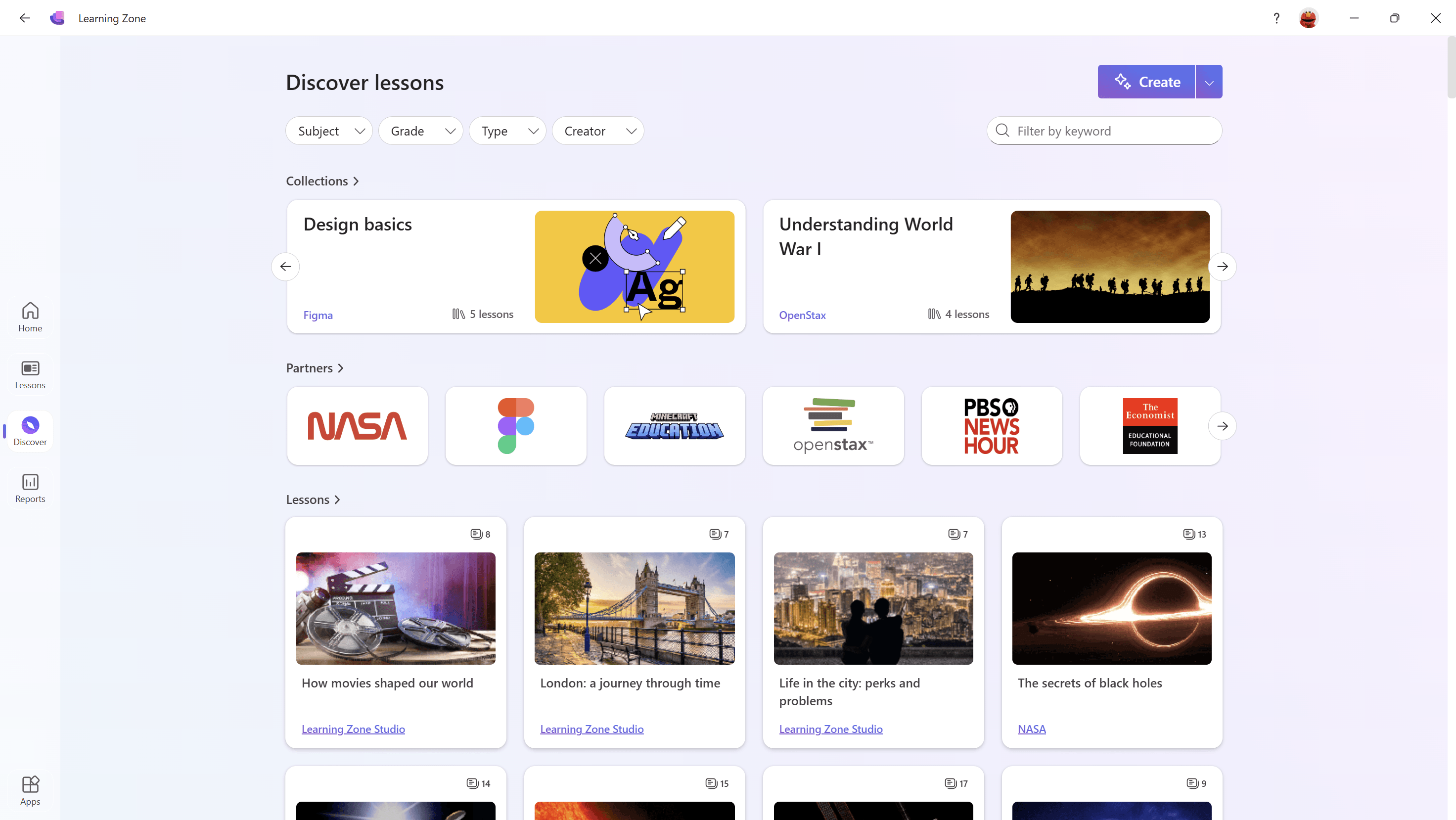
Learning Zone includes a gallery of curated and vetted lessons from a range of trusted partners.
Choose Discover to explore pre-built lessons.
Filter the lessons by keyword, subject, grade, lesson type, or creator.
Select a lesson card.
Select Use this lesson to bring it into your classroom
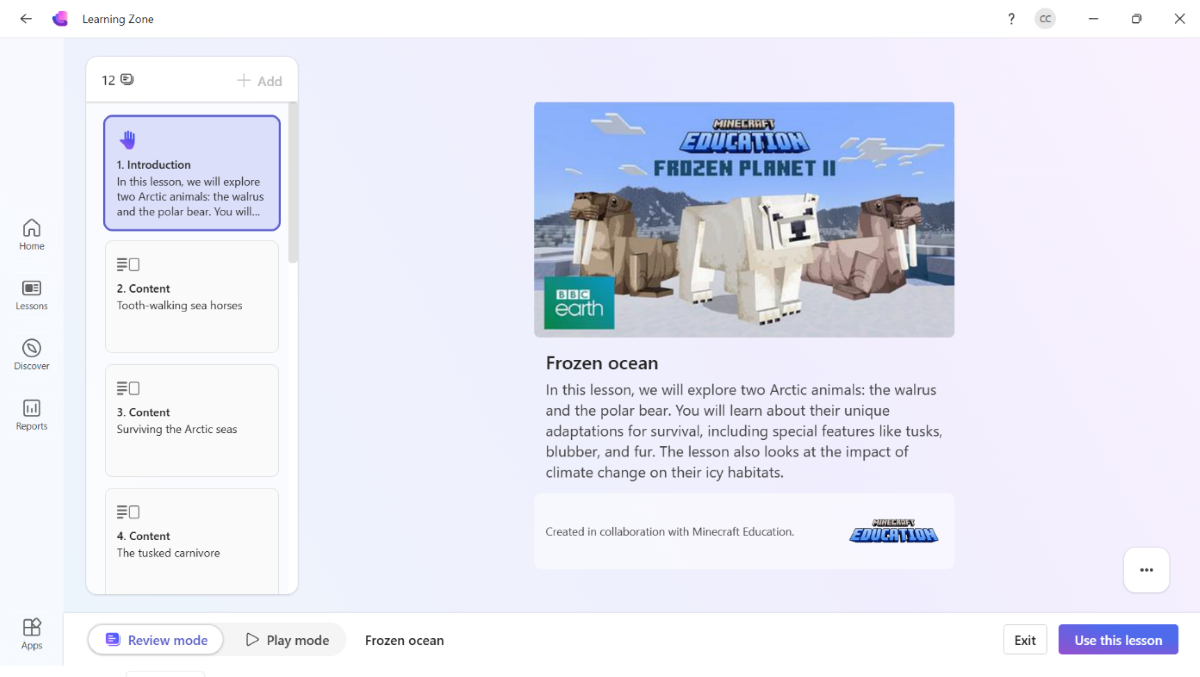
You can either Assign to learners to use the lesson as-is or Create a copy to create your own lesson inspired by partner content.
Note
Students can access gallery lessons independently through the Learning Zone app, giving them the opportunity to explore content they're interested in and giving them agency over their learning.