Learning Zone student experience
Learners can access Microsoft Learning Zone lessons in more than one way, depending on how you share it with them. Once students join the lesson, they can access the content and exercises, and are added to the insights for the lesson.
Use a short code via the app
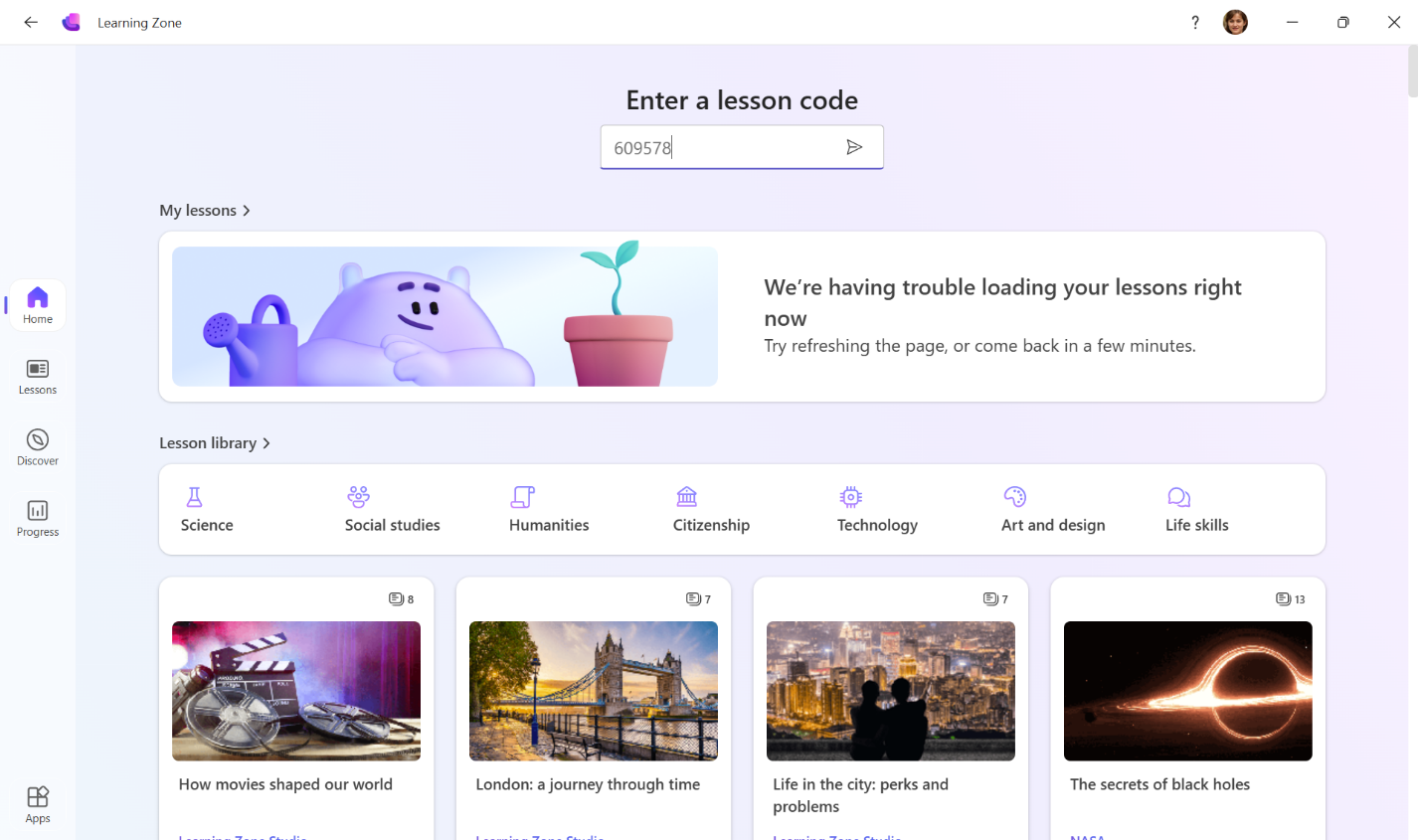
Students sign in to the app and select Enter a lesson code. They are asked to input the short code.
Use the lesson link and a web browser
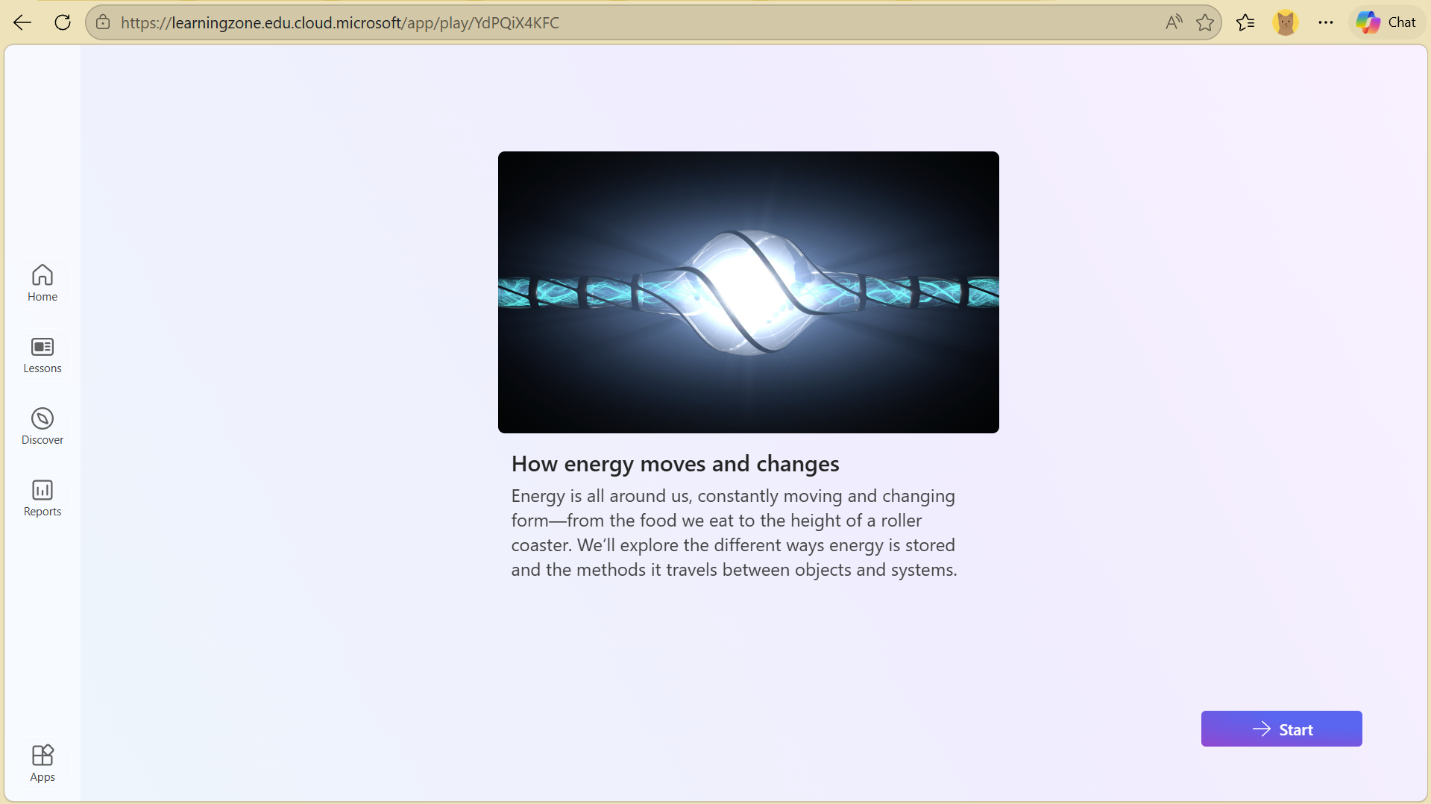
When students follow a link shared with them directly, through Microsoft Teams, Google Classroom or a QR code, they're taken to a browser window where they complete the lesson.
Use Microsoft Teams or a LMS assignment
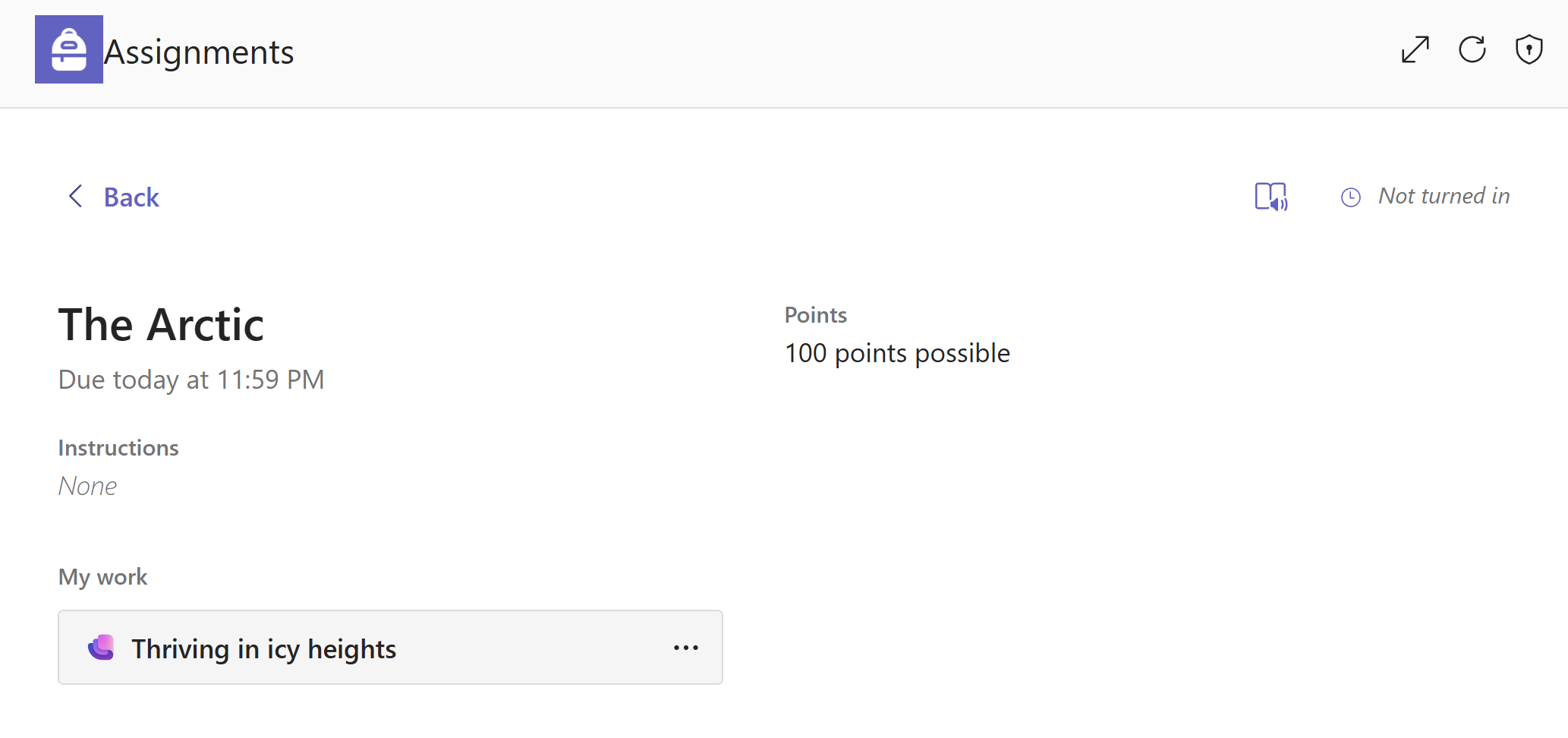
Students can access Learning Zone lessons assigned through their Microsoft Teams classes or through an LMS connected with Microsoft Teams. This creates a clean workflow for students, introducing interactive lessons into their normal way of working.
Regardless of the entry point, the lesson experience is the same, ensuring consistency and flexibility.