AI at work
AI can help you complete many common workplace tasks. It can help you reduce time spent on repetitive tasks so you can focus on higher-value work.
Common ways AI can help
AI can assist with tasks that involve processing information, generating content, and supporting decision-making, helping you work more efficiently and effectively.

The following are some common ways AI can help people work more efficiently:
- Create content. AI can help draft emails, summaries, presentations, reports, and other documents. Instead of starting from a blank page, you can use AI to generate a first draft, organize information, or refine existing content.
- Find and organize information. AI can help summarize large amounts of information and identify key points. For example, AI can review meeting notes, documents, or email conversations and extract the information that matters most.
- Analyze information. AI can help identify trends, patterns, and insights within information. You can use AI to explore spreadsheets, compare options, summarize findings, or highlight information that might otherwise be overlooked.
- Generate ideas. AI can help you brainstorm approaches, explore alternatives, identify opportunities, and turn ideas into action.
Whether you're planning a project, solving a problem, or developing a new proposal, AI can help generate suggestions and perspectives that support your thinking.
Tip
AI is most effective when it's used as a partner to support your work. It can help you work more efficiently, but people still provide the judgment, expertise, and decision-making needed to achieve the right outcomes.
AI in action
Microsoft Copilot applies AI capabilities across Microsoft 365 to help people work with information, create content, and complete tasks more efficiently.
Important
Be sure to review AI-generated outputs and make sure they're accurate and appropriate for your work. AI can help you work more efficiently, but people remain responsible for reviewing information, making decisions, and guiding the work to completion.
The following scenario shows how Copilot can support work throughout a typical day.
Scenario: Use AI throughout the workday
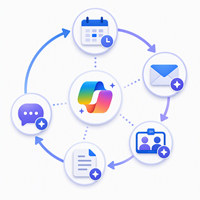
On a typical day, Jo uses information from meetings, emails, project documents, and previous work to understand situations, make decisions, and prepare for reviews.
Now, Jo needs to quickly get up to speed on the Contoso website redesign project and prepare for an upcoming executive review.
Catch up on recent activity 📄
Jo starts her day in Microsoft Copilot and asks it to summarize the emails, meetings, documents, and Teams conversations most relevant to the Contoso project.
Summarize the most important updates from the Contoso website redesign project. Focus on recent decisions, customer requests, risks, and action items.
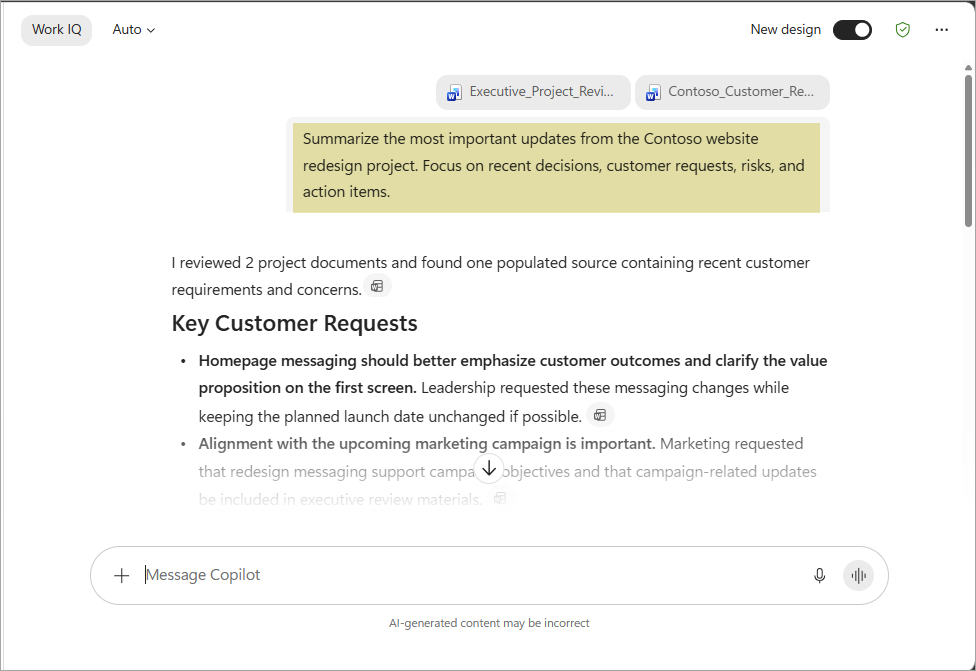
Copilot identifies recent updates, important decisions, and actions that require her attention.
Understand customer requirements 📝
While reviewing recent updates, Jo sees that the customer requested several changes. She asks Copilot to summarize recent communications and identify the customer's key goals, requirements, and concerns.
Summarize the customer's goals, requirements, concerns, and requested changes.
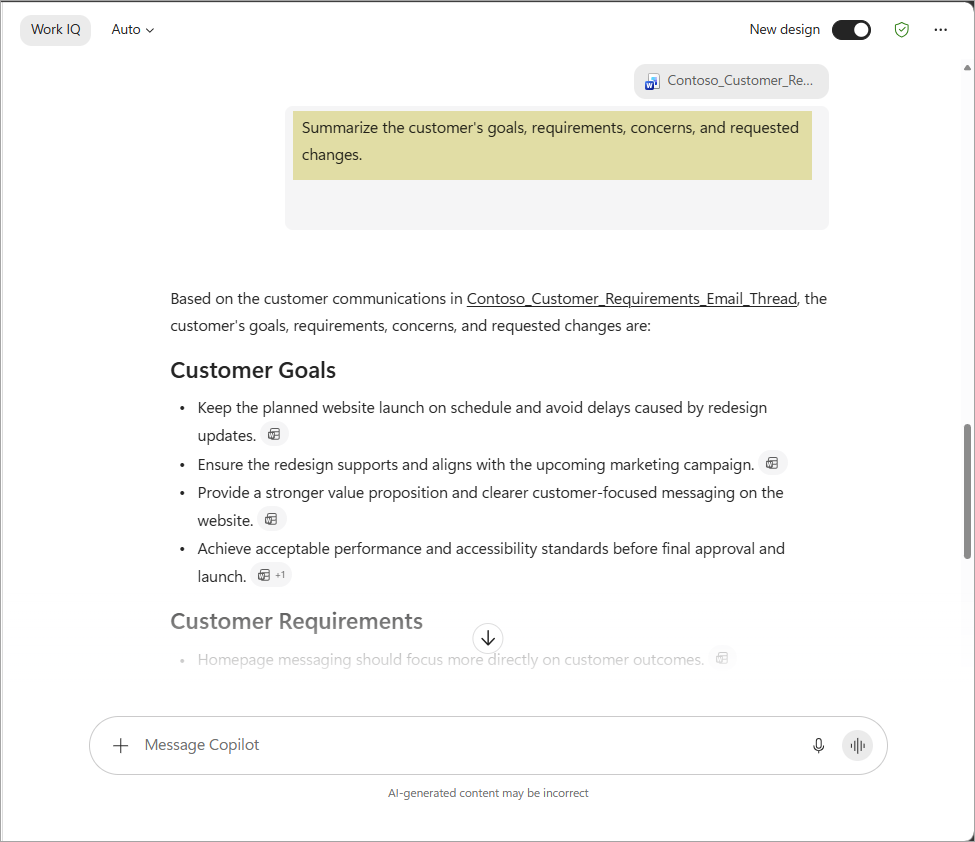
Copilot identifies the customer's priorities and summarizes the information in a concise format that helps Jo understand the situation.
Research relevant information 🔍
To better understand the situation, Jo asks Copilot to identify similar projects and summarize lessons learned that could help the team make informed decisions.
Identify lessons learned that could help the Contoso website redesign project.
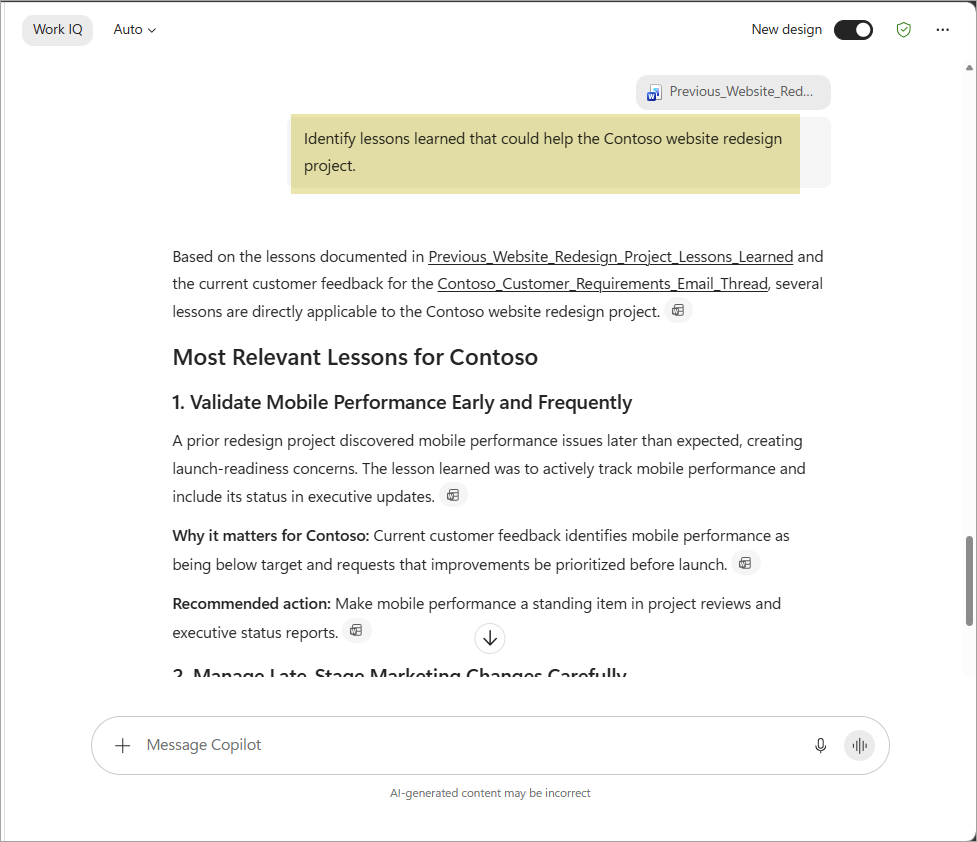
Copilot identifies relevant information from previous projects and summarizes the lessons learned in a format that helps Jo understand what worked well and what could be improved.
Draft project recommendations ✏️
Using the customer requirements and project information, Jo asks Copilot to create a draft project update with recommended actions and proposed next steps.
Rather than starting from scratch, she begins with a draft that she can review and refine.
Review budget and risks 💰
Jo asks Copilot to analyze projected costs, identify potential risks, and highlight areas that might require more attention before the executive review.
Analyze project risks and identify areas that require attention before the executive review, including budget summary, project risks, and recommended actions.
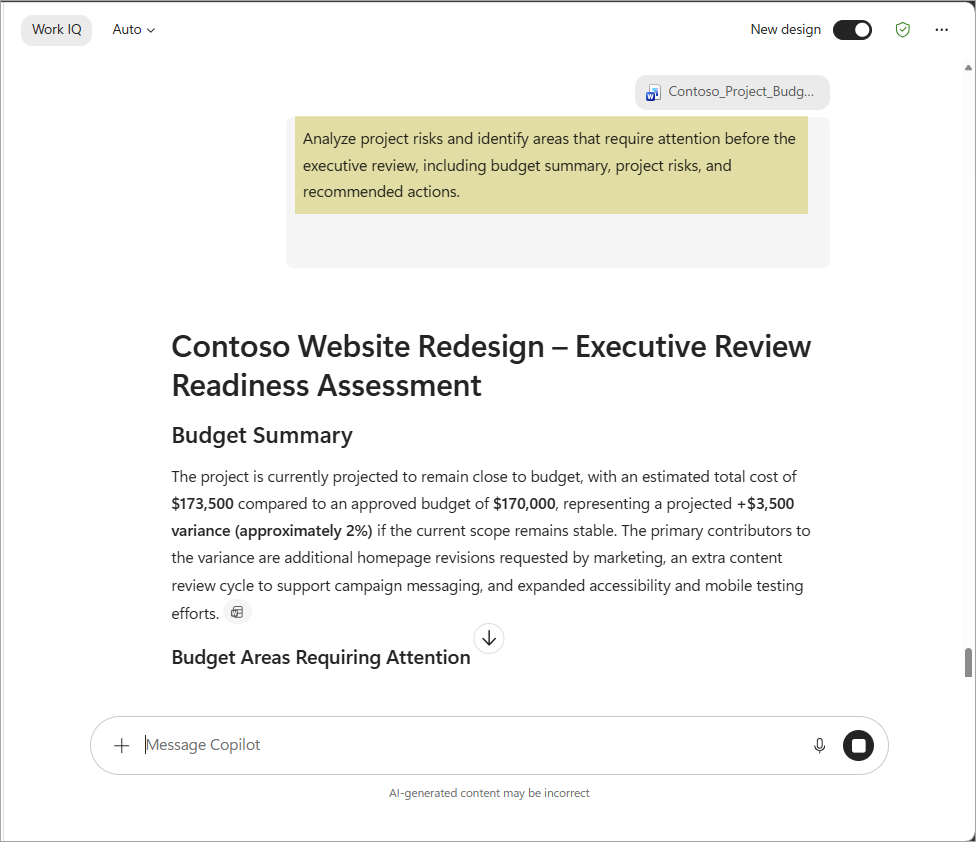
Copilot identifies potential risks and summarizes the information in a format that helps Jo understand the situation and prepare for the executive review.
Prepare for the executive review 🗂️
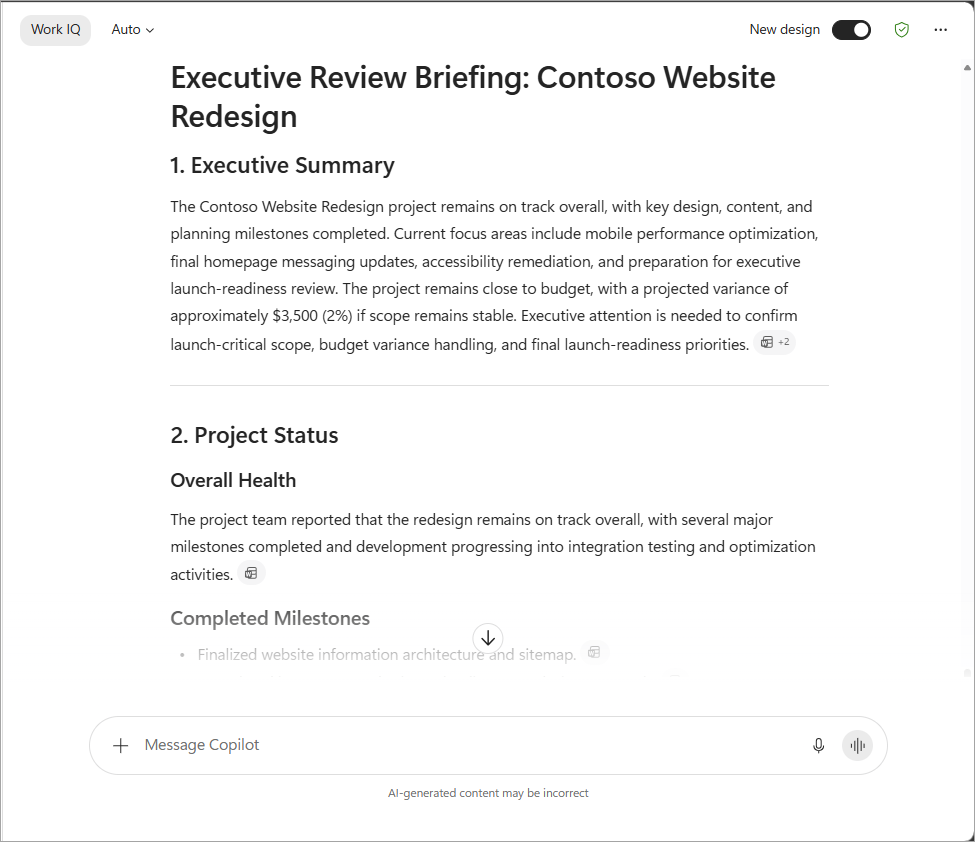
Before meeting with stakeholders, Jo asks Copilot to create an executive review briefing that summarizes project status, customer priorities, risks, open questions, and recommended discussion topics.
Copilot organizes the information into a concise briefing that helps Jo prepare for the discussion.
Capture decisions and next steps 📝
During the review meeting on Microsoft Teams, Copilot helps summarize the discussion, identify decisions, and capture action items.
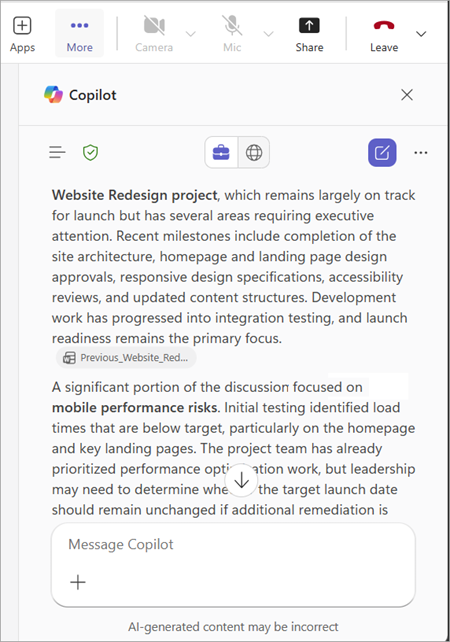
Afterward, Jo uses Copilot to draft a follow-up message and organize the next steps for the project.
Why it matters
AI can support many common workplace activities, including creating content, finding information, analyzing data, and generating ideas. Tools such as Microsoft Copilot help people work more efficiently by bringing together information from across their work and transforming that information into useful outputs.
As you saw in Jo's scenario, AI can support work throughout an entire process, from gathering information and preparing materials to collaborating with others and following up on actions. While AI can help accelerate work, people remain responsible for reviewing information, making decisions, and guiding the work to completion.
Tip
AI can support many different types of work, but people remain responsible for applying expertise, judgment, and business context.
Next, let's explore what "grounding" is, and why it matters.
Note
We recognize that different people like to learn in different ways. You can choose to complete this module in video-based format or you can read the content as text and images. The text contains greater detail than the videos, so in some cases you might want to refer to it as supplemental material to the video presentation.