Install Teams integration in the LMS
Install the Microsoft Teams integration at the LMS account or course level.
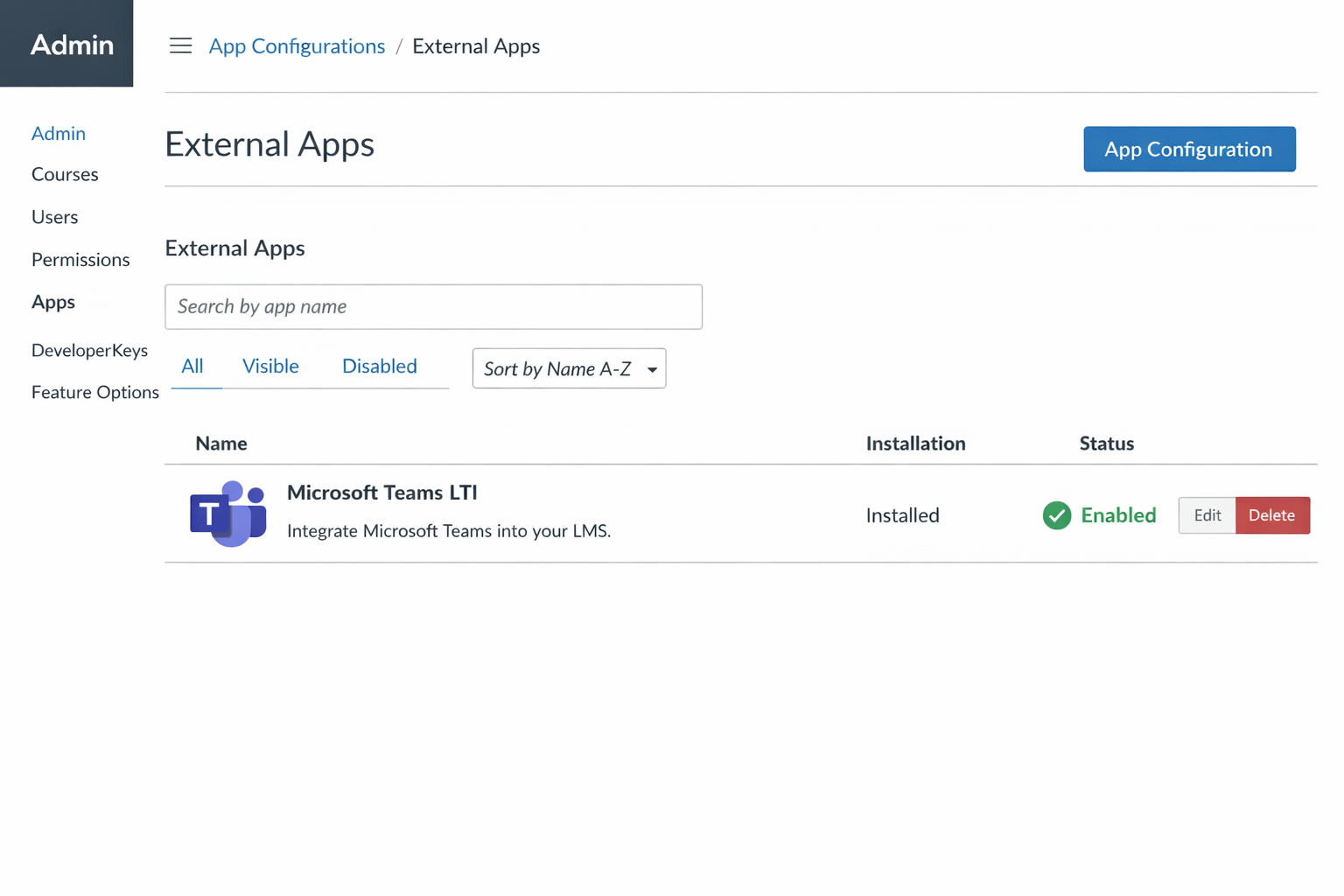
Install the Teams LTI tool
- Sign in to the LMS as an administrator.
- Navigate to the LMS app, integrations, or developer settings.
- Add the Microsoft Teams LTI tool using the provided Client ID or configuration.
- Deploy the tool to courses or subaccounts as required.
Note
Installing the integration at the root account level simplifies deployment and maintenance.