Get started in Microsoft Foundry portal
Azure Vision provides the building blocks for incorporating vision capabilities into applications. As one of many Foundry Tools, you can create solutions with Azure Vision in several ways including:
- The Microsoft Foundry portal
- A software development kit (SDK) or REST API
Azure resources for Azure Vision service
To use Azure Vision, you need to create a resource for it in your Azure subscription. You can use either of the following resource types:
- Azure Vision: A specific resource for the Azure Vision service. Use this resource type if you don't intend to use any other Foundry Tools, or if you want to track utilization and costs for your Azure Vision resource separately.
- Foundry Tools: A general resource that includes Azure Vision along with many other Foundry Tools; such as Azure Language, Azure AI Custom Vision, Azure Translator, and others. Use this resource type if you plan to use multiple AI services and want to simplify administration and development.
Note
There are several ways to create resources with Azure. You can use a user interface to create resources or write a script. Both the Azure portal and Microsoft Foundry portal provide user interfaces for resource creation. Choose the Microsoft Foundry portal when you also want to see examples of Foundry Tools in action.
Get started in Microsoft Foundry portal
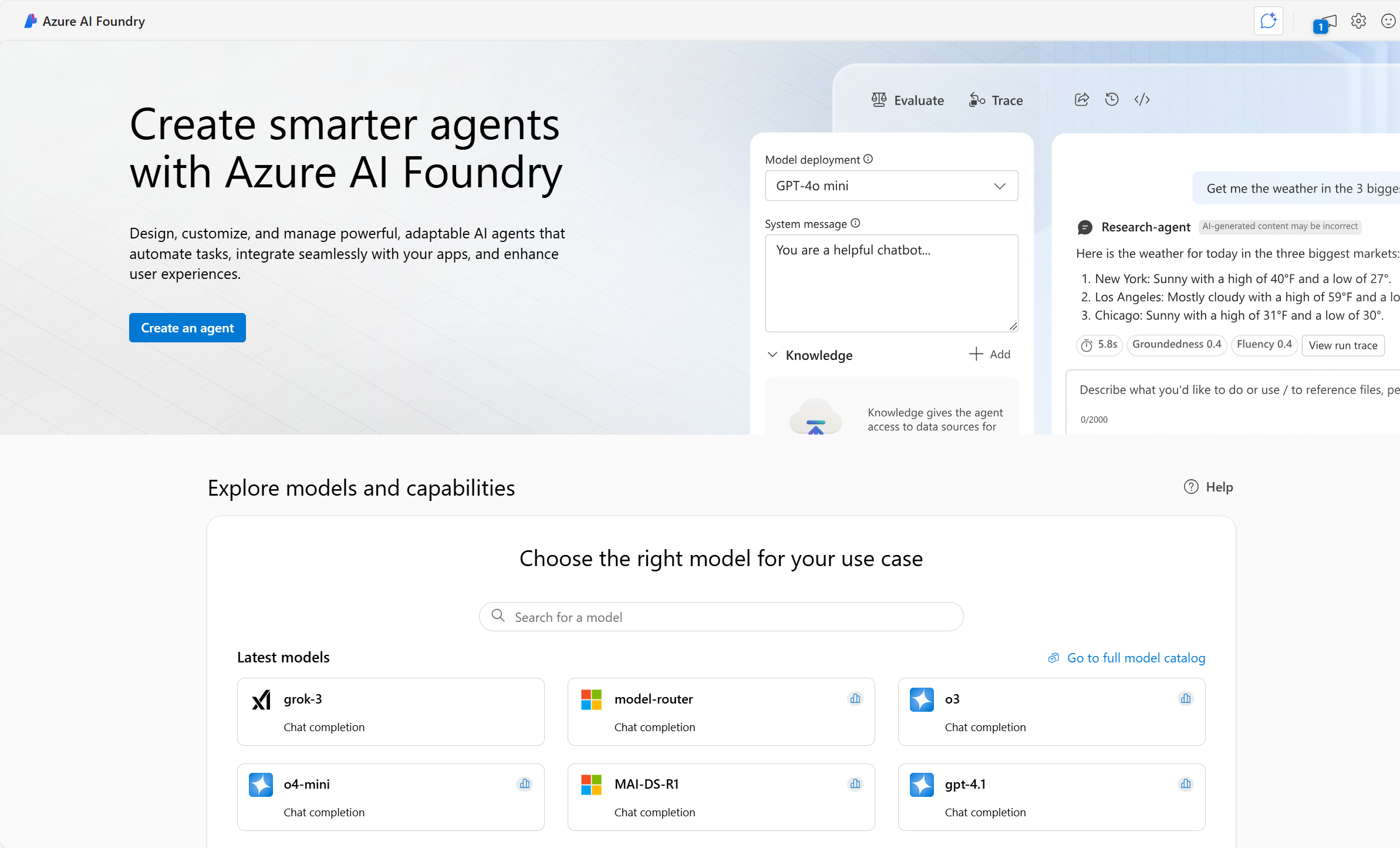
Microsoft Foundry provides a unified platform for enterprise AI operations, model builders, and application development. Microsoft Foundry portal provides a user interface based around hubs and projects. To use any of the Foundry Tools, including Azure Vision, you create a project in Microsoft Foundry, which will also create a Foundry Tools resource for you.
Projects in Microsoft Foundry help you organize your work and resources effectively. Projects act as containers for datasets, models, and other resources, making it easier to manage and collaborate on AI solutions.
Within Microsoft Foundry portal, you have the ability to try out service features by testing with sample images or uploading your own.
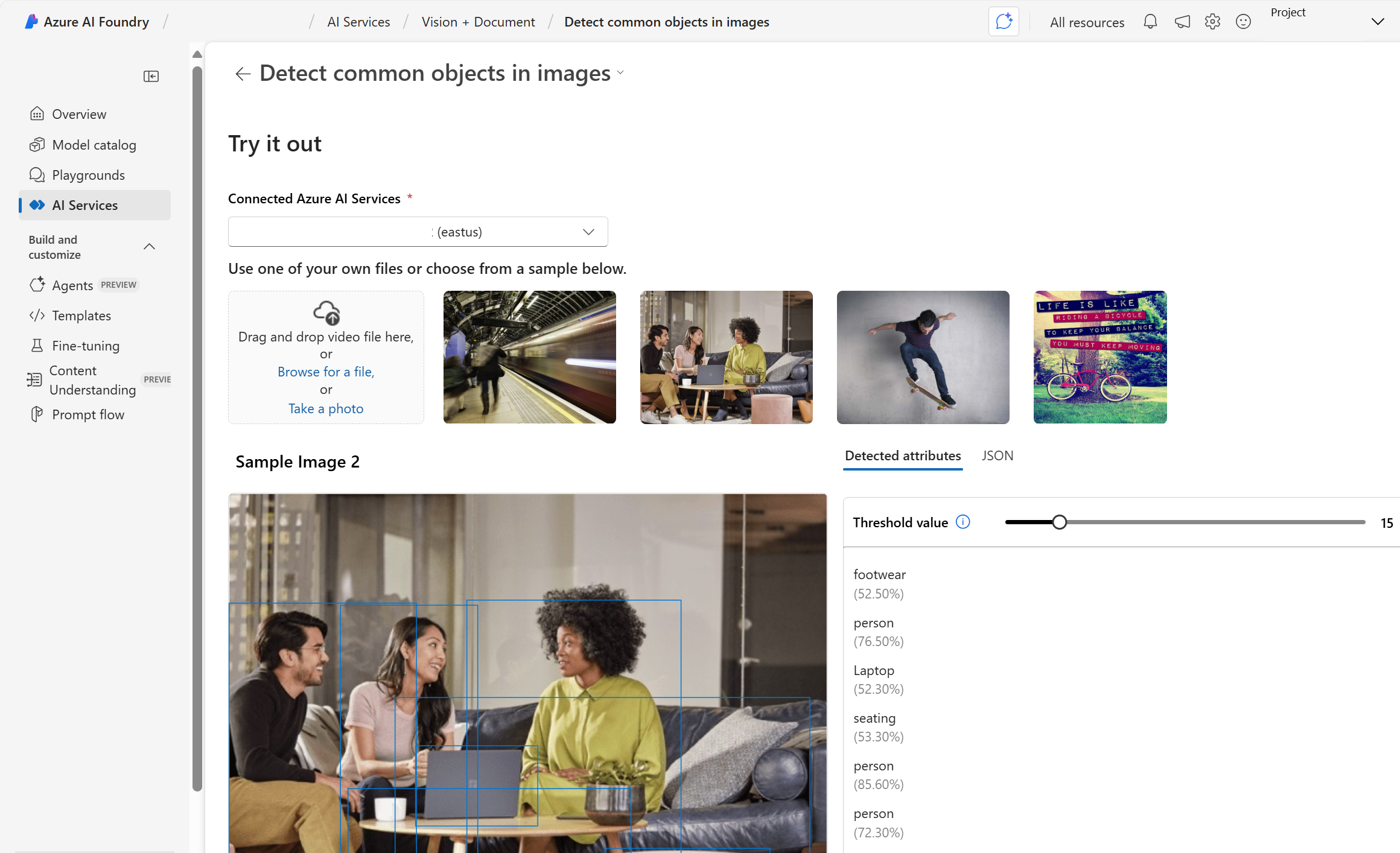
Next let's try out Azure Vision in Microsoft Foundry portal.