Manage vendors and project price lists
Vendor accounts in Project Operations can have a relationship type of Vendor or Supplier. To assign a vendor on a subcontract, you can only select an account record that has one of these relationship types. Conversely, you can associate price lists with one or more vendor records. Each purchase price list that is associated with a vendor record should have a distinct date effectivity because overlapping date effectivity isn't supported. A vendor record has several fields and concepts that you can use for a subcontract that you’ve created for the vendor:
Payment terms
Bill to contact
Primary contact
Currency
Current purchase price lists
A purchase price list is any price list where the Context is set to Purchasing. You can define the list to represent a catalog of purchase rates for time, expenses, and materials. Purchase price lists resemble cost and sales price lists in Project Operations.
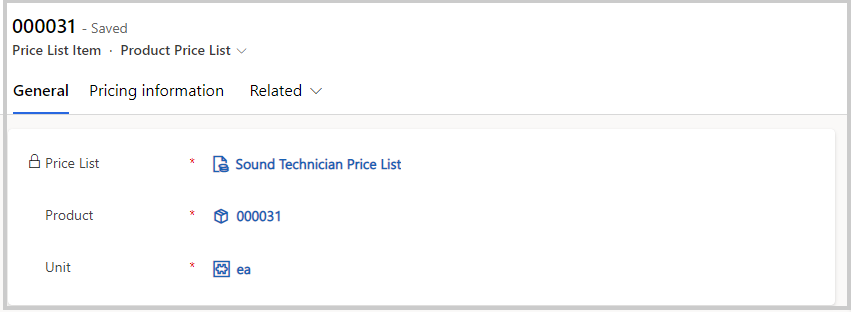
A few concepts apply in a similar way to cost and sales price lists as well.

Date effectivity - The start date and end date that dictate the time when the list is effective.
Currency - Sets the currency that purchase prices are expressed in for labor, expense categories, and products in the catalog.
Default time unit - Represents the time on a price list that's used to provide a default value for labor prices for purchases. The lists are attached to vendor records as associations that are known as a project price list. The price lists are used to enter the default prices on the subcontract lines. When multiple purchase price lists are attached to a vendor record, by default, the most current price list will be used for the subcontracts that are created for the vendor. Make sure that you have Context set to Purchase to attach the price lists to vendor records. You can use subcontract-specific purchase price lists to enter default prices on the subcontract lines and require the same Context field setting to be attached to subcontracts.