Subcontract project team members
In Project Operations, you can choose to subcontract unstaffed or staffed project team members. Unstaffed members have a generic resource assigned, while staffed team members have a name resource. Any assignments to tasks that a team member has will be reestablished based on the Purchase price list that's attached to a subcontract when you link them. You can update Purchase price by selecting the Update prices button on the Estimates tab on the Project details page.
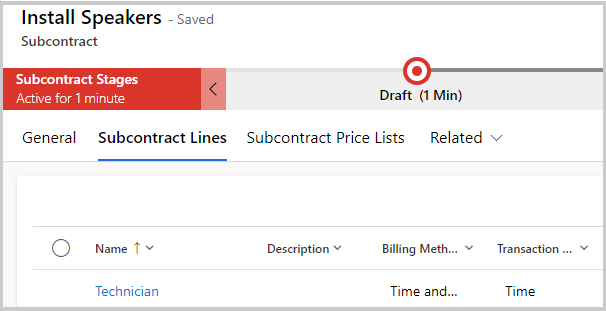
To add unstaffed or staffed project team members, the project manager will assign the team members to the subcontract lines based on how they want to draw the capacity that's required from the subcontract. The subcontract will need to be in a Draft or Confirmed status. The role that's defined for the project team member record must match the role on the subcontract line to ensure that the estimated role on the project matches the role that's purchased on the subcontract line.
When a generic or unstaffed team member is associated with a subcontract and subcontract line, the Worker type field will update to Contract worker and Subcontract validity will be set to Valid. The same process occurs for Named project team members. They'll be set up as a contract worker type of Bookable resource when they aren't linked with a subcontract; when they're linked, the same Worker type and Subcontract validity values will update on the subcontract line.