Verify Surface Management Portal access
Now that you have access to Intune, roles are assigned, and the roles are propagated, it's time to verify your Surface Management Portal access. After the roles have propagated:
Refresh your session.
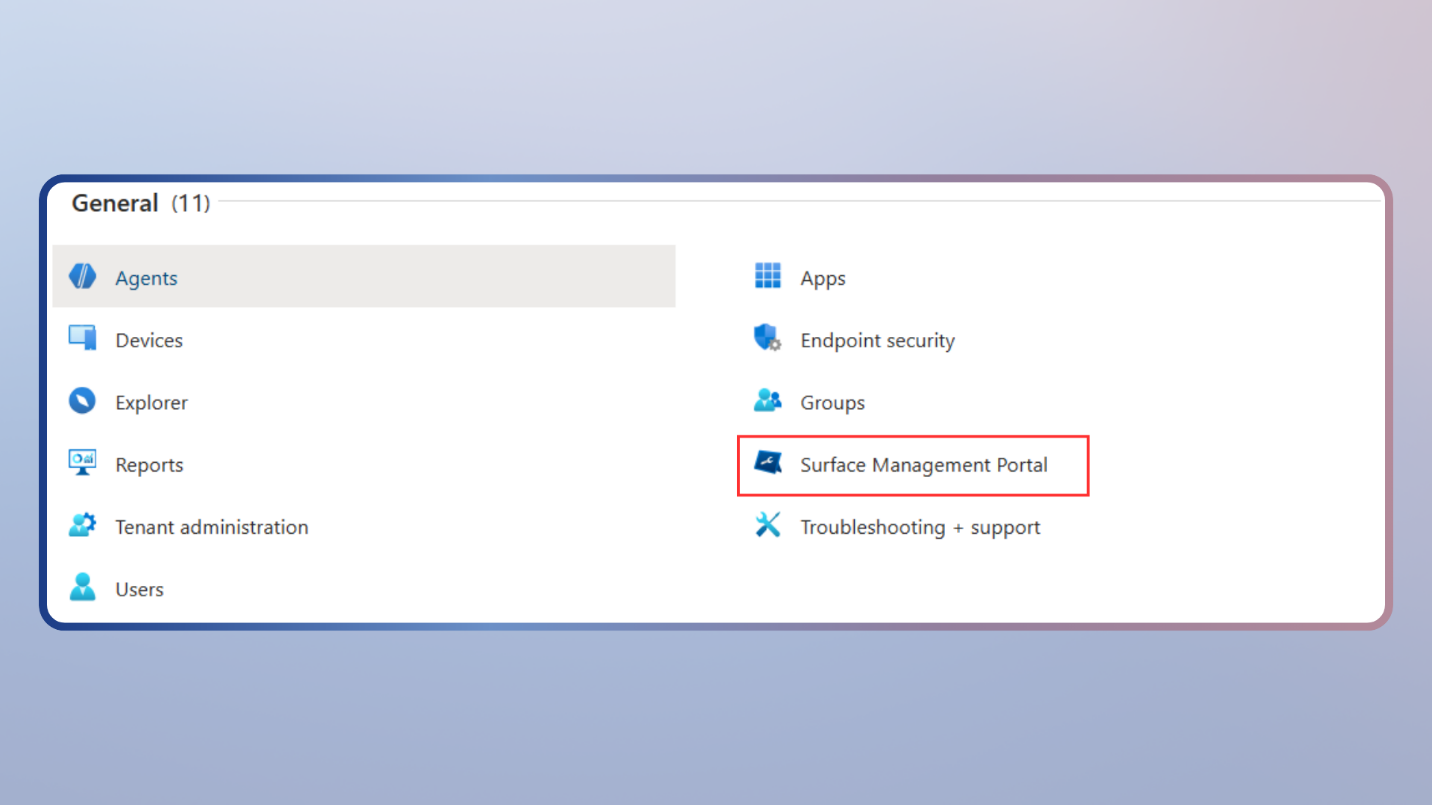
Confirm that Surface Management Portal is visible in the Microsoft Intune Admin Center.
Open the portal and confirm that enrolled Surface devices appear.
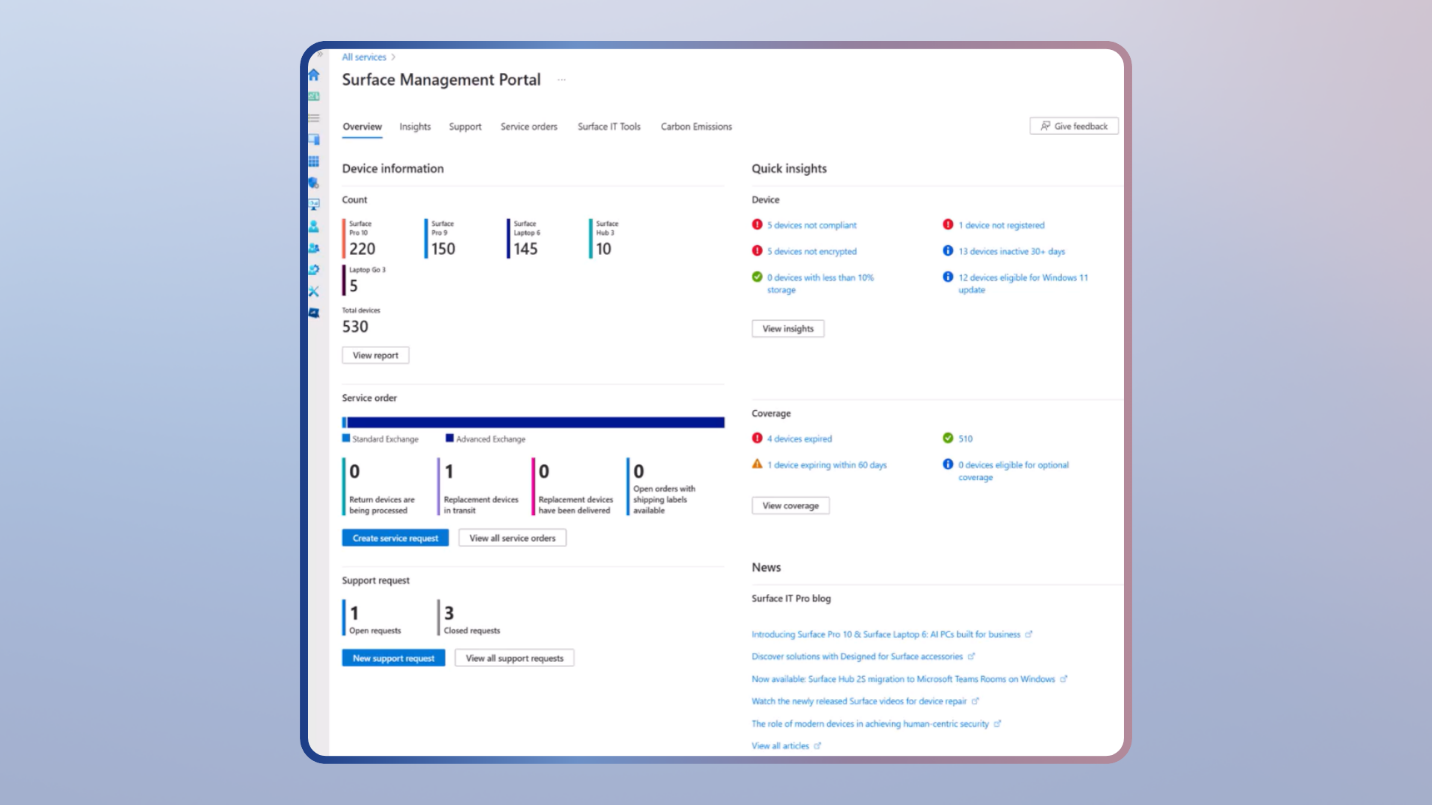
Confirm that device health and inventory data are displayed.
If you can see the Surface Management Portal, view enrolled devices, and review health and inventory data, your environment is ready for ongoing management.
Important
After signing in to the Microsoft Intune Admin Center, Surface Management Portal is located in All services.