Apply governance controls to AI model lifecycle and resource consumption
This module introduces governance techniques for managing model lifecycle behavior and resource consumption in Microsoft Foundry. Through hands‑on activities, learners explore how governance controls help ensure reliability, reproducibility, and cost efficiency as models evolve over time. The exercises are designed to reflect real‑world scenarios where different workloads have different requirements for stability, update cadence, and resource usage.
Module Overview: Exercises Summary
The module includes three exercises that progressively build skills in managing Microsoft Foundry model deployments, starting with version control and ending with resource governance. Together, they show learners how to balance stability, agility, and cost control when operating AI models in production environments.
- Exercise 1 – Model version pinning (classic experience): Focuses on configuring upgrade policies in the classic Microsoft Foundry interface, demonstrating how to lock a deployment to a specific model version to ensure consistency and avoid unexpected changes.
- Exercise 2 – Model version auto-upgrade (new experience): Uses the newer Foundry experience to configure deployments that can either remain on a fixed model version or automatically adopt newer versions as they are released, highlighting modernization and lifecycle management.
- Exercise 3 – Quotas and limits governance: Shifts to resource management by guiding learners through setting quotas and limits for model deployments, helping control token usage, request rates, and overall consumption across subscriptions and regions.
Learners can find the full list of labs and launch each exercise directly by visiting Govern AI-ready Infrastructure GitHub repository, which serves as the single entry point for the course’s hands‑on activities.
AI Ready Governance hands-on exercise 1: Configure model version upgrade policies (classic)
Estimated duration
10 minutes
Background information
Microsoft Foundry regularly releases new model versions to incorporate the latest features and improvements from key model providers in the industry. Customers can choose to start with a particular version and stay on it or to automatically update as new versions are released.
The version of a model is set when you deploy it. You can choose an update policy, which can include the following options:
- Deployments set to Opt out of automatic model version upgrades require a manual upgrade if a new version is released. When the model is retired, those deployments stop working.
- Deployments set to Upgrade once the new default version becomes available use the new default version.
- Deployments set to Once the current version expires automatically update when the current version is retired.
Update policies are configured per deployment and vary by model and provider.
Scenario
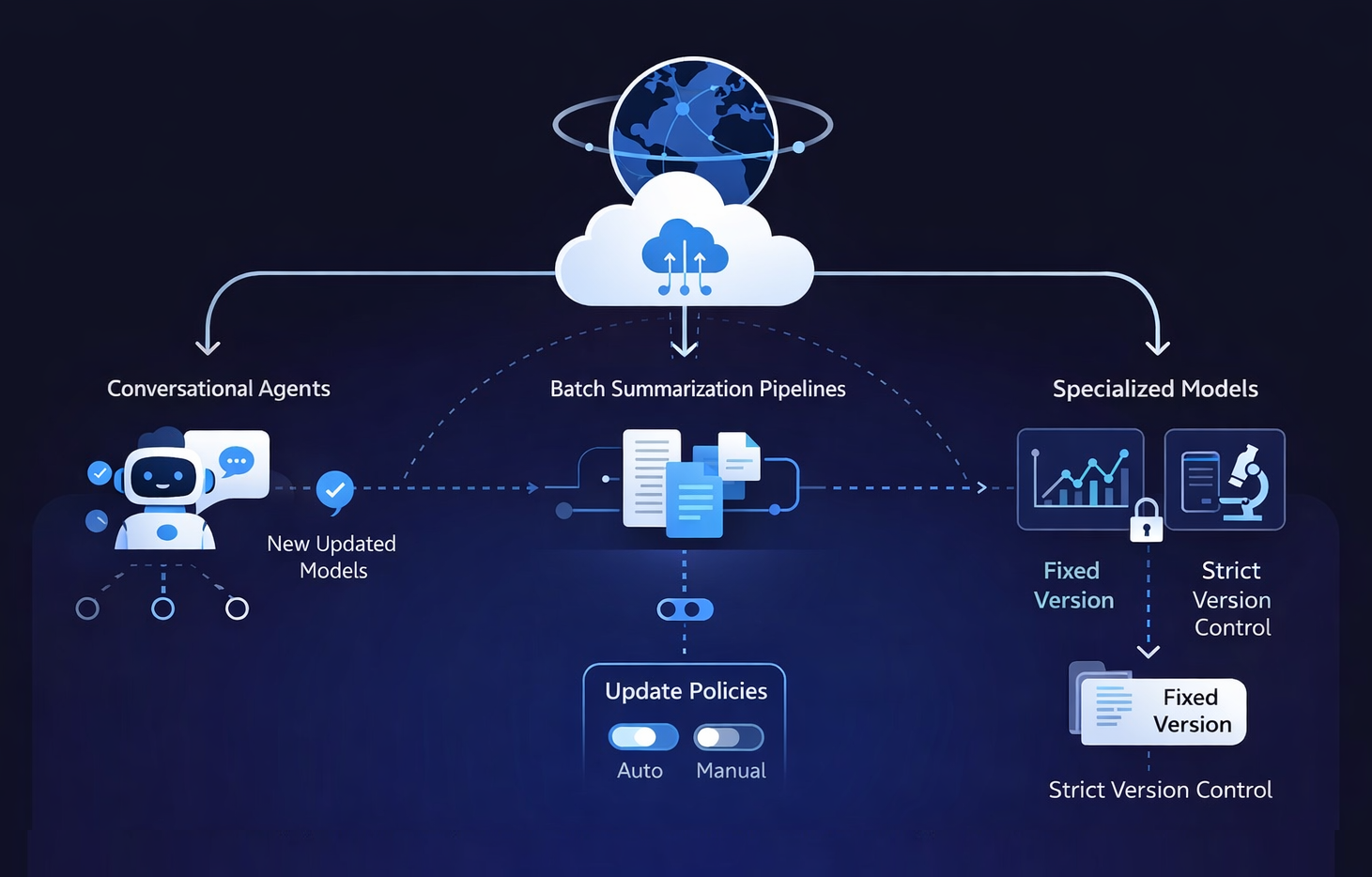
Your company is building a global analytics platform that integrates conversational agents, batch summarization pipelines, and specialized models for financial forecasting and scientific research. These solutions rely on standard Microsoft Foundry models, which are regularly updated by the platform. Some components of your applications, such as internal chatbots, can easily adopt new default versions to benefit from the latest improvements. Other components, like financial forecasting models that require strict reproducibility, depend on staying on a fixed version until testing is complete. To ensure each workload behaves reliably, your company must configure appropriate update policies for each deployment.
Prerequisites
- Azure subscription: If you don't have an Azure subscription, create a free account before you begin.
- Permissions: To create Azure AI Services resources, you should have the Owner role assigned at the Azure subscription or the target resource group level.
- Familiarity with Microsoft Foundry model deployment

AI Ready Governance hands-on exercise 2: Configure model version upgrade policies (new)
Estimated duration
15 minutes
Background information
Microsoft Foundry regularly releases new model versions to incorporate the latest features and improvements from key model providers in the industry. Customers can choose to start with a particular version and stay on it or to automatically update as new versions are released.
The version of a model is set when you deploy it. You can choose an update policy, which can include the following options:
- Deployments set to Opt out of automatic model version upgrades require a manual upgrade if a new version is released. When the model is retired, those deployments stop working.
- Deployments set to Upgrade once the new default version becomes available use the new default version.
- Deployments set to Once the current version expires automatically update when the current version is retired.
Update policies are configured per deployment and vary by model and provider.
Scenario
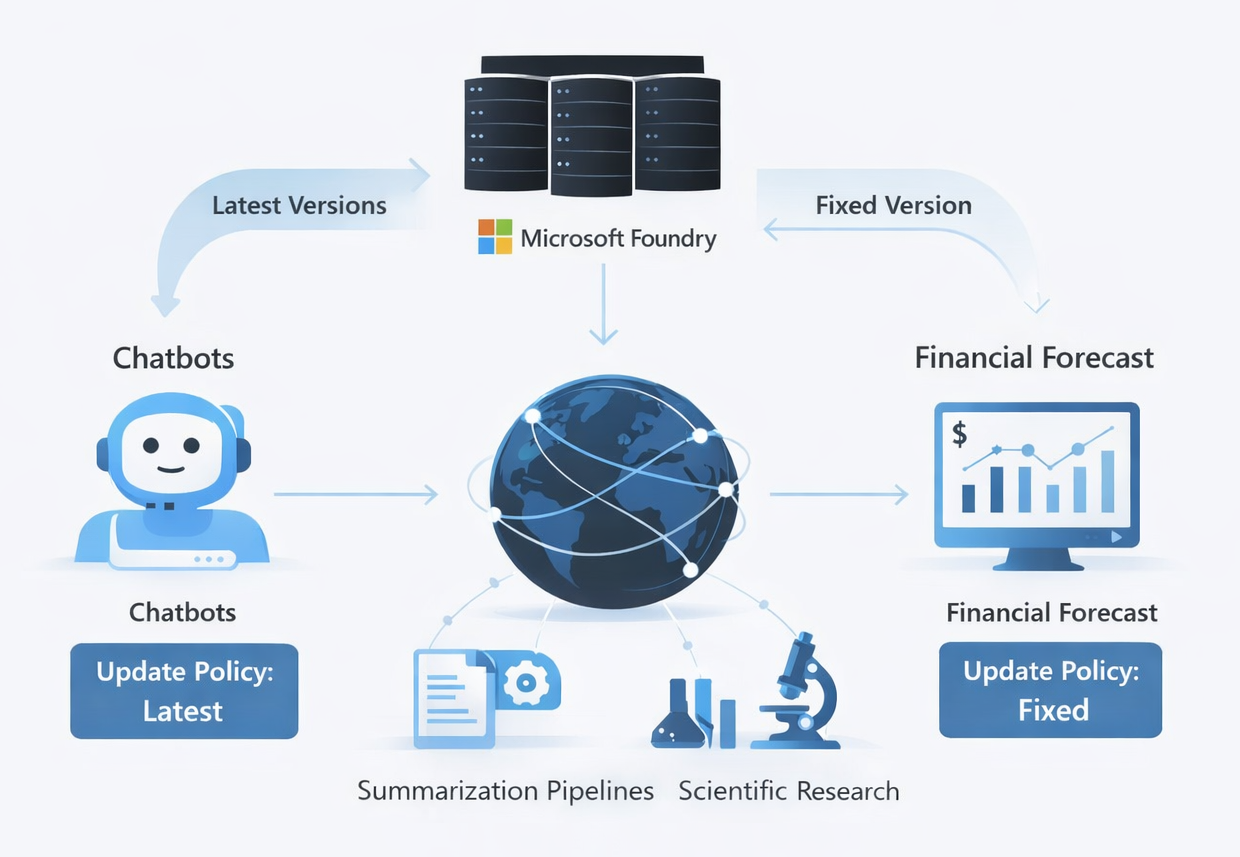
Your company is building a global analytics platform that integrates conversational agents, batch summarization pipelines, and specialized models for financial forecasting and scientific research. These solutions rely on standard Microsoft Foundry models, which are regularly updated by the platform. Some components of your applications, such as internal chatbots, can easily adopt new default versions to benefit from the latest improvements. Other components, like financial forecasting models that require strict reproducibility, depend on staying on a fixed version until testing is complete. To ensure each workload behaves reliably, your company must configure appropriate update policies for each deployment.
Prerequisites
- Azure subscription: If you don't have an Azure subscription, create a free account before you begin.
- Permissions: To create Azure AI Services resources, you should have the Owner role assigned at the Azure subscription or the target resource group level.
- Familiarity with Microsoft Foundry model deployment
AI Ready Governance hands-on exercise 3: Configure quotas and limits for Microsoft Foundry models
Estimated duration
15 minutes
Background information
Quotas and limits in Microsoft Foundry are inherently tied to model deployments, so understanding deployment options is essential to identifying the most suitable approach to optimizing utilization and billing of Microsoft Foundry services. In particular, Microsoft Foundry offers the following deployment options depending on the type of models and resources you want to provision:
- Standard deployment in Microsoft Foundry resources
- Deployment to serverless API endpoints
- Deployment to managed computes
Standard deployment in Microsoft Foundry resources
Microsoft Foundry resources represent the preferred deployment option in Microsoft Foundry. It offers the widest range of capabilities, including regional, data zone, or global processing, and it offers standard and provisioned throughput (PTU) options. All flagship models in Microsoft Foundry support this deployment option. You can use it in combination with:
- Microsoft Foundry resources
- Azure OpenAI resources
- Azure AI hub, when connected to a Microsoft Foundry resource
As part of deployments, you set token utilization rate limits, up to a global limit determined by quotas. Quotas can be assigned to your subscription on a per-region, per-model basis in units of Tokens-per-Minute (TPM). When you onboard a subscription to Azure OpenAI, you receive default quota for most available models. Then, you assign TPM to each deployment as it is created, and the available quota for that model will be reduced by that amount. You can continue to create deployments and assign them TPM until you reach your quota limit. Once that happens, you can only create new deployments of that model by reducing the TPM assigned to other deployments of the same model (thus freeing TPM for use), or by requesting and being approved for a model quota increase in the desired region.
When a deployment is created, the assigned TPM will directly map to the tokens-per-minute rate limit enforced on its inferencing requests. A Requests-Per-Minute (RPM) rate limit will also be enforced.
Tokens per minute (TPM) and requests per minute (RPM) limits are defined per region, per subscription, and per model or deployment type, including standard, batch, and provisioned. The highest level of quota restrictions is scoped at the Azure subscription level.
Azure OpenAI quotas and limits
There are also default quotas and limits that apply to Azure OpenAI, which define, for example, maximum number of Azure OpenAI resources per subscription and per region, maximum standard deployments per resource, or maximum fine-tuned model deployments.
Serverless API endpoints
This deployment option is available only when using Azure AI hub resources. It allows you to create dedicated endpoints to host a model, accessible through an API. It's limited to a subset of Microsoft Foundry Models and it supports only regional deployments.
Managed computes
This deployment option is also available only when using Azure AI hub resources. It allows you to create a dedicated endpoint to host the model in a dedicated compute. You need to have sufficient compute quota in your subscription to host the model and you're billed per compute uptime. Managed compute deployment is required for model collections that include:
- Hugging Face
- NVIDIA inference microservices (NIMs)
- Industry models (Saifr, Rockwell, Bayer, Terence, Sight Machine, Page AI, SDAIA)
- Databricks
- Custom models
Scenario
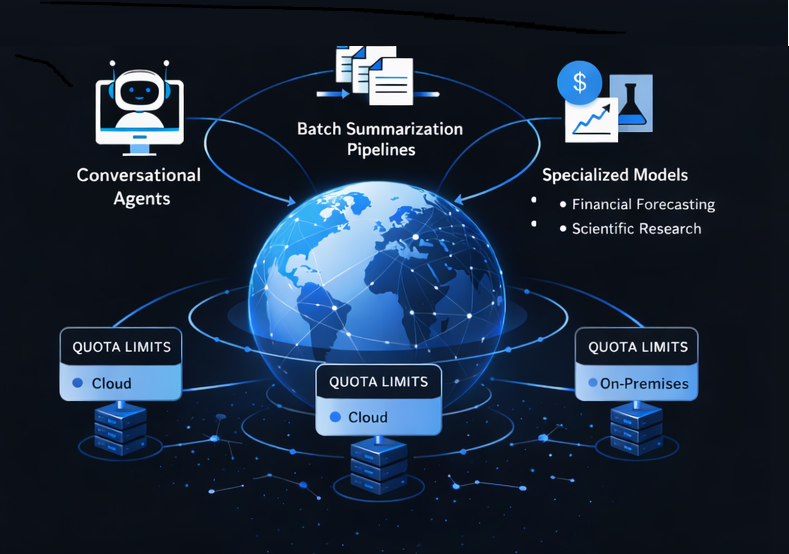
Your company is developing a global analytics platform that integrates conversational agents, batch summarization pipelines, and specialized models for tasks such as financial forecasting and scientific research. To balance performance with cost efficiency, your company decides to explore quota limits available for different deployment types.
Prerequisites
- Azure subscription: If you don't have an Azure subscription, create a free account before you begin.
- Permissions: To create Azure AI Services resources, you should have the Owner role assigned at the Azure subscription or the target resource group level.
- Familiarity with Microsoft Foundry model deployment