Apply supplied skills
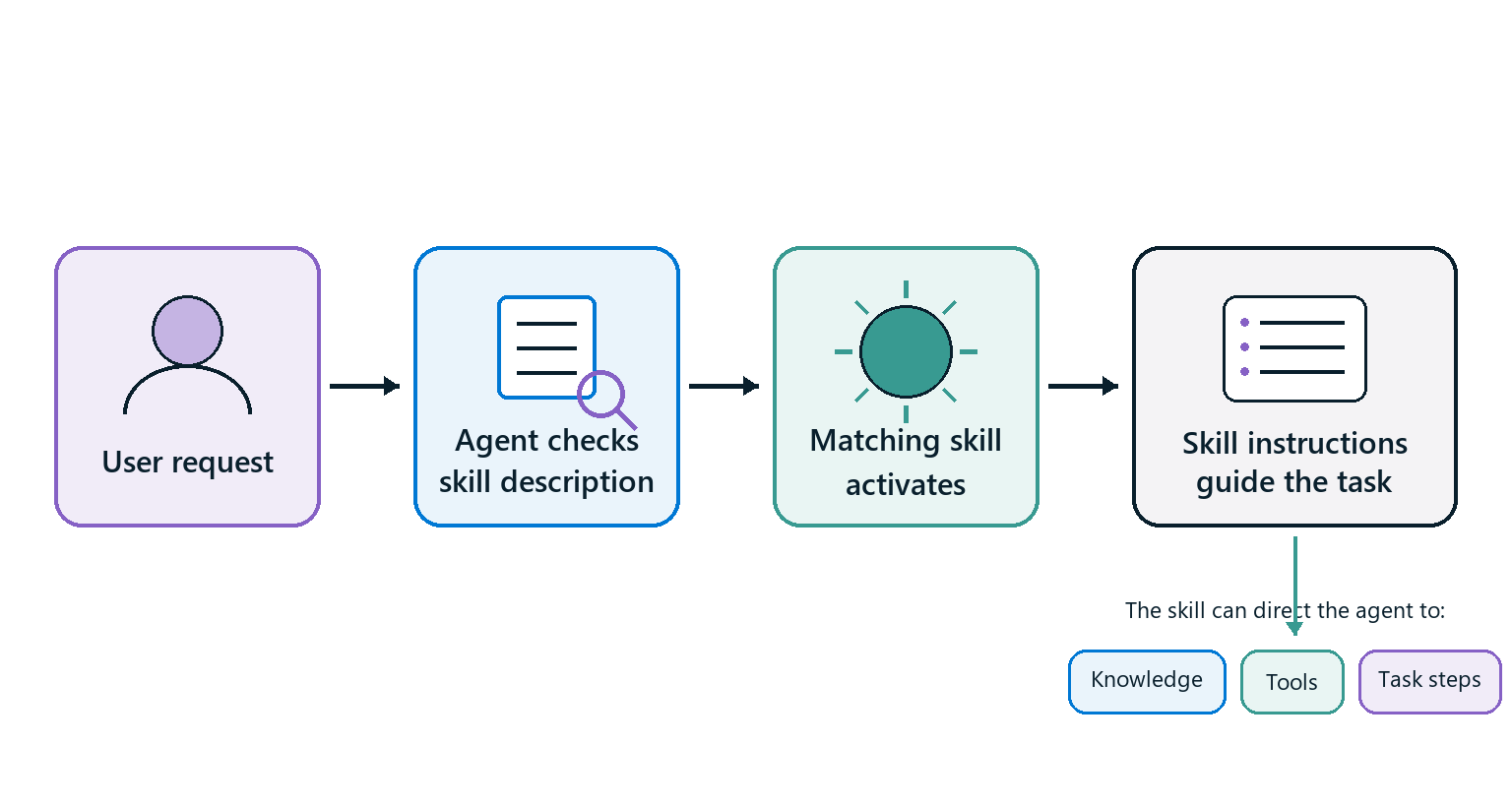
A skill is a reusable set of task instructions for an agent powered by the GitHub Copilot harness. It contains a name, a description, and instructions written in Markdown. The agent compares a user's request with the skill description. When the request matches, the skill's instructions guide the agent through that task.
Skills can guide the use of other building blocks. For example, an equipment recommendation skill can tell an agent to gather requirements, consult policy knowledge, call an inventory tool, apply decision rules, check the result, and refer unsupported requests to the appropriate team.
Recognize skill structure
A skill file starts with a short metadata section called YAML front matter. This section contains the skill's name and description. The Markdown instructions follow it.
---
name: equipment-recommendation
description: Recommends approved equipment for employee work scenarios.
---

## Required inputs

Collect the employee's role, work location, and primary work scenario.

## Steps

1. Consult the approved equipment policy.
2. Retrieve current inventory.
3. Recommend only items that meet the policy and are in stock.
A skill package is a ZIP file that contains a SKILL.md file and can include supporting scripts, templates, or reference files. In this module, you use a ready-made Markdown skill file, so you don't need to create or package a skill yourself.
Evaluate supplied skill instructions
Before you add a supplied skill, review whether it defines:
- The requests that should activate the skill.
- The information that the agent must collect.
- The steps and decision rules to follow.
- The knowledge and tools to use.
- The validation and success criteria.
- The conditions that require escalation or refusal.
Open the agent's Build tab, select Skills, and upload the supplied Markdown file or ZIP package. Copilot Studio validates the file before it adds the skill.
Refine activation guidance
A narrow or vague description can prevent the skill from activating for valid requests. A description that's too broad can activate it for unrelated requests. Test representative requests and adjust the description so it states both what the skill does and when it should run.
Change only the description when the task steps are correct but activation is wrong. Change the skill instructions when the skill activates correctly but performs the task incorrectly.