Deploy Microsoft 365 Copilot (paid add-on)
Microsoft 365 Copilot requires a separate license. Institutions may choose to license Copilot for all educators or start with a pilot group. As a systems integrator, help the institution align licensing decisions with instructional and operational goals.
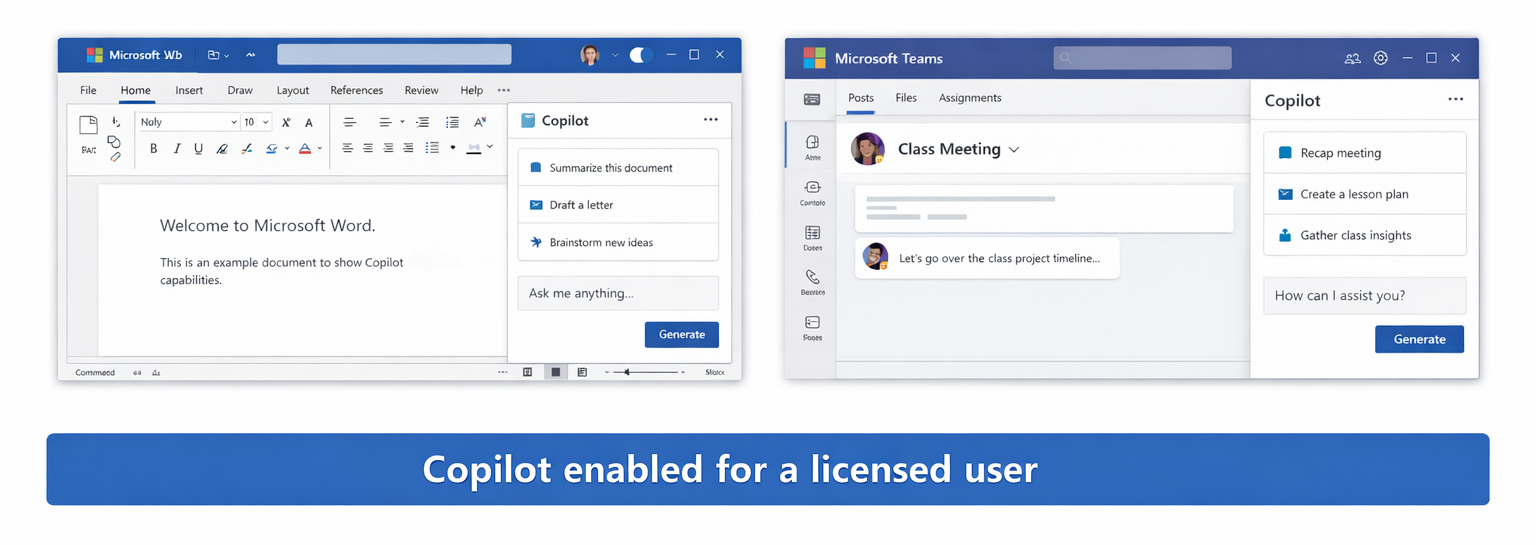
After licenses are purchased, assign Microsoft 365 Copilot licenses to the intended users. Copilot features don't appear in apps until licenses are assigned and Microsoft 365 apps are updated to a supported version.
Validate deployment by signing in as a licensed user and opening Word, Excel, PowerPoint, Outlook, Teams, or OneNote. The Copilot interface should appear within the app.