Configure Microsoft Teams for Education
Configure Teams settings and policies to align with school governance and classroom needs.
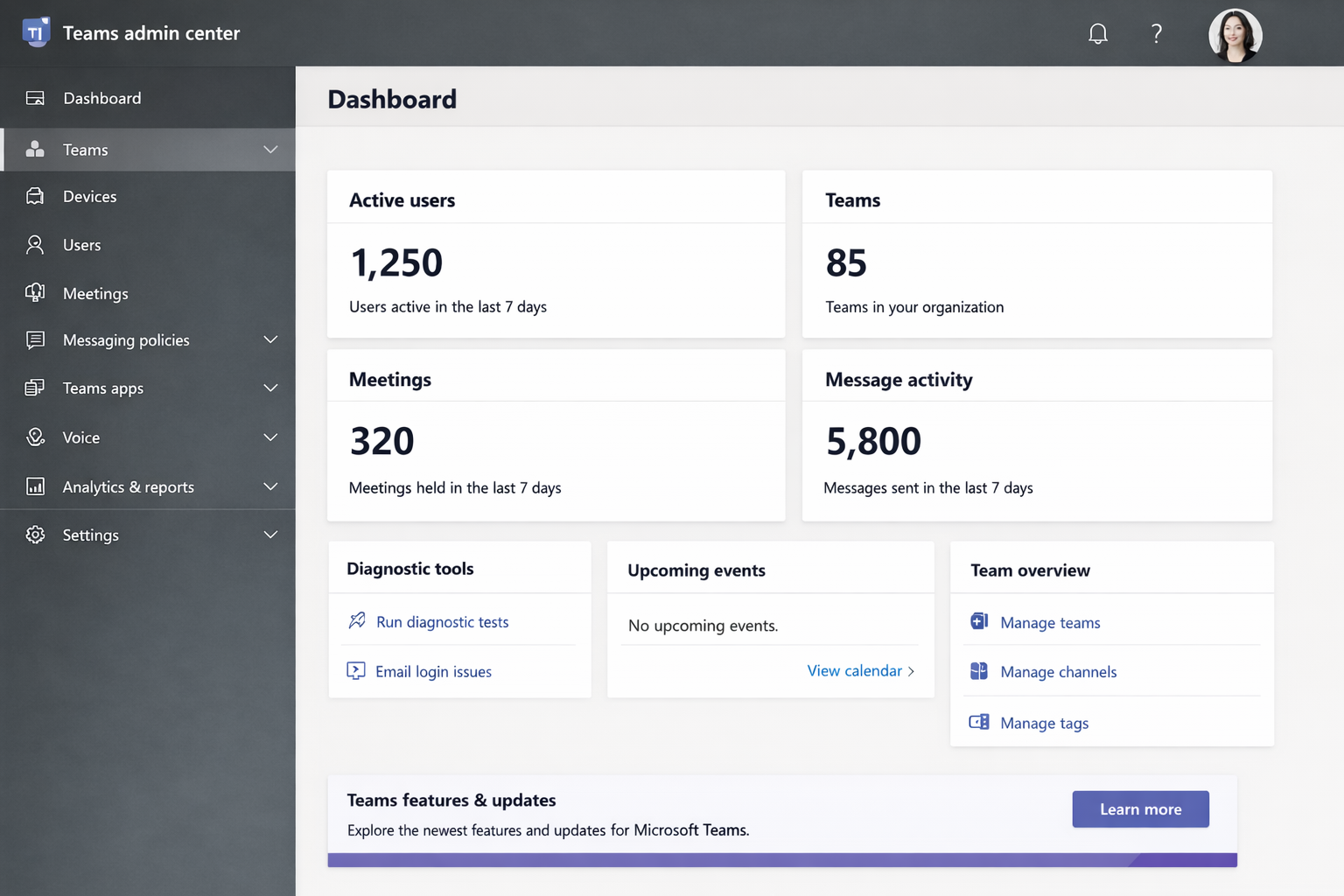
Access the Teams admin center
Navigate to https://admin.teams.microsoft.com.
Sign in using a Microsoft 365 administrator or Teams Service Administrator account.
Configure Teams policies
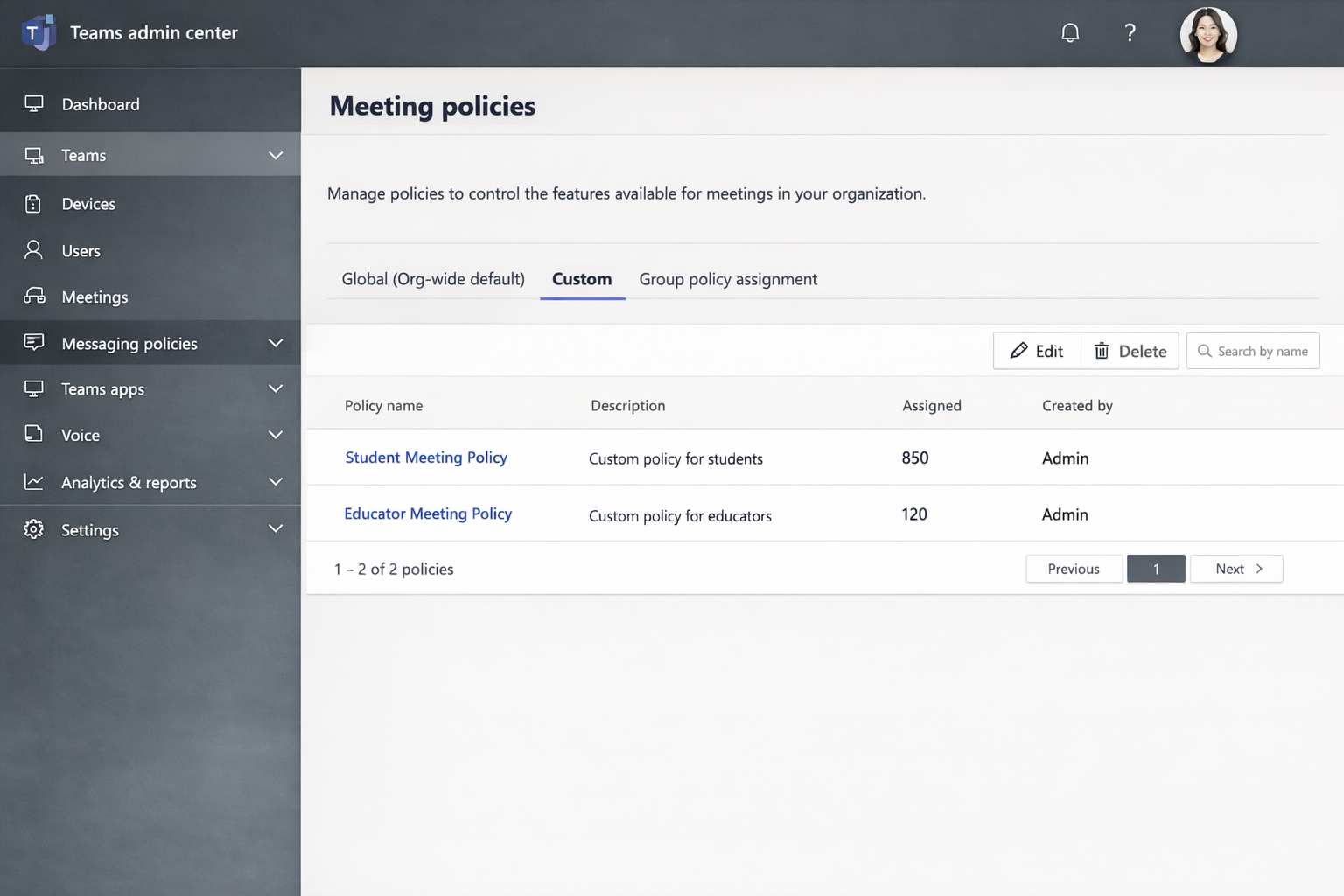
Go to Teams > Teams policies.
Review the Global (Org-wide default) policy.
Create custom policies for students and educators.
Assign policies to users based on role.
Note
Separating student and educator policies helps enforce appropriate collaboration and safety controls.