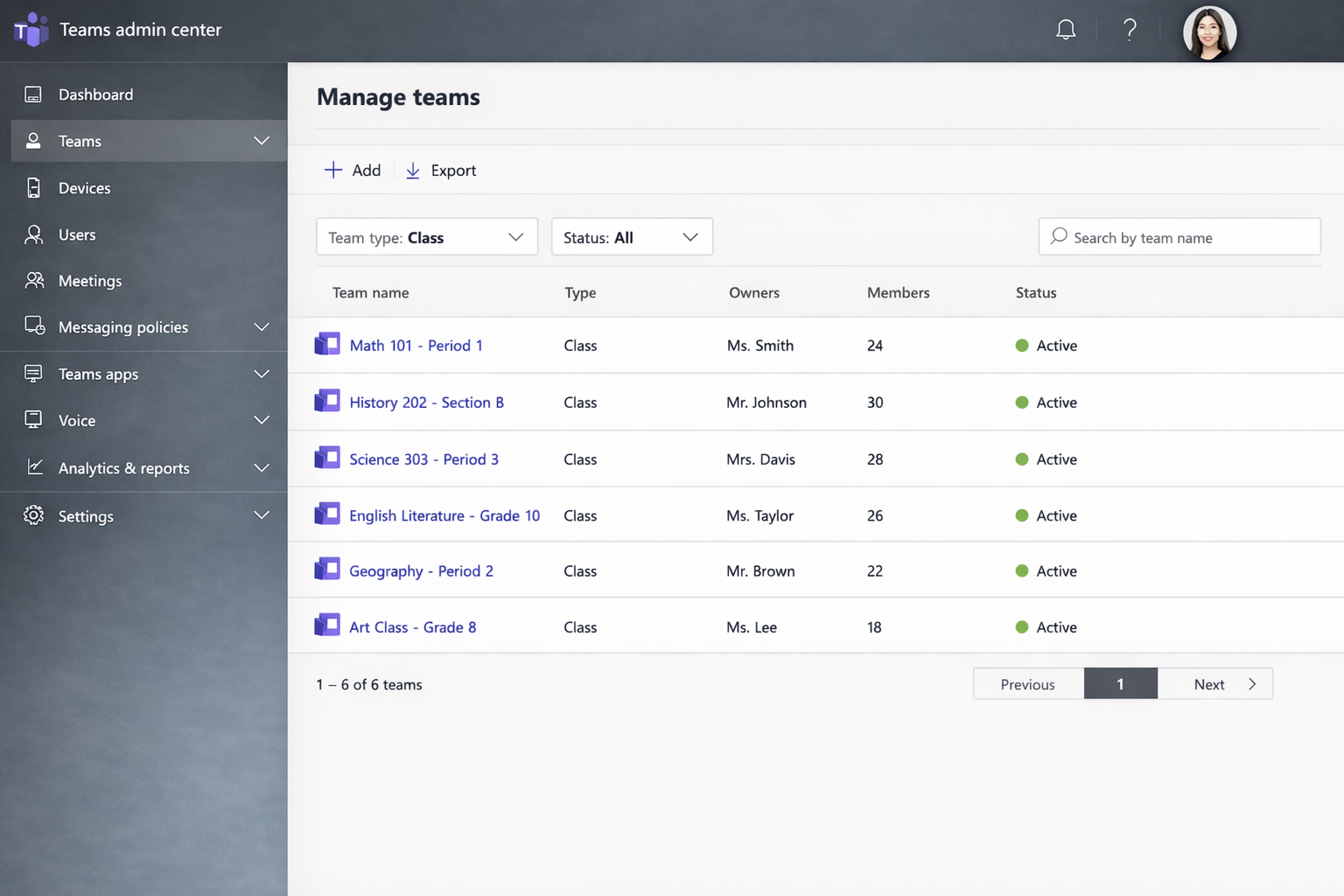
Create and manage class teams
Class teams provide the structure for teaching and learning in Teams.
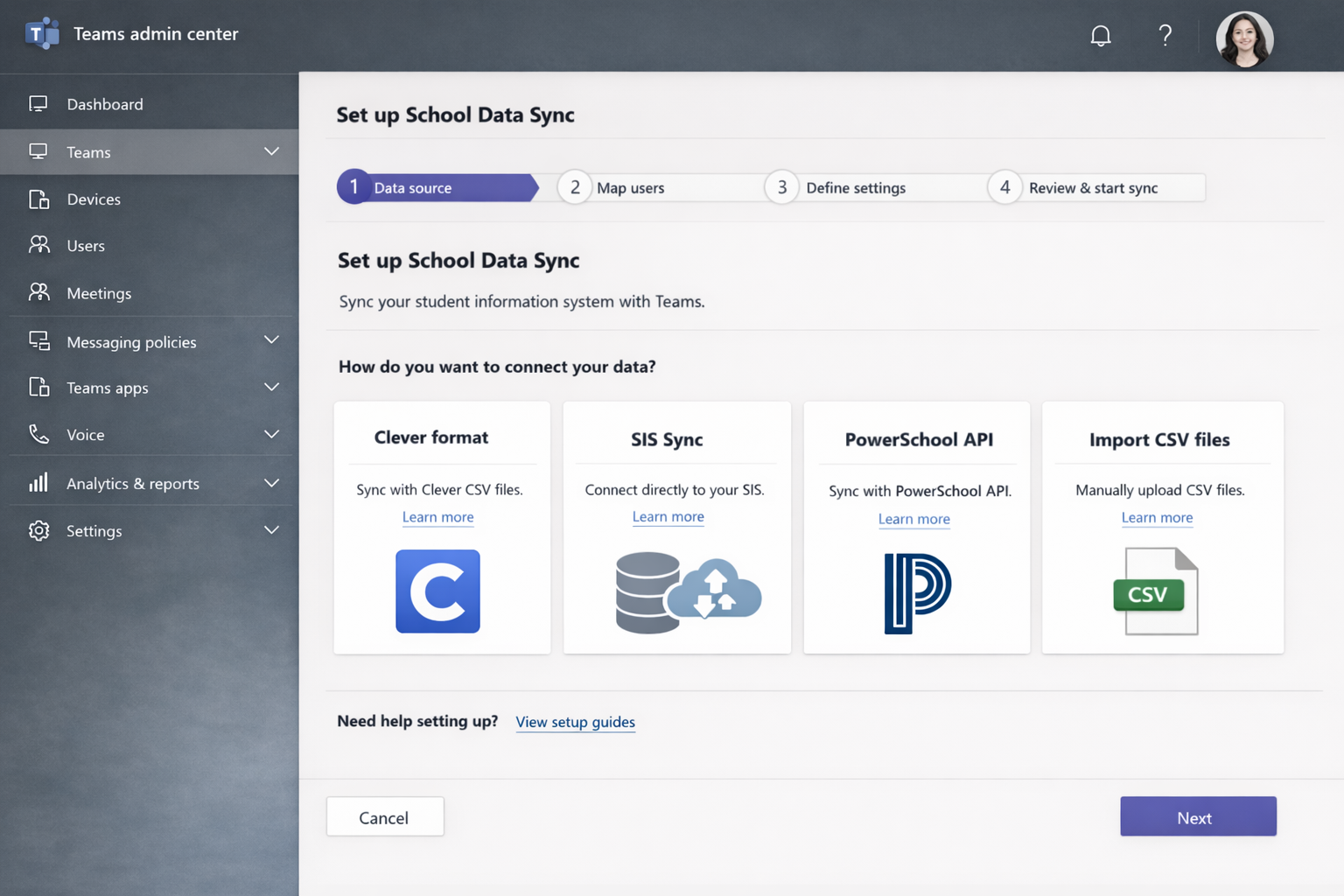
Set up School Data Sync
Go to https://sds.microsoft.com and sign in as a Microsoft 365 administrator.
Choose a data ingestion method such as OneRoster API or CSV upload.
Configure identity matching and provisioning options.
Enable creation of class teams and OneNote Class Notebooks.
Tip
School Data Sync is the recommended method for provisioning class teams at scale.
Validate class team creation
Open the Teams admin center.
Go to Teams > Manage teams.
Confirm class teams are created using the EDU_Class template.