Explore operational capabilities
Azure SRE Agent capabilities span reactive incident work, proactive operations, and custom workflows. Evaluate them in terms of the operational outcome your team needs rather than the number of individual tools the service provides.
Investigate and respond to incidents
For an incident, the agent can query observability signals, inspect resource state, correlate deployment history, and update a connected incident system. It can then recommend a mitigation and present the evidence used to reach that recommendation.
After an approved action, the agent can verify whether the resource recovered and record the outcome. This closed-loop approach helps the team move from detection through investigation and verification in one workflow.
Automate recurring operations
Scheduled tasks support proactive work that follows a defined cadence. Candidate tasks include:
- Reviewing resource health and reporting degraded services.
- Checking deployments after rollout.
- Reviewing security posture or compliance conditions.
- Detecting unusual cost or capacity patterns.
- Producing availability and performance summaries.
A scheduled task should have a clear scope, expected output, and response path. Teams can route findings to an incident platform or notification channel instead of granting the task permission to change resources.
Work across Azure services and operational systems
The agent can investigate and manage many Azure compute, storage, networking, database, and monitoring services, subject to its permissions. Integrations can add context from systems such as Azure Monitor, Application Insights, Log Analytics, Grafana, GitHub, Azure DevOps, PagerDuty, ServiceNow, Microsoft Teams, and Slack.
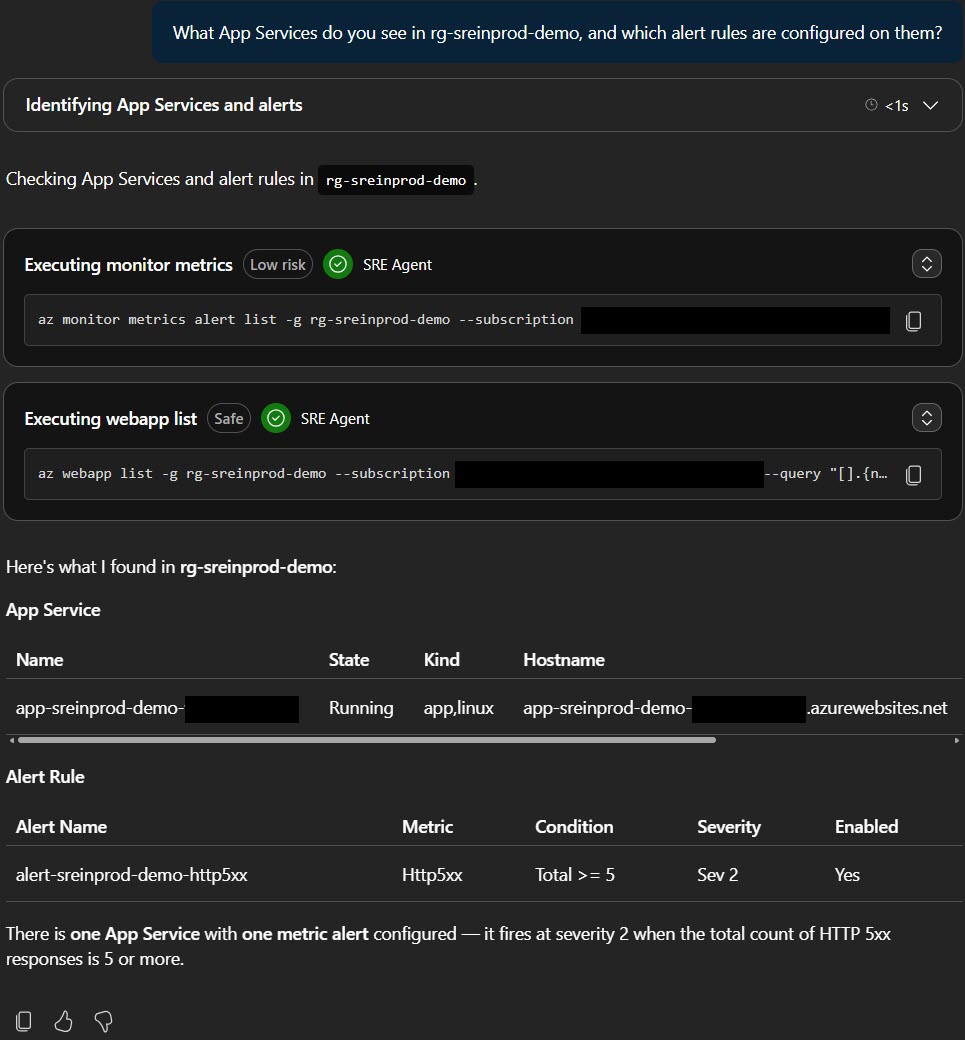
The value of an integration depends on the workflow. Connect only the systems and data sources needed for the scenarios you approve.
Customize workflows
Built-in Azure knowledge can support an initial investigation, while skills, subagents, Python tools, MCP servers, and hooks adapt workflows to your environment. Customization is useful when your team has domain-specific diagnostic steps, policies, tools, or escalation paths.
Customization also creates an ownership responsibility. Treat agent instructions, permissions, connectors, and extensions as operational assets that require review, testing, and maintenance.