Introduction
This module introduces you to GitHub Packages, a fully integrated package hosting service within GitHub. You'll learn how to publish, install, delete, and restore packages while controlling permissions and visibility for secure package management.
What is GitHub Packages?
GitHub Packages is a software package hosting service that allows you to host your packages, containers, and other dependencies directly within GitHub. It provides a central platform for integrated permissions management and billing, streamlining software development workflows.
Key benefits
- Integrated with GitHub: Packages live alongside your source code in repositories.
- Unified authentication: Use the same credentials and permissions as your repositories.
- Multiple registries: Support for various package ecosystems in one platform.
- Automated workflows: Publish packages automatically with GitHub Actions.
- Access control: Fine-grained permissions for public, private, and internal packages.
- Cost-effective: Free storage and transfer for public packages, with usage included in GitHub plans.
Supported package registries
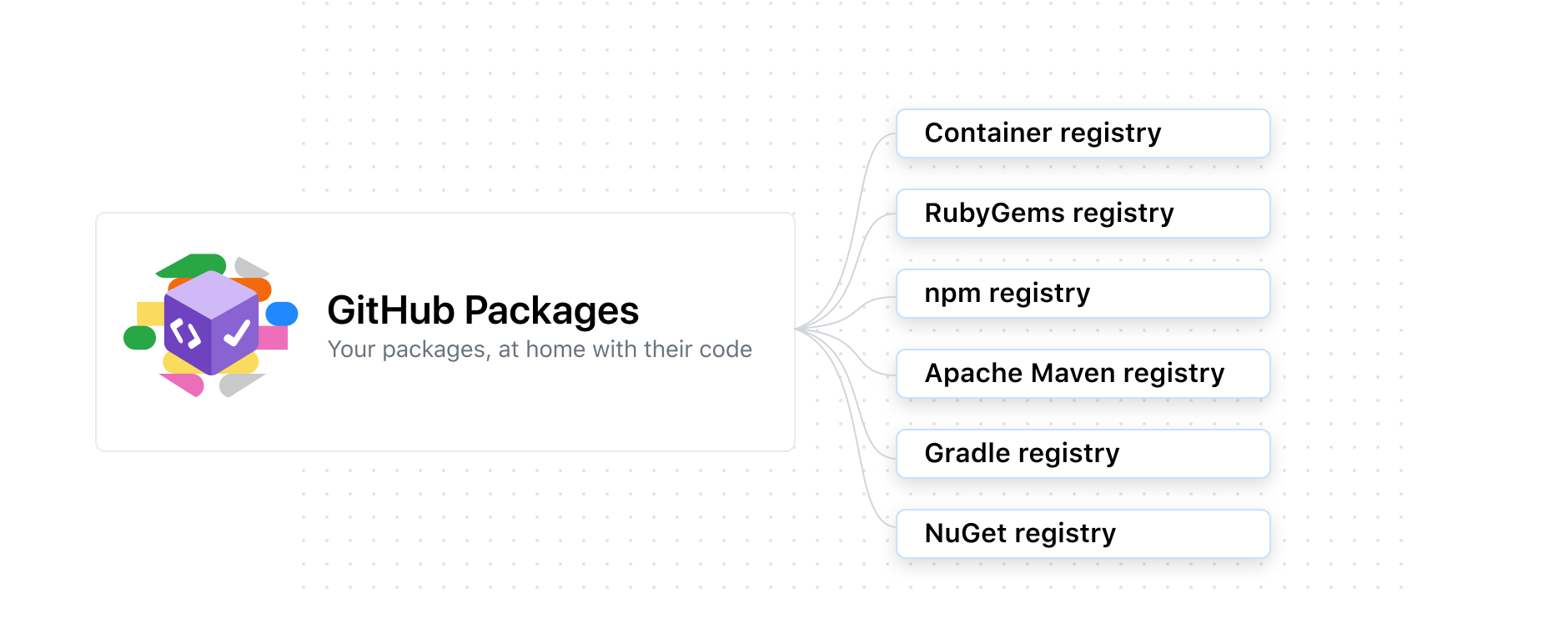
GitHub Packages can host packages for multiple ecosystems:
- npm: JavaScript and Node.js packages
- RubyGems: Ruby packages
- Apache Maven: Java packages using Maven
- Gradle: Java packages using Gradle
- Docker: Docker container images
- NuGet: .NET packages
- Container registry: Optimized for containers, supports Docker and OCI images
Package permissions and visibility
GitHub Packages gives you flexibility to control permissions and visibility for your packages:
- Public packages: Accessible to anyone on the internet without authentication.
- Private packages: Accessible only to users and teams with explicit permissions.
- Internal packages: Available to all members of an organization (GitHub Enterprise only).
- Repository-scoped permissions: Packages inherit permissions from their repository.
- Granular permissions: Container registry packages support independent access control.
Permission inheritance: For most package types, permissions are inherited from the repository where the package is published. For container images, you can define permissions separately for specific user or organization accounts.
Integration capabilities
You can integrate GitHub Packages with other GitHub features:
- GitHub APIs: Programmatically manage packages using REST and GraphQL APIs.
- GitHub Actions: Automate package publishing in CI/CD workflows.
- Webhooks: Trigger external workflows when package events occur.
- Security advisories: Publish security advisories for package vulnerabilities.
Use cases
GitHub Packages is ideal for:
- Private package distribution: Share internal libraries within your organization.
- Public package hosting: Distribute open-source packages to the community.
- Container image management: Store and deploy Docker images for applications.
- Dependency management: Host and version dependencies for microservices.
- CI/CD integration: Automatically publish packages from build pipelines.
Scenario: Modernizing package management
Imagine you work for a software development company that maintains multiple internal libraries and applications. Your team currently uses separate package registries for different ecosystems (npm, NuGet, Maven), each requiring different credentials, billing, and management. This creates complexity and friction in your development workflow.
By adopting GitHub Packages, you can:
- Centralize package hosting: All packages live alongside source code in GitHub.
- Simplify authentication: Use GitHub credentials instead of managing multiple registry accounts.
- Automate publishing: Publish packages automatically when code is merged or tagged.
- Control access: Manage who can view, download, and publish packages.
- Reduce costs: Leverage free storage for public packages and included usage for private packages.
This module teaches you how to leverage GitHub Packages to streamline your package management workflow.
Learning objectives
After completing this module, students and professionals can:
- Publish packages to GitHub Packages from repositories and CI/CD workflows.
- Install packages from GitHub Packages in development and production environments.
- Delete and restore packages using the GitHub web interface and API.
- Configure access control and visibility for public, private, and internal packages.
- Authenticate to GitHub Packages using personal access tokens (PATs).
- Understand supported package registries and their capabilities.
Prerequisites
- Understanding of DevOps concepts: Familiarity with CI/CD pipelines and automation.
- Version control knowledge: Experience with Git and GitHub repositories.
- Package management experience: Understanding of package managers (npm, NuGet, Maven, or Docker).
- GitHub account: Active GitHub account for hands-on exercises. If you don't have one, see Join GitHub.
- GitHub repository: A repository for testing package operations. See Creating a new repository.