What is Live Captions?
Live Captions is a built-in Windows feature that automatically converts spoken audio into on-screen text in real time. Unlike captions that are limited to specific apps or platforms, Live Captions work across Windows, allowing users to follow audio from multiple sources in one consistent experience.
Captions can appear for streaming videos, virtual meetings, recorded media, and even conversations captured through the microphone. As audio plays, captions are displayed in an overlay window, allowing users to follow along without switching apps or enabling subtitles manually.
Live Captions can capture audio from several sources across Windows, as shown below:
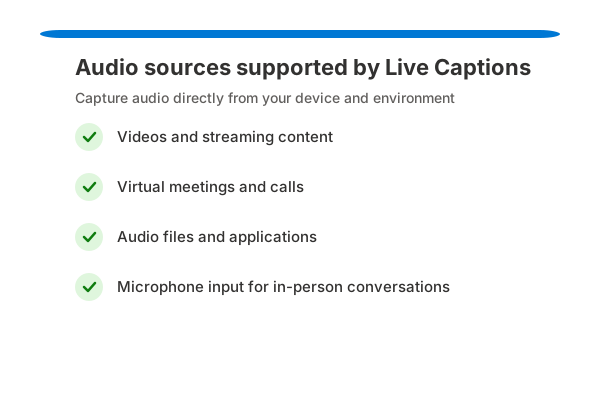
These sources allow Live Captions to work consistently across different types of content without requiring users to adjust individual app settings.
Live Captions processes audio on-device instead of relying on cloud-based services. This allows captions to work even when offline and helps ensure that audio and caption data remain local, supporting greater privacy.
By removing reliance on specific applications or internet connectivity, Live Captions provides a flexible and reliable way to understand spoken content.
Quick takeaway: Live Captions is a system-level Windows feature that works across apps to make audio easier to follow in real time.