Personal AI agents
For years, PC software operated strictly as a set of static tools: you opened an application, clicked a menu, typed commands, and managed the output yourself. Generative AI introduced cloud chatbots, but many experiences still rely on users to prompt, transfer information, and manage tasks step by step.
Local AI agents represent the next evolution of personal computing. Instead of waiting for line-by-line instructions, an agent acts like a digital teammate. It can understand a high-level goal, plan the necessary steps, interact with your applications and tools, and execute multi-step workflows on your behalf.
With Windows 11 Pro and the local AI performance of NVIDIA RTX Spark™, PCs can run increasingly sophisticated AI models and agentic workloads locally, helping reduce reliance on cloud processing.
Access agents on RTX Spark
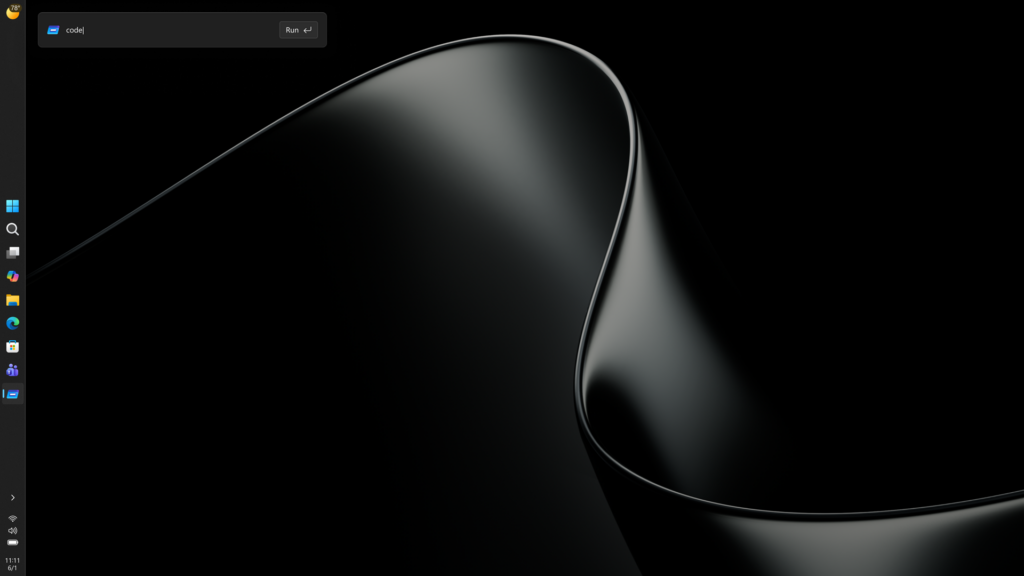
Accessing an AI agent on an RTX Spark™ PC is designed to be as natural as opening an app or searching your start menu:
- Taskbar Integration: Microsoft is integrating RTX Spark™ agent access directly into the Windows Taskbar. You can invoke your agent with a single click or keyboard shortcut to ask a question or assign a task without breaking your train of thought.
- Native Application Hubs: Popular agent platforms and developer environments run as standard Windows applications. You open them just like any other desktop software.
- Built-in App Integration: Creative and technical applications are embedding agent capabilities directly into their interfaces, allowing you to delegate editing or formatting tasks directly within the app.
What types of agents does RTX Spark enable?
With up to 128 GB of unified memory and 1 petaflop of high-performance local AI compute, RTX Spark™ gives agents the headroom to run larger models, work with more context, and take on complex, long-running workflows locally:
- Cross-Application Workflow Agents: Agents that can read a project brief in a document, extract the required specs, update a spreadsheet, and draft a response email, automating multi-step admin tasks across your apps.
- Creative Teammates: AI assistants inside creative suites that can execute complex video timeline edits, generate high-resolution image fill, or re-render 3D assets on the fly based on conversational feedback.
- Code & Technical Assistants: Local development agents that index an entire software codebase at once. They can run in the background to find bugs, generate plug-ins, or rewrite functions without sending confidential code to an external server.
- Personal Organization & Local Search Agents: Privacy-first agents that can semantically scan your local files, meeting transcripts, and project notes to instantly answer complex queries like, "What were the key takeaways from last month's strategy meetings regarding product packaging?"
Why on-device agents matter to modern workflows
Running these capable agents locally on RTX Spark™ PCs transforms daily productivity across three main areas:
1. Privacy and Data Control: Because the agent runs locally on your PC's hardware, sensitive company data, personal documents, and proprietary code never leave your device. Built-in security guardrails (like NVIDIA OpenShell and Windows Security Primitives) ensure the agent only accesses files and tools you explicitly permit.
Note
Windows security primitives are the core security building blocks built into Windows, including identity, access control, encryption, and application isolation capabilities that help protect data, applications, and AI workloads.
2. Speed and Unmetered Intelligence: Cloud-based AI can suffer from network latency, queue times, and ongoing per-query costs. On-device agents deliver instant responses with zero cloud token fees, allowing power users to run background tasks continuously throughout the workday
3. Deep Personalization: Local agents can safely learn your specific preferences, file structures, and daily work habits over time. They adapt to how you work, turning your Windows PC into a tailored, highly efficient workspace.
Scenario
Imagine a typical Tuesday morning at the office. You've just wrapped up an executive strategy meeting, and your inbox is already piling up. In the past, turning those meeting notes into action items meant a tedious half-hour of copy-pasting, manually pulling figures from complex spreadsheets, and drafting updates across three different applications.
With an NVIDIA RTX Spark™-powered Windows PC, that workflow shifts from manual execution to effortless delegation. Here is how a user can work alongside a local AI teammate to clear their task list in minutes. Let's explore how that is done:
Invoking the agent: Rather than opening three separate apps, press Win + Ctrl + A to call up the Windows Agent overlay directly from the Taskbar. The unobtrusive panel appears right over the active workspace, ready to take instructions without forcing context switching.
Delegating the multi-step task: Type a high-level instruction that spans multiple local files and programs:
"Review the quarterly forecast PDF in my Downloads folder, cross-reference the Q3 marketing budget numbers with the master Excel file on my desktop, and draft a status email to the team highlighting any line items that exceed budget."
Instead of needing step-by-step micro-prompts, the local agent understands the broader goal, breaks down the steps internally, and begins reading the files instantly on device.
- Verifying security and approving access: Before executing actions across system boundaries, the Windows OS steps in to protect user data. A Windows Security Primitive prompt displays the exact permissions requested.
Select Approve Request. Because the machine is running on an RTX Spark™ with local OpenShell guardrails, you know the confidential budget figures are being processed entirely inside her PC's 128GB unified memory—never leaving the hardware boundary.
- Reviewing and sending the completed work: Within seconds—accelerated by 1 petaflop of local AI compute—the agent finishes analyzing the documents and opens a pre-populated Outlook draft.
The draft contains a bulleted breakdown of the Q3 marketing variance, correctly formatted with exact figures pulled from the spreadsheet. Make sure to skim the text, and when finished select Send. What used to be a 30-minute administrative task is completed in under two minutes, allowing you to stay focused on high-value work.