Bundles
Bundle items are released products that are configured to include components using the bill of materials (BOM) functionality. When a bundle item is added to a sales order, the individual components are used to determine the revenue prices and revenue schedules. However, customer-facing documents, such as the sales order and invoice, display the bundle item.
Set up bundle items
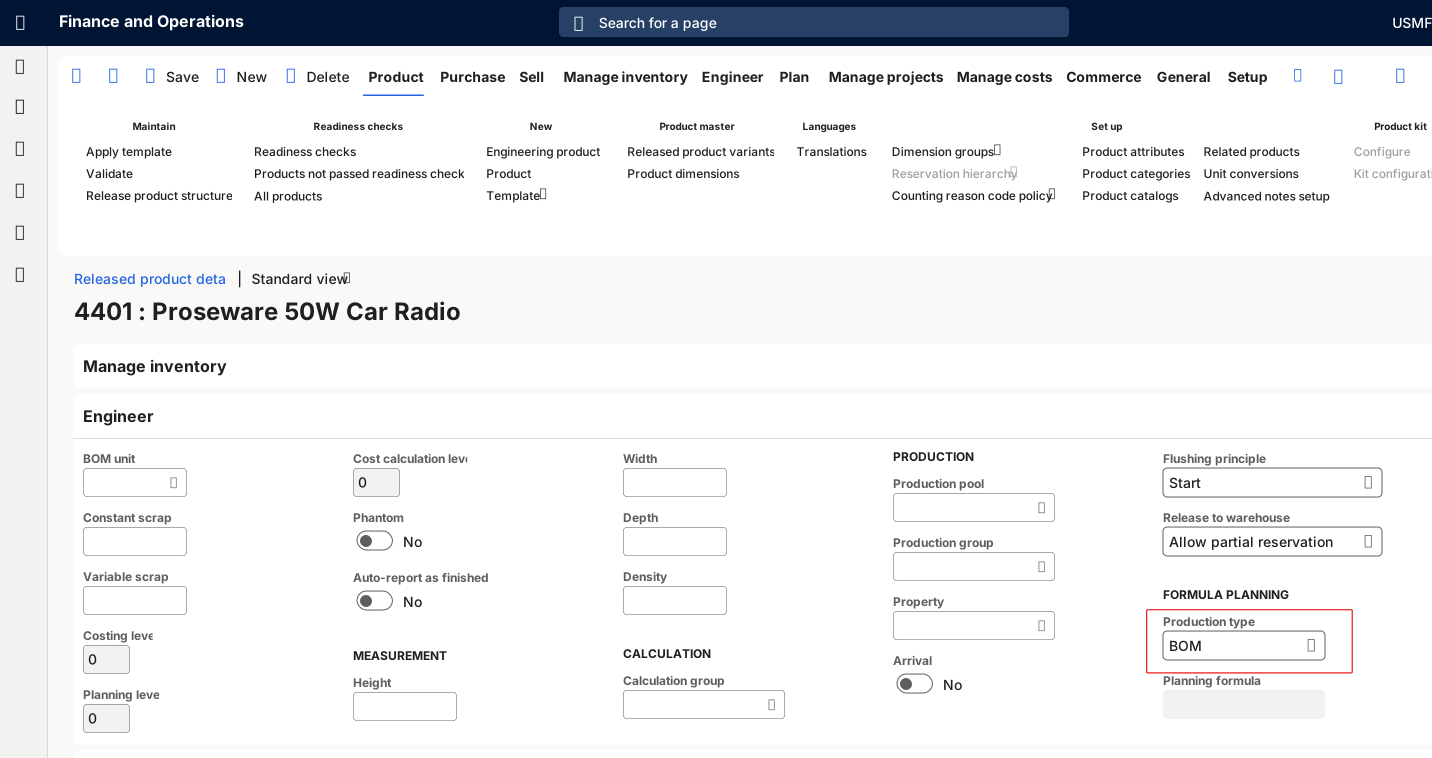
Go to Revenue recognition > Setup > Inventory and product setup > Released products to set up the components included in the bundle. Select your released product and expand the Engineer FastTab on the Released product details page. The Production type must be set as BOM.
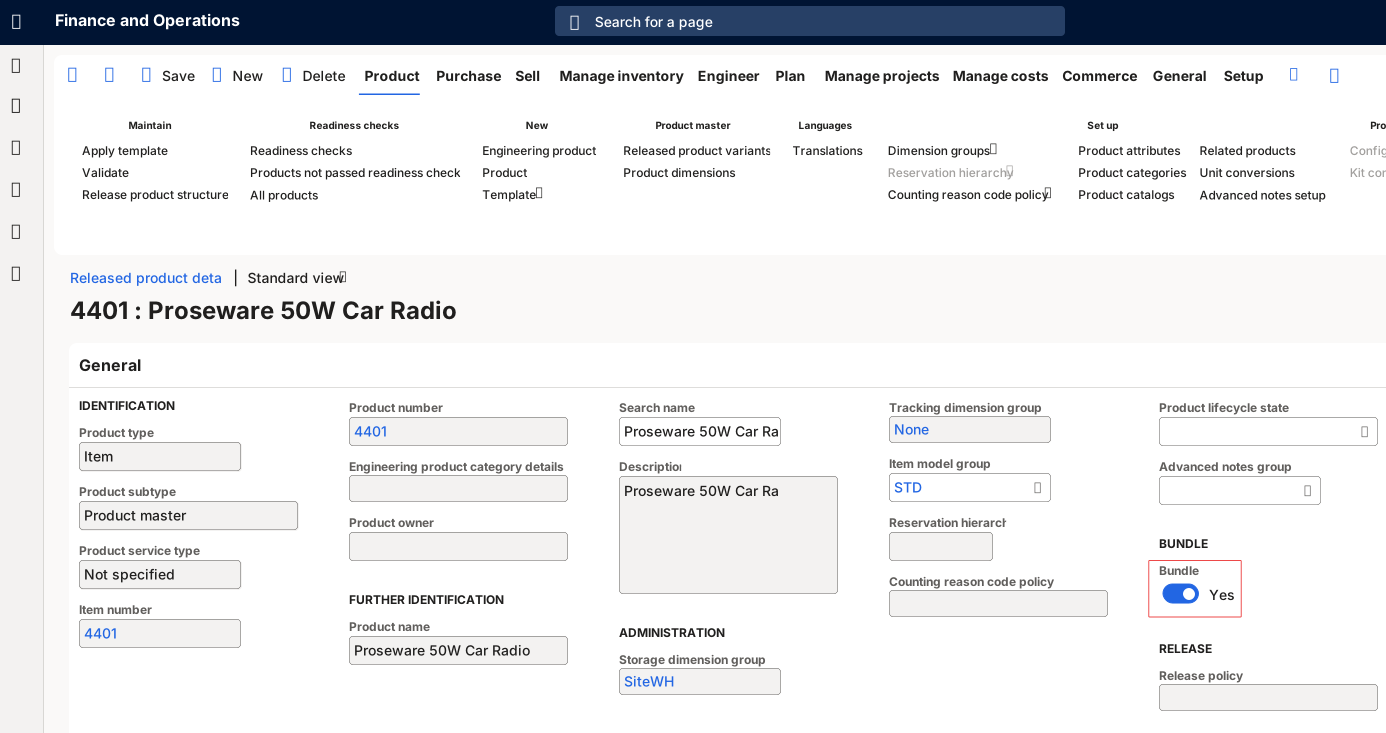
Expand the General FastTab and mark the released product as a bundle item in the Bundle field.
Next, verify that the component is assigned to a bundle/BOM parent item. To do this, select Engineer in the Action Pane > BOM > BOM versions.