Create service objects and groups
Service objects refer to a customer's assets and products that are eligible for service. Depending on the services that your organization provides, these objects can be tangible or intangible. Service object groups are helpful for organizing and filtering data that relates to objects, which helps make it easier for you to generate reports and statistics.
Create service objects
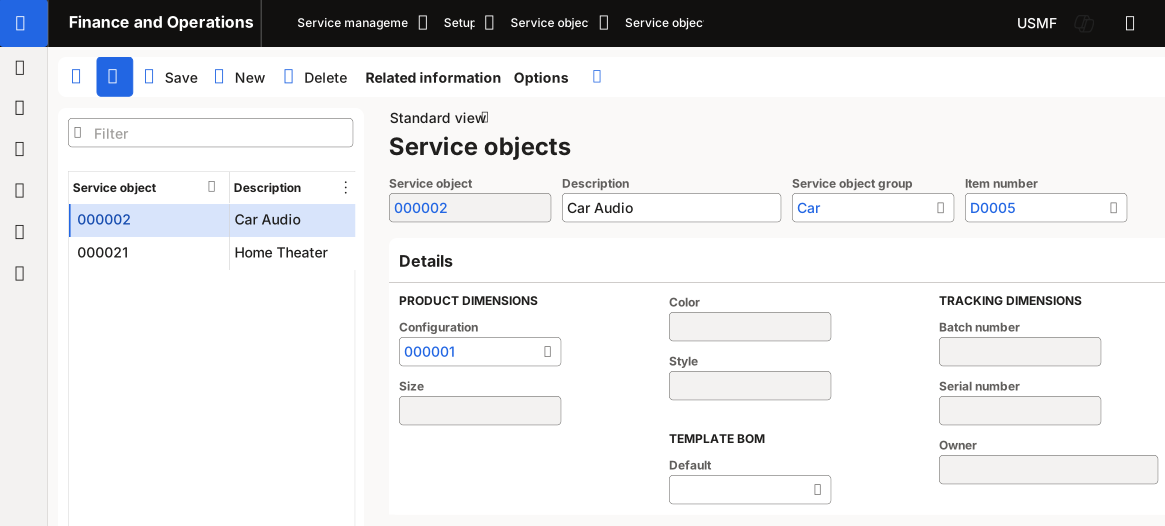
To create service objects, follow these steps:
Go to Service management > Setup > Service objects > Service objects.
Select New on the Action Pane.
Enter a description of the object in the Description field.
Select the group that the object belongs to in the Service object group field.
Note
You can specify an item in the Item number field or a bill of materials template in the Default field in the Template BOM section. This configuration is optional.
Select Save.
Create service object groups
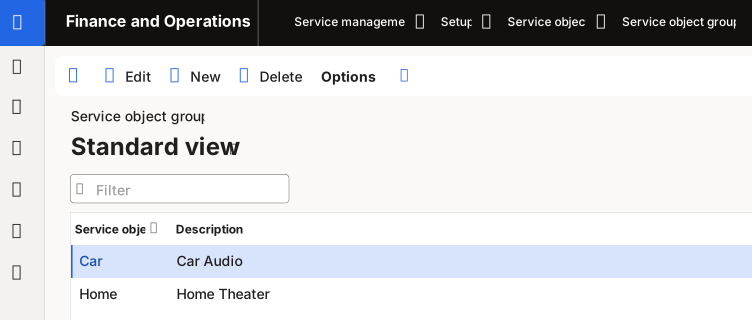
To create a service object group, follow these steps:
Go to Service management > Setup > Service objects > Service object groups.
Select New on the Action Pane.
Enter an ID for the service object group in the Service object group field.
Enter a Description.
Select Save.