Service template groups
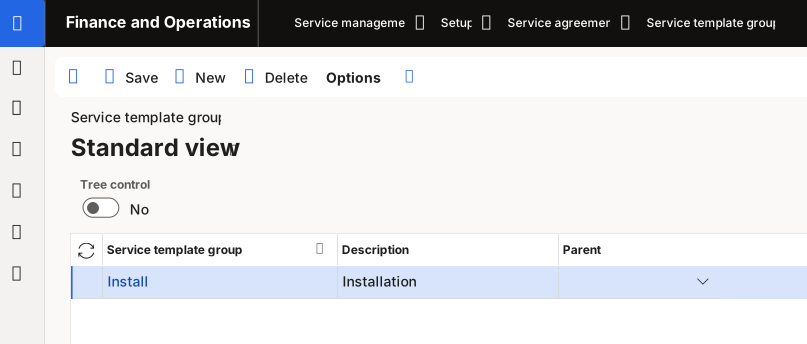
A service template group helps you organize and manage service templates that share common characteristics or purposes. To create a service template group, follow these steps:
Go to Service management > Setup > Service agreements > Service template groups.
Select New on the Action Pane.
In the Service template group field, enter a group ID.
In the Description field, enter a description of the service template group.
Select a parent service template group in the Parent field if it’s applicable to your service template group.
Select Save.
To view the service template groups as a hierarchy in a tree view or as an overview, set the Tree control to Yes.