Set up reason codes
Your organization can use reason codes to describe the status of which stage the service order is in. You can run the Service order progress report to view information regarding reason codes.
Reason codes are optional, and your organization can turn on which stages that reason codes are required for. To create a reason code, go to Service management > Setup > Service orders > Stage reason codes. Select New and then enter a Stage reason code and Description. Select Save.
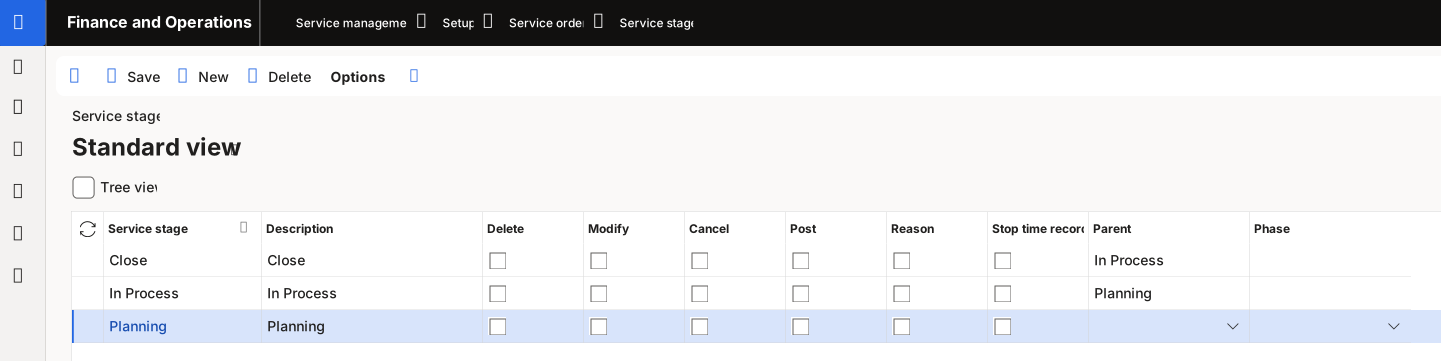
To modify which stages that reason codes are required for, go to Service management > Setup > Service orders > Service stages. Select New on the Action Pane. Enter a Service stage and a Description. Select the service stages and then select Reason. After you select the desired service stages and the Reason checkbox, select Save.