Service activity types
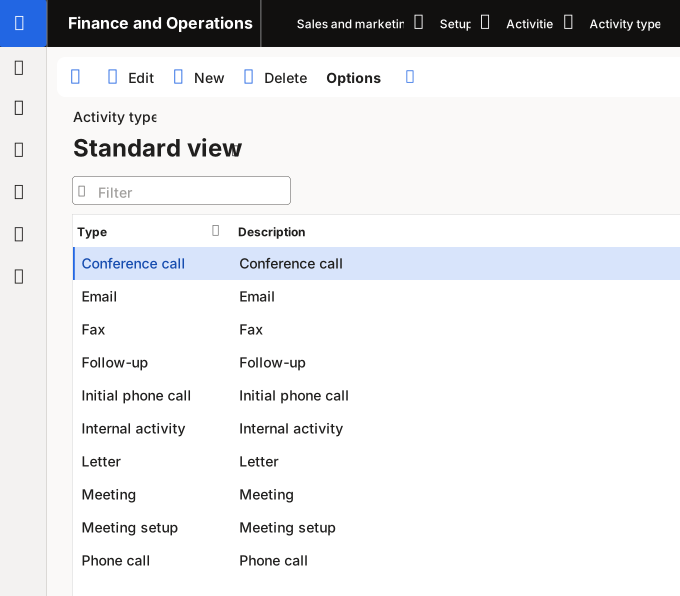
Your organization can create service activity types to define and maintain tasks in a service order. You can define service activities on the Activity type form. To create a service activity type, follow these steps:
Go to Sales and marketing > Setup > Activities > Activity types or Organization administration > Setup > Activities > Activity types.
Select New on the Action Pane.
Enter a name for the activity type in the Type field.
In the Description field, enter a description for the activity type.
Select Save.