Budget groups
On the Define budget groups tab, you can optionally define unique combinations of financial dimensions where the system pools budget resources for secondary budget checking.
In the Define budget groups tab of the Budget control configuration page, you can define optional budget groups to form a budget pool or a collection of financial dimension values whose budgets are pooled for a secondary budget check. The system always checks the financial dimension combinations in the budget control rule for budget amounts. If a financial dimension combination is also in a budget group, the system performs a second budget check at the budget group level.
You can create a single record that includes the whole organization, or you can define multiple groups to represent individual departments or cost centers.
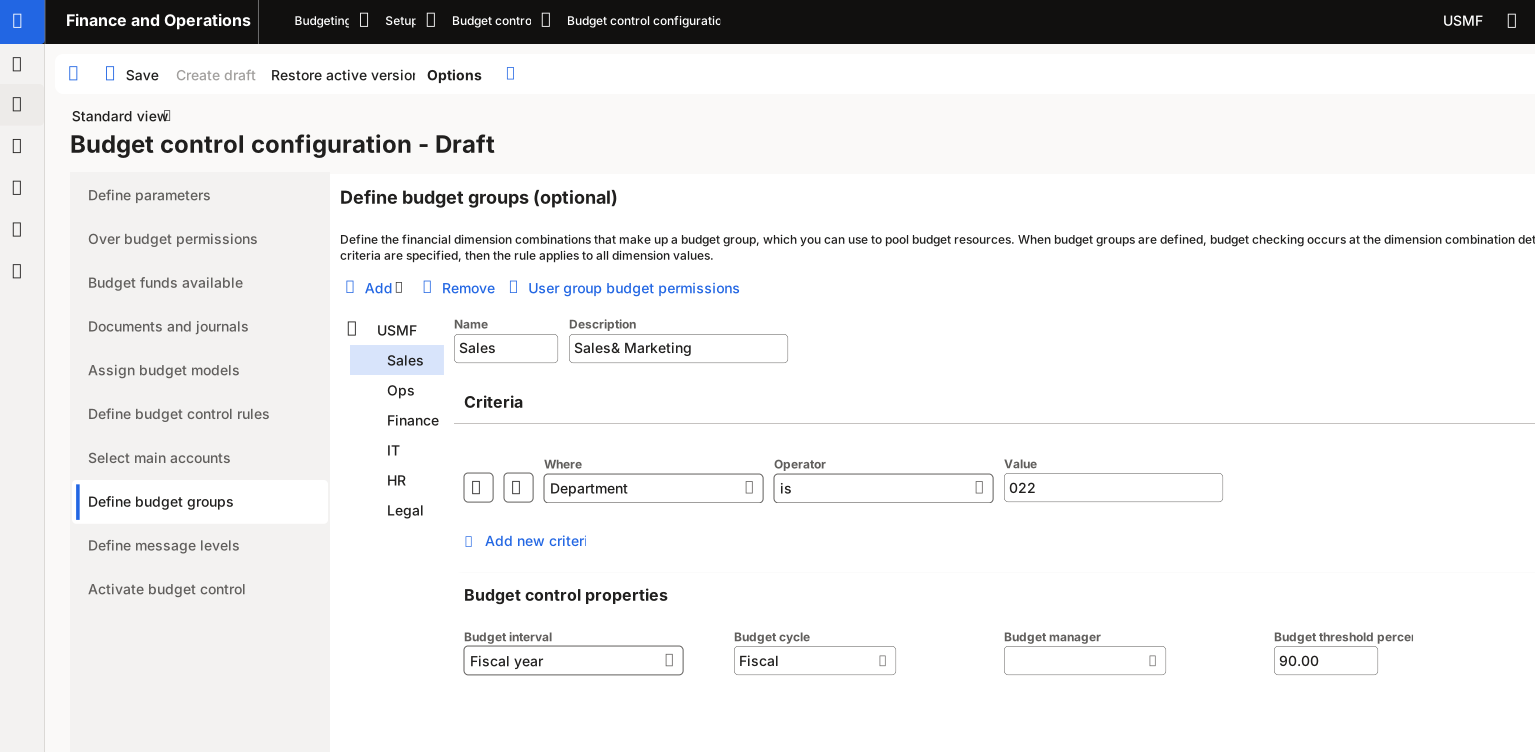
You can specify multiple criteria for a budget group. The system uses all criteria to determine the financial dimension combinations for the budget group. No overlapping criteria are allowed across budget groups and budget group members.
To perform the secondary budget check, make sure that you set the Overbudget option to Perform budget group check when budget funds are not available. The Overbudget option is for the Budget group check setting in the User group budget permissions page for budget control rules.
If a user belongs to multiple user groups, and you select one user group that includes the user, no warning messages display for that user.
Define message levels
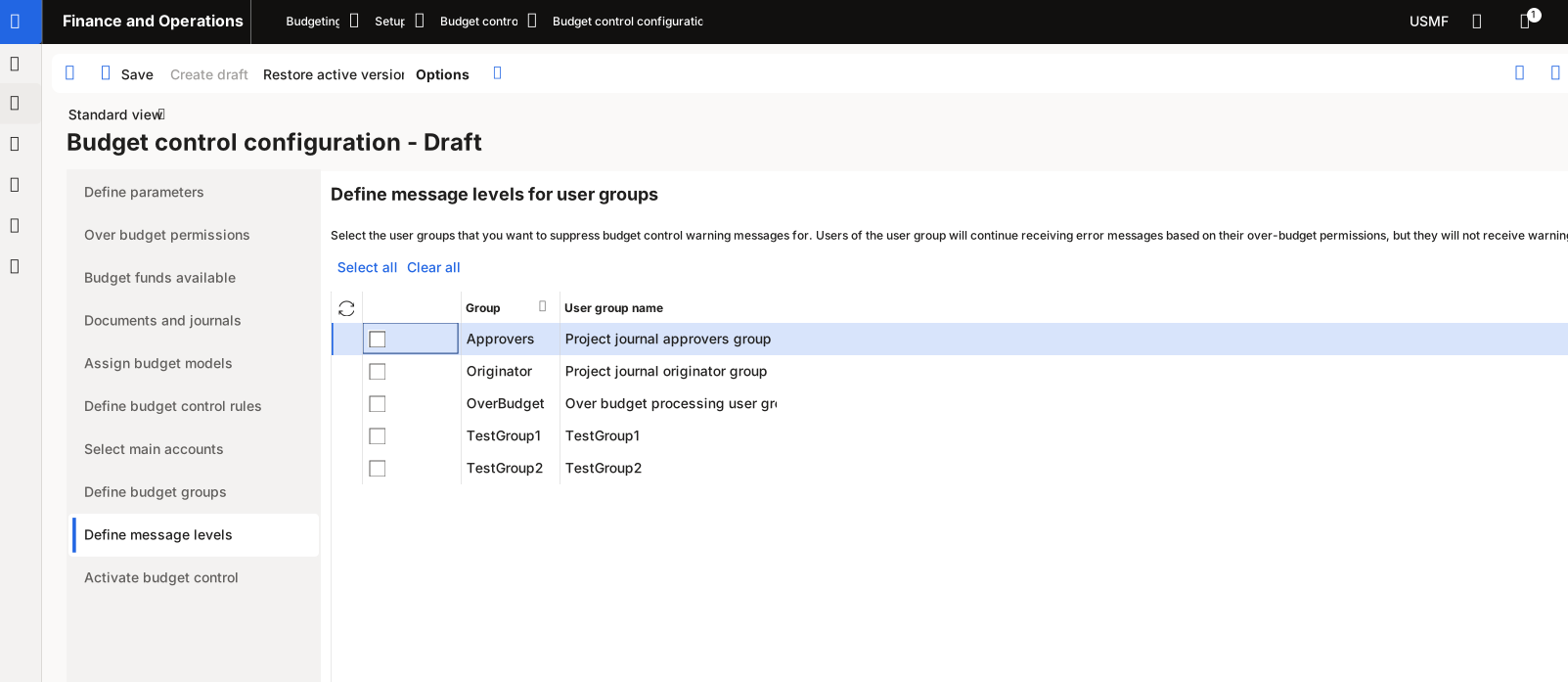
If you want to suppress budget control warning messages for any user groups, you can specify those groups on the Define message levels page. Members of the user groups continue to receive error messages when they exceed the available budget funds, based on their over-budget permissions.
The following video explains Budget funds available, Documents and journals, Budget groups, and message levels.