Refine your screenshot for your audience
The current milestone in the Contoso project update, User acceptance testing, needs additional emphasis. Snipping Tool includes markup options such as pen, highlighter, shapes, eraser, and manual cropping.
For this task, you'll use a simple annotation to make the current milestone easier to identify without obscuring its text.
Emphasize the current milestone
In your captured screenshot, locate User acceptance testing.
Select an appropriate annotation tool in Snipping Tool.
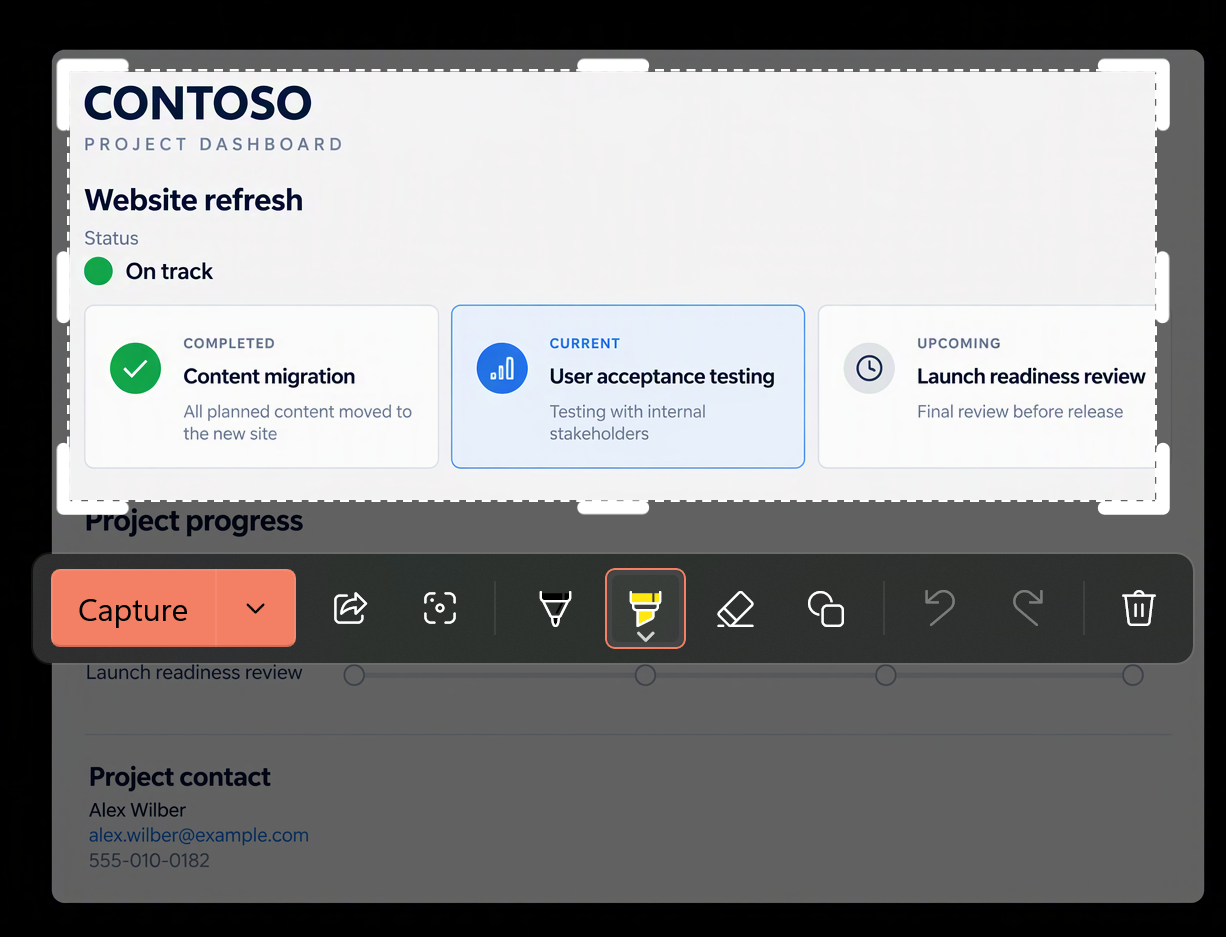
For example, you can use the highlighter to emphasize the milestone or a shape to call attention to the relevant area.
Apply the annotation to User acceptance testing.
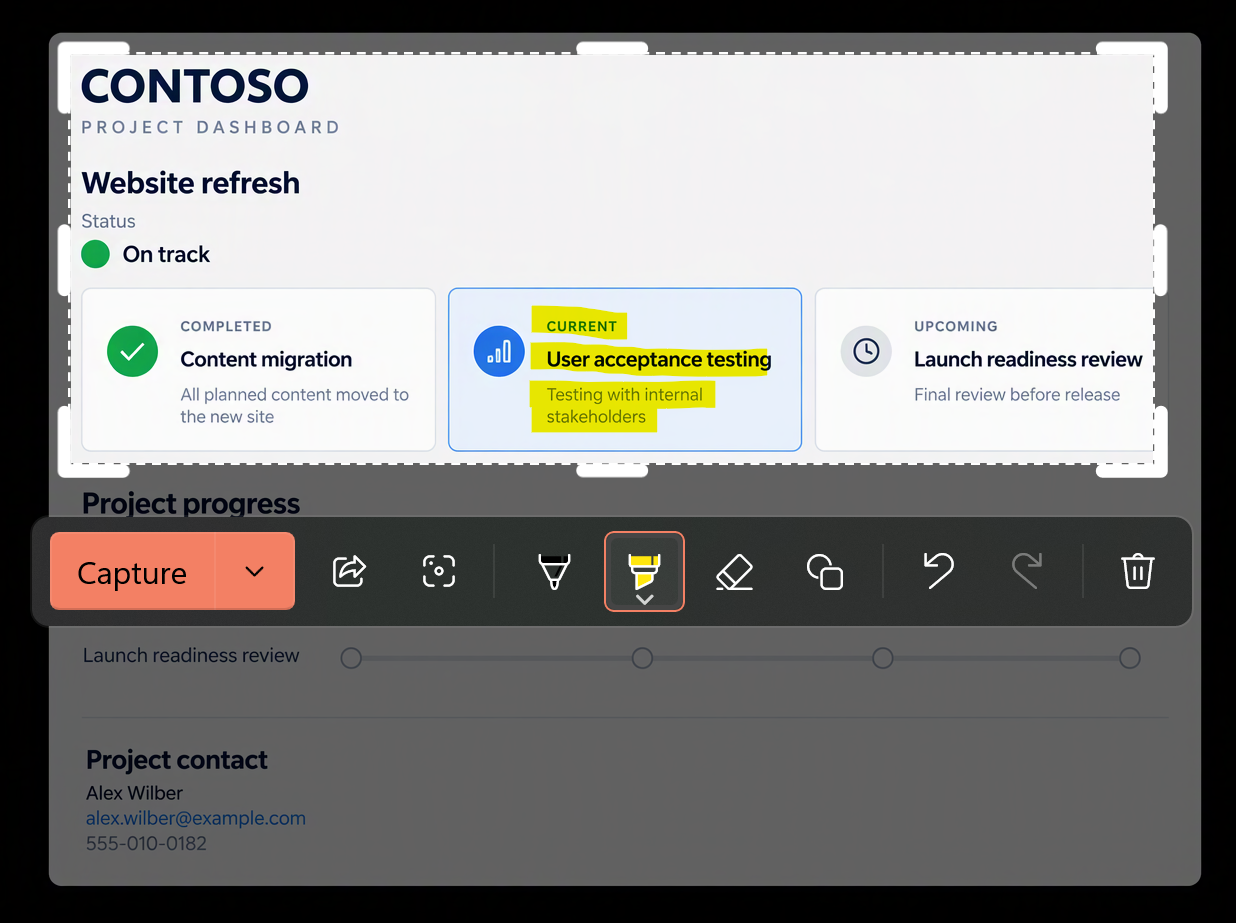
Review the screenshot and select Capture when ready.
The annotation distinguishes the current milestone from the surrounding status information. Use markup selectively so that it clarifies rather than competes with the underlying content.