Adapt to modern educational realities
In today's higher education landscape, AI is beginning to change how teaching, learning, and academic work are approached, particularly in areas like productivity, accessibility, and student support. Therefore, having the right devices and the right digital strategy is critical to the effectiveness of the higher education experience. By implementing a modern device strategy, higher education institutions can focus more on educational outcomes rather than worrying about the tools used.
Flexible and responsive devices introduce versatility to all higher education users. That versatility can be achieved through form factors, applications, or software. This ensures that users can let their device adapt to them rather than the opposite. Today's higher education users can solve three core issues with a modern device:
- Accelerate learning and prepare students for the future: Modern devices reduce stress levels by streamlining tasks, alleviating workloads, and enhancing capabilities. They can keep administrators and faculty productive while helping students to accelerate their learning.
- Simplify and secure IT: Education institutions are vulnerable to security threats like malware attacks, especially with unmanaged devices on a digital campus. A modern device strategy helps institutions reduce security risk through unified management and chip‑to‑cloud protections that align with campus security policies.
- Improve efficiency: For operations, placing the right technology in the hands of staff provides cost savings and a path to advance digital innovation and empowers institutions to capitalize on new technology.
With these needs and challenges in mind, Microsoft Surface devices are built for the modern higher education landscape. With ever-evolving workflows and learning methods, Surface devices deliver:
- Performance with the ability to adapt to how faculty, staff, and students work.
- Proactive protection that can help reduce malware risk and other attacks.
- Ready for the future incorporation of new AI apps and digital learning resources.
With AI assistance, faculty and students can accelerate learning. At the same time, Surface's versatile form factors, on-screen inking, adaptive accessories, and long battery life enable better team cooperation and collaboration. Surface brings the best of Microsoft hardware and software together to power productivity.
For IT administrators, Surface devices offer layers of proactive defensive measures like zero-trust security. On the management side, they simplify deployment of devices with a zero-touch solution. They can also enable remote monitoring and a single, centralized place to manage and adjust the fleet of devices. For the institution, Surface devices deliver time and cost savings—but their true value is in operational resilience. They set a foundation to advance the digital campus and empower faculty and staff to do their best work.
Designed to work better together
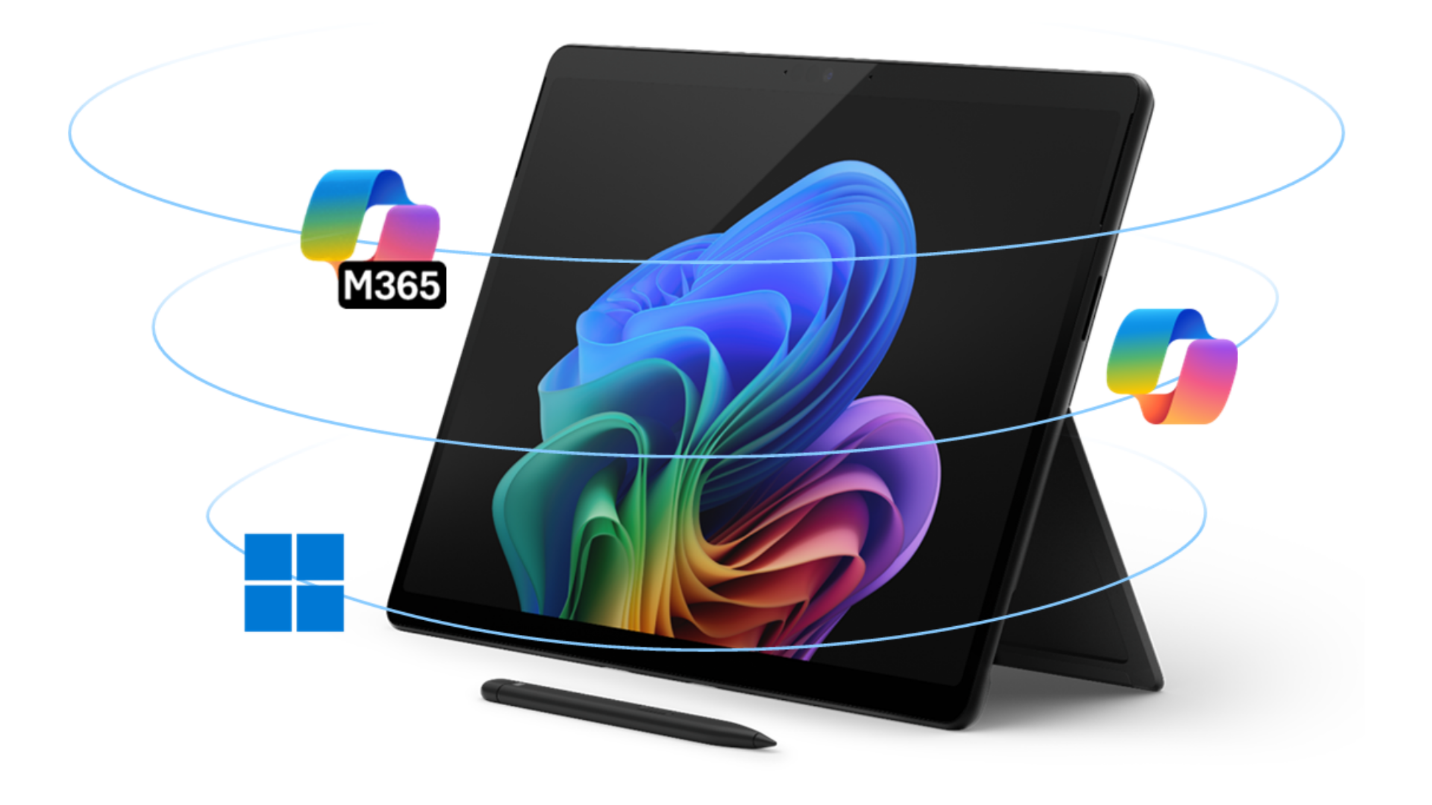
The combination of Surface devices with Microsoft 365 gives faculty, administrators, and students the freedom to work their way, wherever they are, while using a familiar cloud productivity platform and accessing the always up-to-date security and management features from Microsoft that proactively keep institutions safe. This integration offers several benefits:
- By consolidating hardware and software with a single provider, institutions may reduce licensing overlap, streamline support, and improve operational efficiency. Microsoft 365 likely already offers capabilities that staff members and students are already paying for.
- One integrated solution can optimize an IT administrator's time. A simplified IT environment with Microsoft 365 automates labor-intensive tasks and frees up previously assigned IT and security admin tasks—allowing staff to focus on higher-priority activities.
- Microsoft 365 helps educational organizations enhance their security stack—realizing cost savings from having fewer security breaches and improving identity protection. This protects faculty, administrators, and students, and offers peace of mind.
- Surface devices are designed to support emerging AI workloads as institutions evaluate and adopt new AI‑enabled teaching and learning tools. As Copilot+ PCs, they can supercharge hybrid work and learning with optimized battery power and an integrated neural processing unit (NPU) that provides smarter collaboration experiences and enables the next wave of productivity features.
Surface combines advanced hardware and the best of Microsoft software to enable seamless AI integration, both in the cloud and on the device. Tools like Microsoft Copilot further enhance productivity—empowering staff to stay organized while helping students stay focused in their workflow.
Throughout the entire experience, Microsoft security protects user data and AI applications, ensuring safe adoption of new tools while empowering IT to maintain control. Surface offers higher education institutions an end-to-end solution that supports students, faculty, and administrators as AI capabilities evolve.
In the next units, you'll learn how Microsoft Surface can help every higher education user achieve more and get more productive.