Exercise - Create a custom standard and assessment
The standards in External ESG Reporting refer to templates of various regulatory ESG standards, frameworks, or directives.
In this exercise, Amber reviews the out-of-the-box standards and creates a custom standard.
Assessments are implementations of a specific standard for which your organization decides to draft and prepare responses in External ESG Reporting. In this exercise, Amber creates an assessment for the Corporate Sustainability Reporting Directive (CSRD) and classifies Contoso’s requirements by using a materiality flag.
Review out-of-the-box standards
To review out-of-the-box standards, follow these steps:
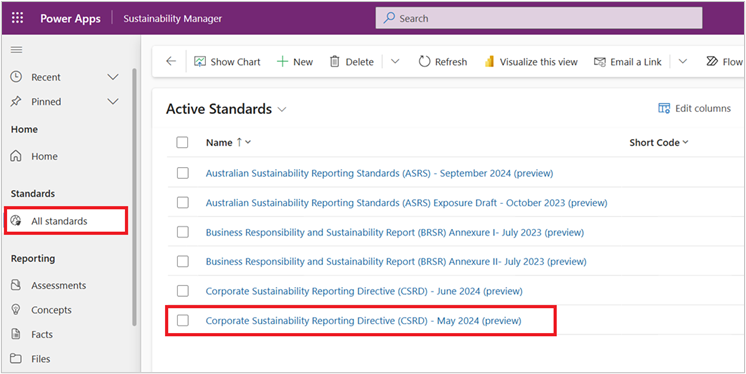
On the left navigation, select Standards > All standards.
On the Active Standards page, review the list of standards that External ESG Reporting provides out-of-the-box, as shown in the following table.
Available to all users Available to Sustainability Manager users with essentials or premium license Corporate Sustainability Reporting Directive (CSRD) - May 2024 (preview) Global Reporting Initiative – February 2024 (preview) Corporate Sustainability Reporting Directive (CSRD) - June 2024 (preview) International Financial Reporting Standards (IFRS) S1 & S2 - June 2023 (preview) Australian Sustainability Reporting Standards (ASRS) - September 2023 (preview) Sustainability Accounting Standards Board (SASB) - December 2023 (preview) Australian Sustainability Reporting Standards (ASRS) Exposure Draft - October 2023 (preview) Business Responsibility and Sustainability Report (BRSR) Annexures I & II - July 2023 (preview) Select Corporate Sustainability Reporting Directive (CSRD) - May 2024 (preview) to review it.
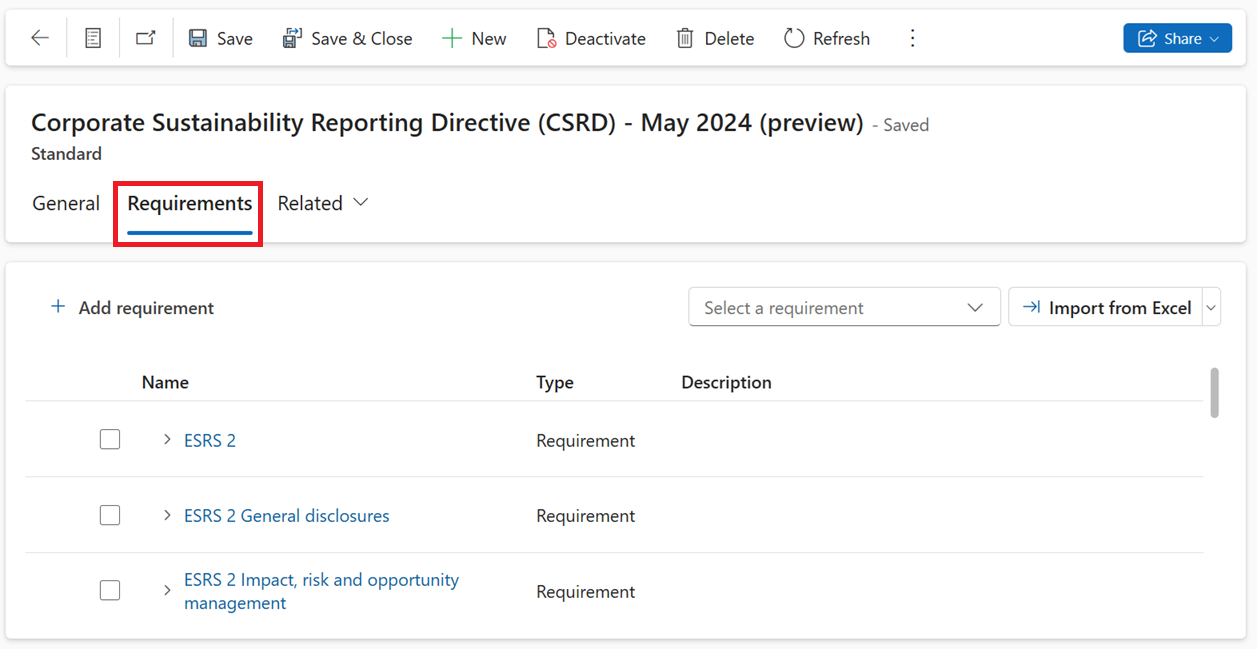
Select Requirements to review individual requirements. Requirements refer to each distinct disclosure that comprises a standard.
Create a custom standard
To create a custom standard, follow these steps:
On the left navigation, select Standards > All standards.
On the Active Standards page, select New.
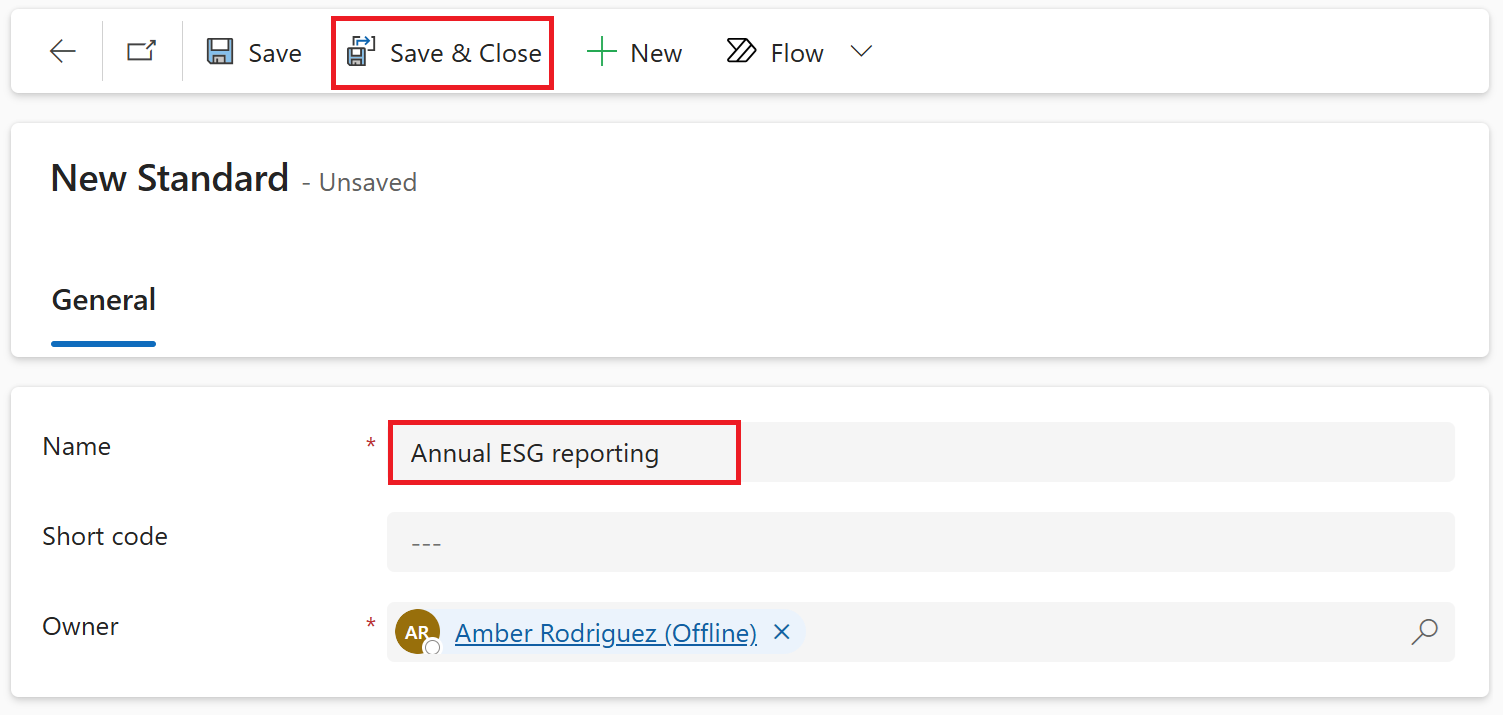
Enter Annual ESG reporting in the Name field. Select Save & Close.
On the Active Standards page, select Annual ESG reporting. On the Requirements tab, you can start adding requirements by using the Add requirement button through the UI.
You can build your requirements into CSV format and use Import from CSV options. Use the chevron button beside Import from Excel to find the Import from CSV option.
To complete this task, you can add the following sample requirements.
Name Standard Short code Parent requirement Description Emissions Annual ESG reporting Emissions Social Annual ESG reporting Social Governance Annual ESG reporting Governance Gross scope 1 emissions Annual ESG reporting scope 1 Emissions Add total scope 1 emissions of the organization. Gross scope 2 emissions Annual ESG reporting scope 2 Emissions Add total scope 2 emissions of the organization. Gross scope 3 emissions Annual ESG reporting scope 3 Emissions Add total scope 3 emissions of the organization. Total no. of employees Annual ESG reporting Employee headcount Social Add total number of employees by region. No. of security incidents Annual ESG reporting Security incidents Governance Add total number of security incidents that took place in the organization. 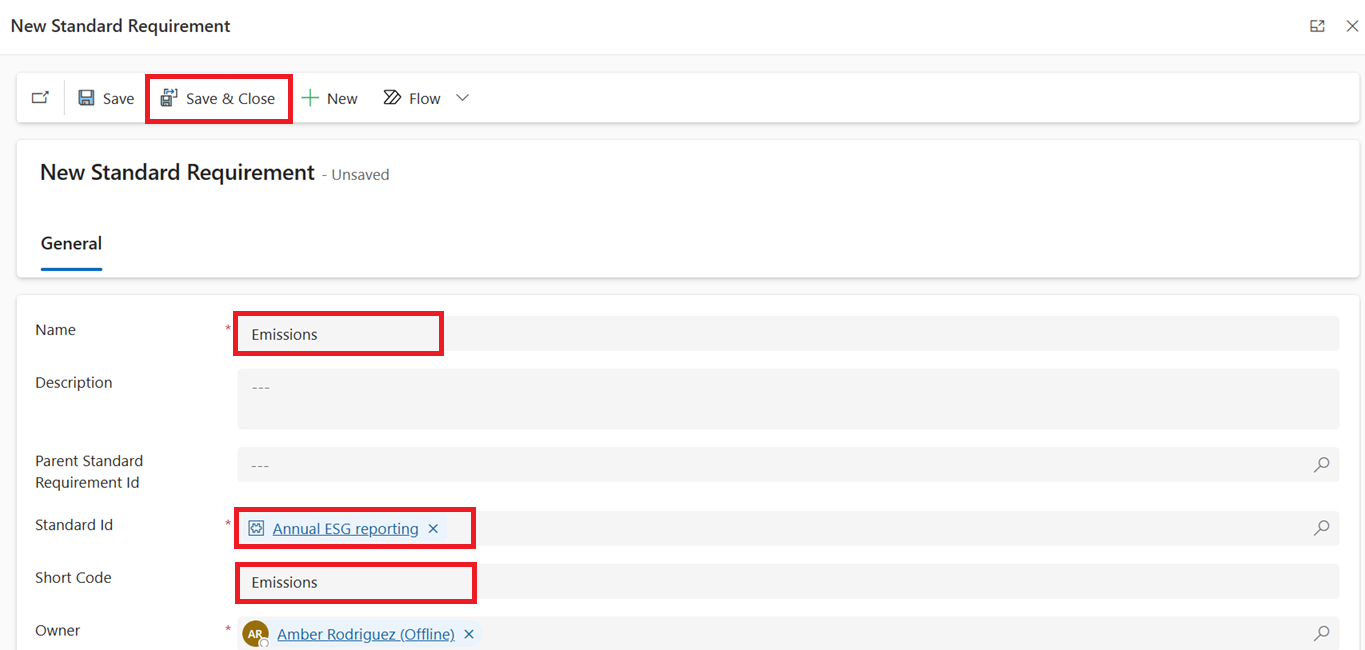
Create an assessment for CSRD
To create an assessment for CSRD, follow these steps:
On the left navigation, select Reporting > Assessments.
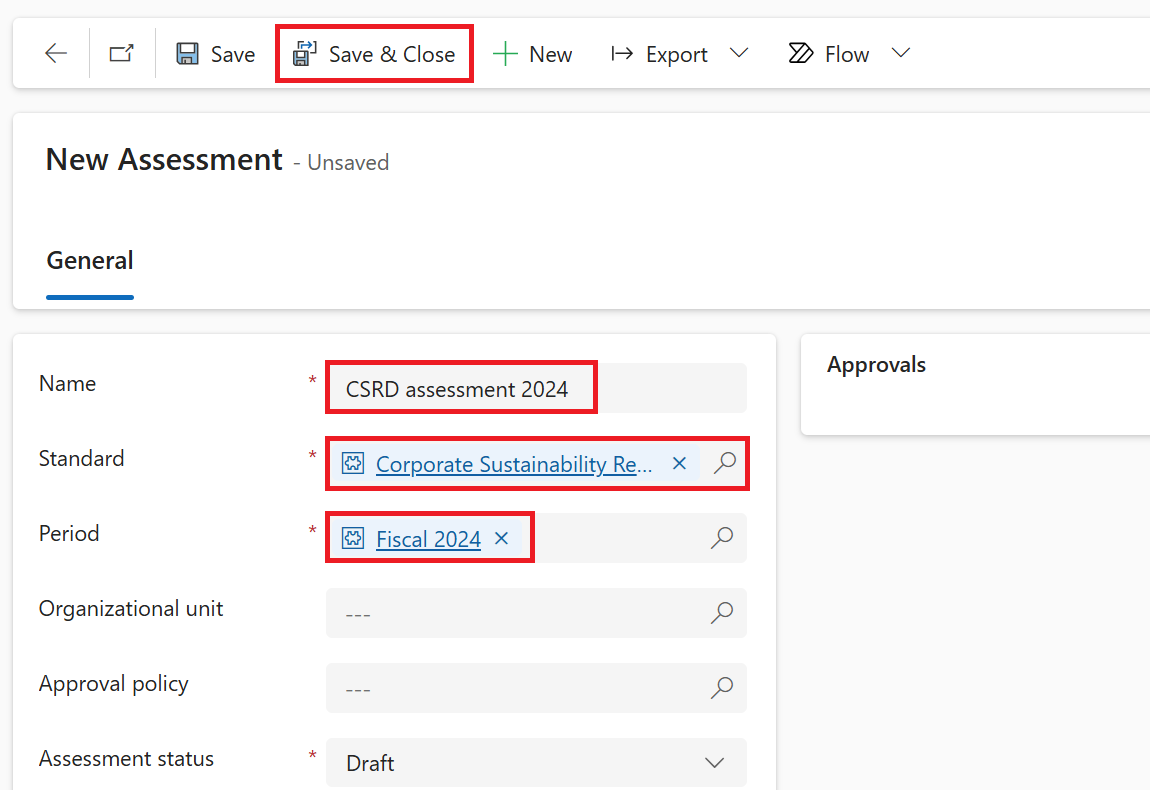
Select New.
Name your assessment as CSRD assessment 2024, select Corporate Sustainability Reporting Directive (CSRD) - May 2024 (preview) under Standard, and then select the Fiscal 2024 reporting period that you created under Period.
To generate a set of requirements from the template, select Save & Close.
Classify your requirements using a materiality flag
External ESG Reporting offers a materiality flag to help you classify the requirements as material versus immaterial based on the materiality assessment that organizations did before reporting.
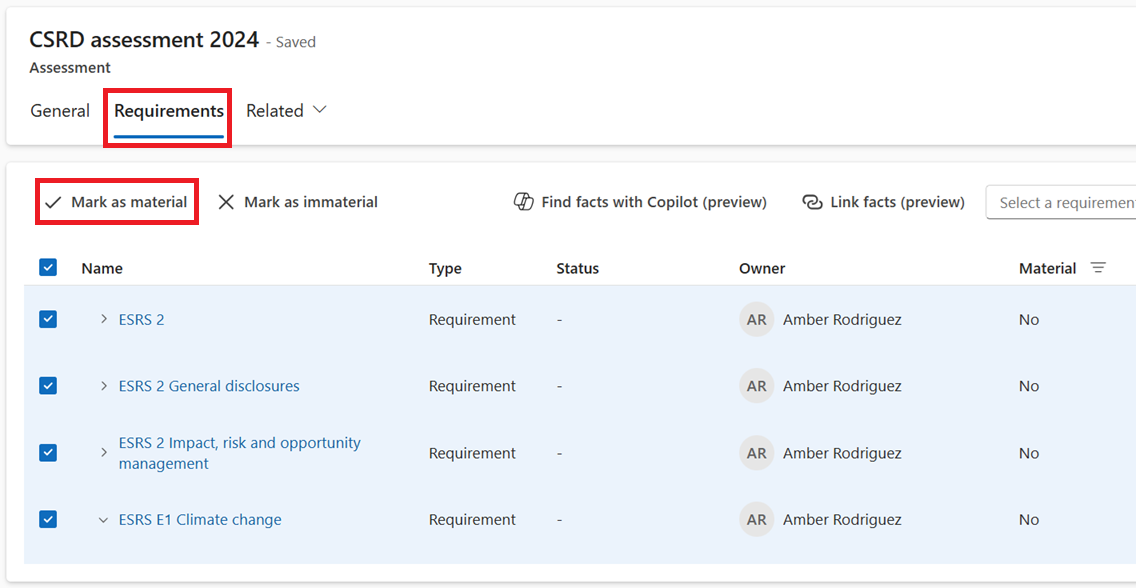
Open the CSRD assessment 2024 that you created and then go to the Requirements tab.
Select all requirements and then select Mark as material.