Introduction
Microsoft Sustainability Manager provides robust capabilities for tracking, analyzing, and reporting social and governance (S&G) data alongside environmental metrics, delivering a holistic Environmental, Social and Governance (ESG) solution for your organization.
With Microsoft Sustainability Manager, you can:
Collect S&G data efficiently: Seamlessly ingest social and governance data using Power Query, data collection, or manual entry, ensuring flexibility and accuracy in data collection.
Customize data structures: Organize and tailor S&G data structures to fit your organization’s unique reporting needs, using customizable schemas and concept groups for precise tracking.
Calculate metrics: Compute key S&G metrics such as workforce diversity, board composition, and ethical practices using calculation models, followed by Power BI dashboards for actionable insights.
Analyze and report metrics: Integrate S&G metrics into your existing ESG reporting framework to support compliance with standards such as ESRS and provide stakeholders with a comprehensive view of your sustainability performance.
By unifying environmental, social, and governance data, Microsoft Sustainability Manager empowers your organization to gain deeper insights, demonstrate regulatory compliance, and drive meaningful progress across all dimensions of sustainability.
Understand social and governance metrics structure
You need to have a good understanding of the S&G core concepts and model terminology. For more detailed information, refer to Track your social and governance data.
Note
There are several data schemas changes related to the social and governance data model. For more information about the external reporting data schema, refer to External reporting in Sustainability Manager.
| Element | Description |
|---|---|
| Concept group | A concept group is a collection of concepts that belong to the same reporting topic. For example, Training and skills development. |
| Group type | A group type allows you to categorize a concept group as one of the following types namely, Environment, Social, Governance. For example, the Training and skills development group is of type Social. |
| Concept | A concept represents a reporting metric for which data needs to be collected and reported on. For example, Number of employees who participated in regular performance and career development reviews by gender. A number of default concepts are available for each concept group. |
| Dimension | A dimension represents either an attribute of the metric or the granularity at which the data is collected. For example, Gender is used to identify the number of female and male employees who participated. |
| Source | Source is a system-defined field that helps you differentiate between the concept types |
| Default: Concepts default to the system that can't be modified. These concepts can still be extended. | |
| Custom: Concepts created by a user on that environment. | |
| Demo: Concepts intended for demo purposes only. | |
| Required for Copilot: Concepts required for finding facts with Copilot. For more information, see Find facts with Copilot in Microsoft Sustainability Manager (preview). | |
| Unit group | Unit group is an optional field that helps you restrict the underlying facts to a specific unit group. For example, Quantity. |
| Associated Facts | Facts contain qualitative or quantitative data that corresponds to a particular concept. You can create multiple facts for each concept, each with a unique set of dimensions and reporting year. |
Extend the data model
Many default S&G concept groups, concepts, and dimensions are available. You can't modify the default concepts, but there are several ways to customize or extend the data model to support your organization’s unique needs.
To customize the S&G data model, do the following:
If you need to add a new concept group, see Add a concept group.
If you need to add a new concept, see Add a concept to an existing group.
If you require to add a new dimension, see Add a new dimension to an existing concept..
Solution focus area
Contoso Corp is preparing its annual ESG report to comply with regulatory requirements and meet stakeholder expectations. The organization must report on the social and governance data and provide a gender diversity report of the employees who participated in the performance review and career development plans in the current year.
Personas and scenarios
This exercise features the following personas:
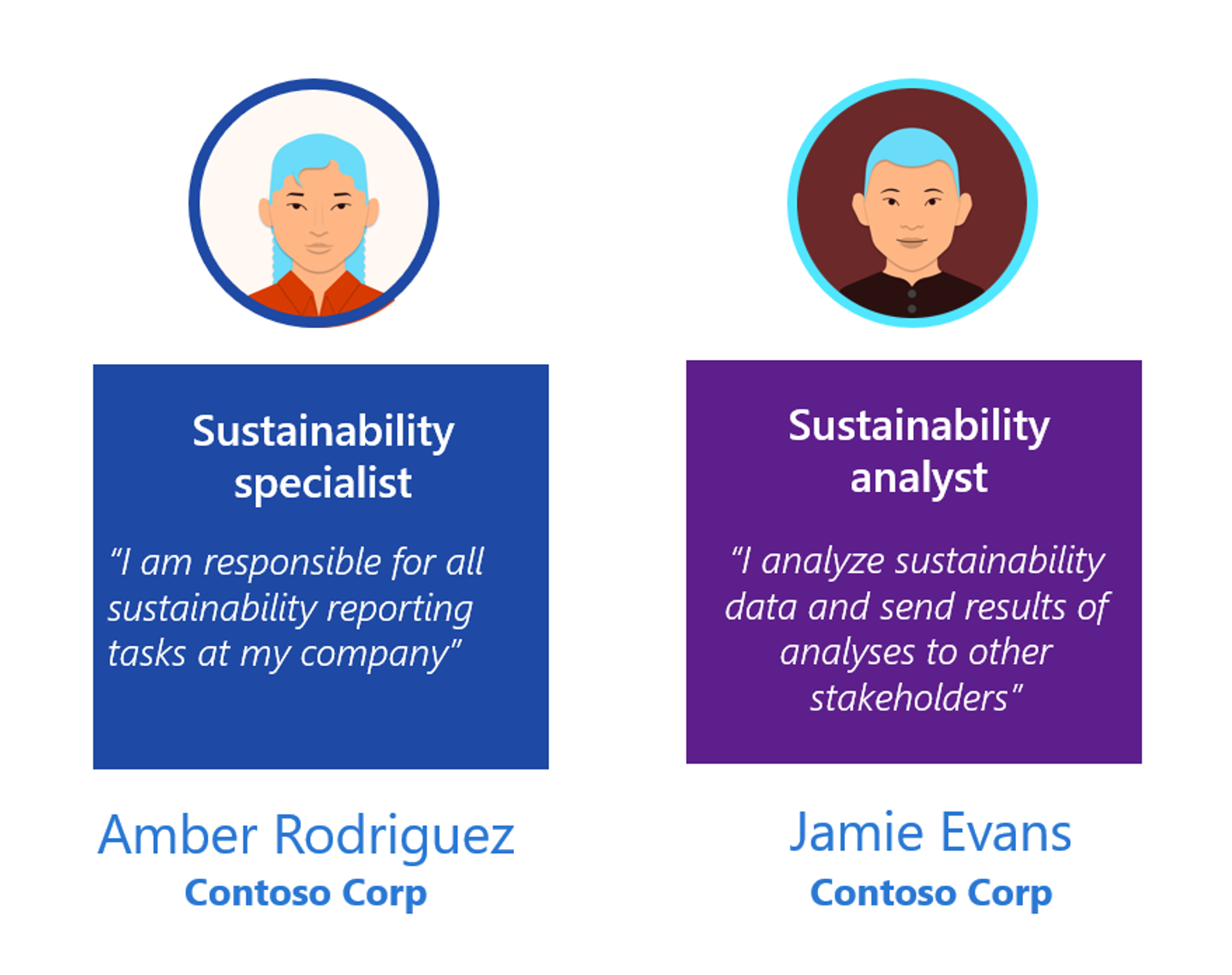
Amber Rodriguez - Sustainability specialist for Contoso Corp
Jamie Evans - Sustainability analyst for Contoso Corp
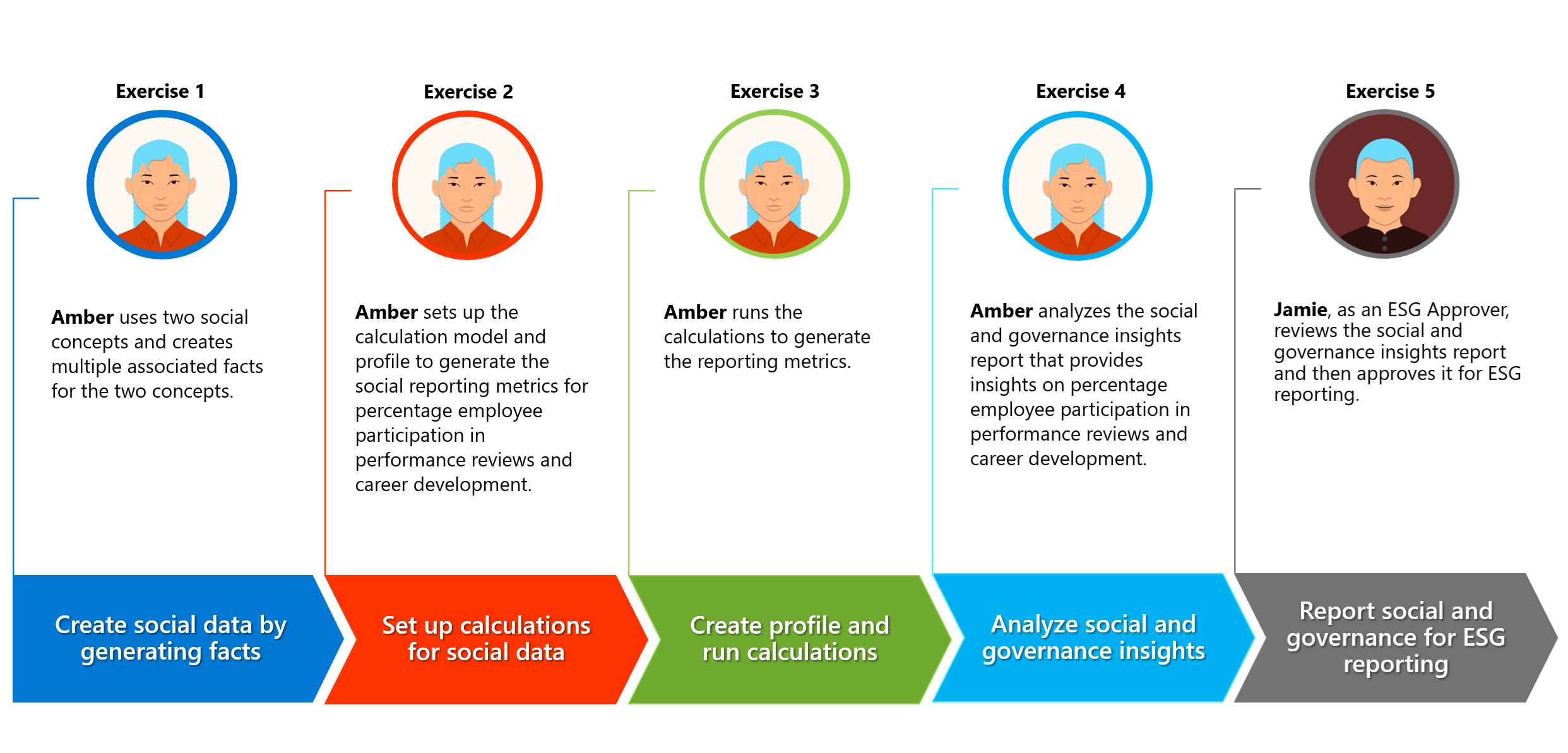
In this exercise, Amber Rodriguez, the sustainability specialist for Contoso Corp, reviews the social and governance data in Microsoft Sustainability Manager for ESG reporting to regulatory authorities. During the process, Amber gains insights into the percentage of employees who participated in the performance reviews and career development plans. Amber then, informs Jamie Evans, the sustainability lead for Contoso Corp, of the social and governance insights report by gender for the year 2024. Jamie reviews the social and governance report and includes it in the Contoso Corp's sustainability regulatory reporting procedures.
These personas participate in sequential scenarios, as outlined in the following image.