Introduction
Every integration between Microsoft Dataverse and an external system faces the same core challenge. How do you keep both sides current without re-pulling every row on every sync? And how do you avoid losing track of records that the external system identifies in its own way?
A naive full-refresh approach has several drawbacks:
- Wastes compute and network bandwidth as data volumes grow.
- Leaves downstream systems working with stale data between syncs.
- Breaks down entirely when an external system has no concept of a Dataverse globally unique identifier (GUID).
Contoso's internal equipment-provisioning system illustrates these challenges directly. Employees request replacement laptops, monitors, and headsets through a custom Dataverse solution that checks each request against the employee's role-based allowance. A vendor's external inventory service reports device availability back into Dataverse, but it identifies devices by its own vendor device code, not a Dataverse GUID.
Meanwhile, Contoso's downstream procurement and reporting systems need to know what changed in the Request and Device tables since their last check. They need this information without re-reading every record.
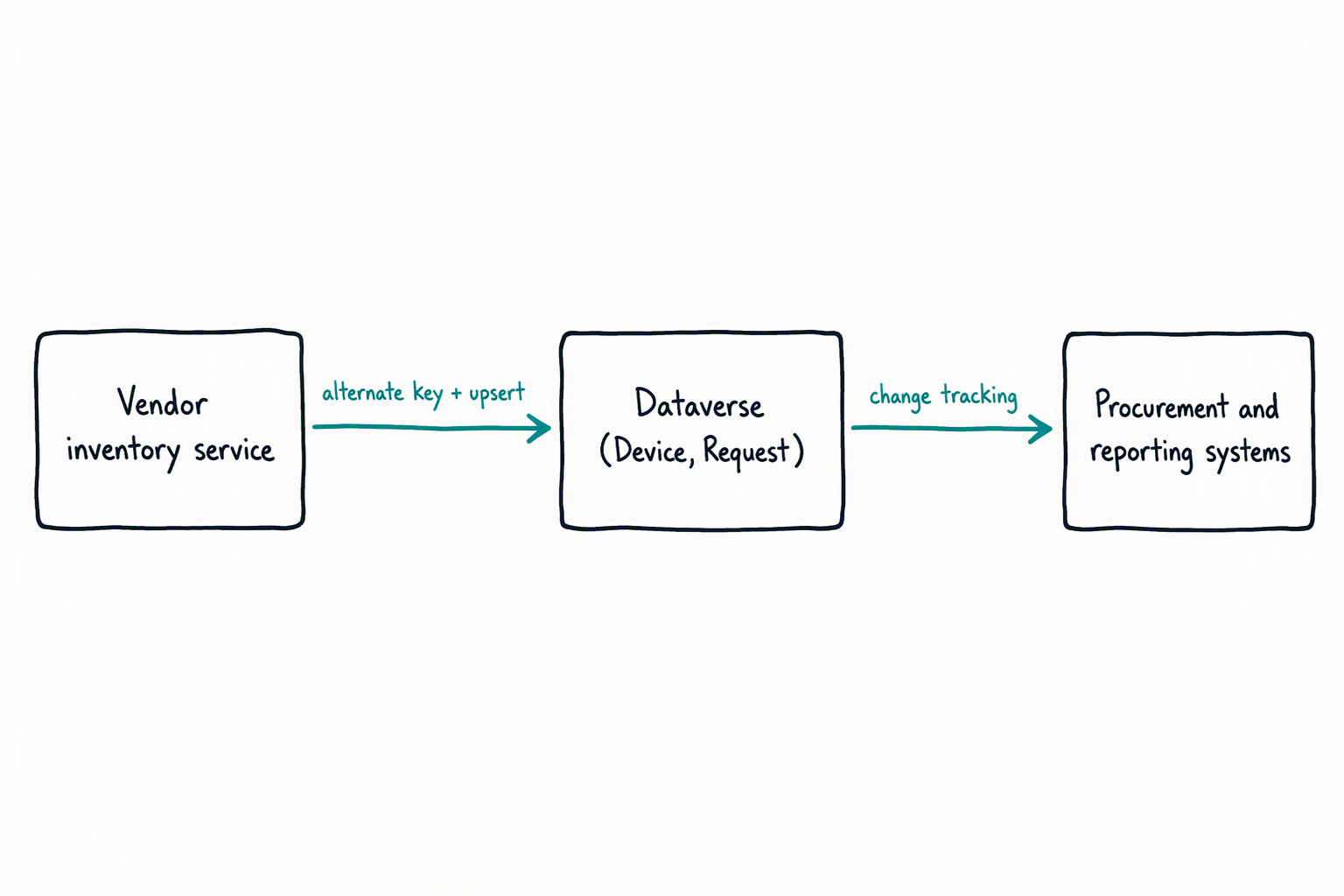
In this module, you explore how change tracking lets a downstream system detect and retrieve only the rows that changed since its last synchronization. You then learn how alternate keys let you define a business-meaningful identifier, like a vendor device code, so external systems can reference Dataverse records without knowing their GUID. Finally, you examine how the UpsertRequest message combines create and update logic into a single call, which keeps Device records current whether or not a record already exists.
These patterns extend well beyond equipment provisioning to any scenario where Dataverse exchanges data with an external system. By the end of this module, you can synchronize Dataverse data with external systems by applying change tracking, alternate keys, and the Upsert message.