Understand what drives consumption in AI tasks
Not every task costs the same. A quick request and a long-running project consume very different amounts of credits, which makes spending harder to predict before usage begins.
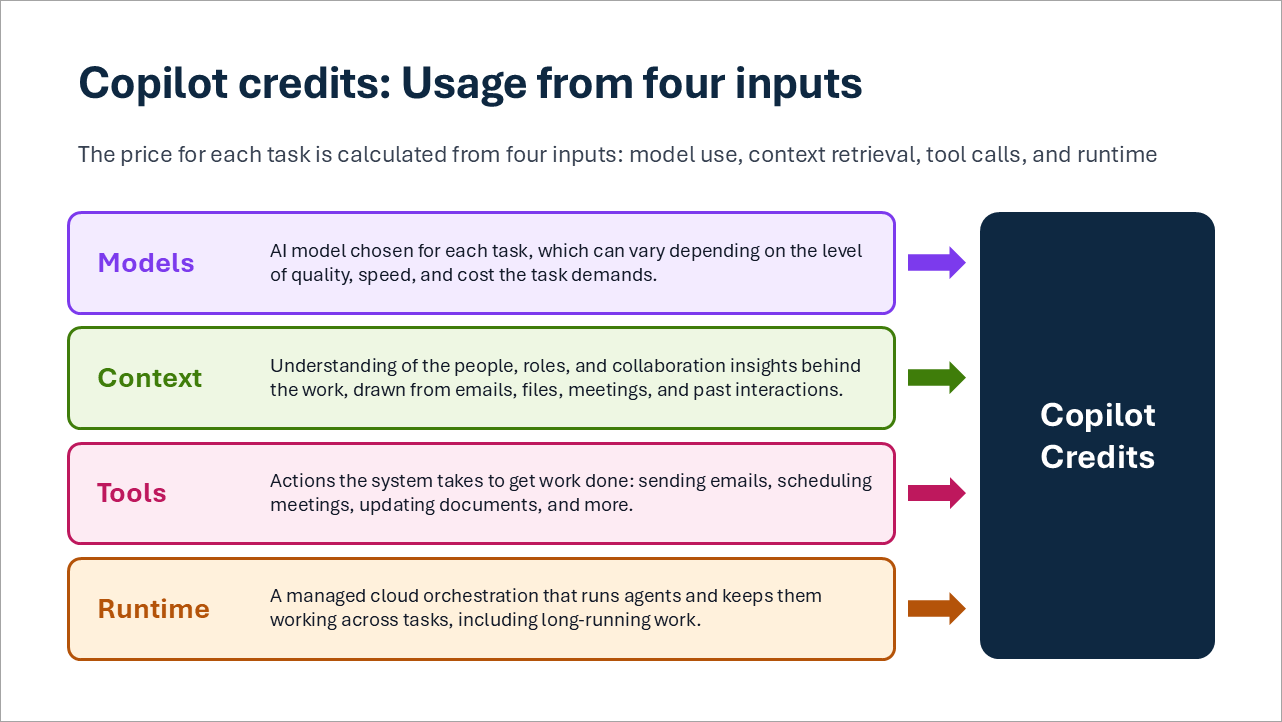
Copilot credits: Usage from four inputs
Four inputs drive the number of credits a task consumes:
| Input | What it means | How it affects consumption |
|---|---|---|
| Model | The AI model chosen for each task. | Models differ in quality, speed, and cost, so a task that needs a more capable model consumes more credits. |
| Context | The information gathered to understand the work, such as the people, roles, and collaboration behind it, drawn from email, files, meetings, and past interactions. | The more sources a task draws on, the more credits it consumes. |
| Tools | The actions taken to complete the work, such as sending email, scheduling meetings, and creating or updating documents. | Each action adds to consumption. |
| Runtime | The managed cloud service that runs the work and keeps it going across steps, including long-running tasks. | The longer and more complex the workflow, the more runtime it uses. |
Example
An account manager asks Copilot Cowork to prepare for a customer meeting. The request is to review recent email, meeting notes, customer relationship management (CRM) updates, and support incidents; identify the deal status, risks, and competitive threats; create a briefing document and a client-ready presentation; and email a summary with recommended actions to two colleagues. Each part of the request draws on one or more of the four inputs:
| Input | How it is used | What it means |
|---|---|---|
| Model | Analyzes customer information, identifies deal status, risks and competitive threats, recommends next actions, and generates content for the briefing, presentation, and email. | More complex reasoning and generation can increase the work performed. |
| Context | Searches customer emails, retrieves meeting notes and transcripts, and gathers relevant CRM updates and support incidents to ground the task. | More or richer context can require more information to be retrieved and processed. |
| Tools | Creates the briefing document and client-ready presentation, then prepares and sends the summary email. | Workflows involving multiple actions can require multiple tool interactions. |
| Runtime | Coordinates the complete workflow from gathering information through analysis, content creation, and final actions. | Longer, multi-step workflows can require more execution than simple requests. |
A request like this consumes more credits than a quick question, because it uses all four inputs, often more than once, across a longer workflow.
Light, medium and heavy tasks
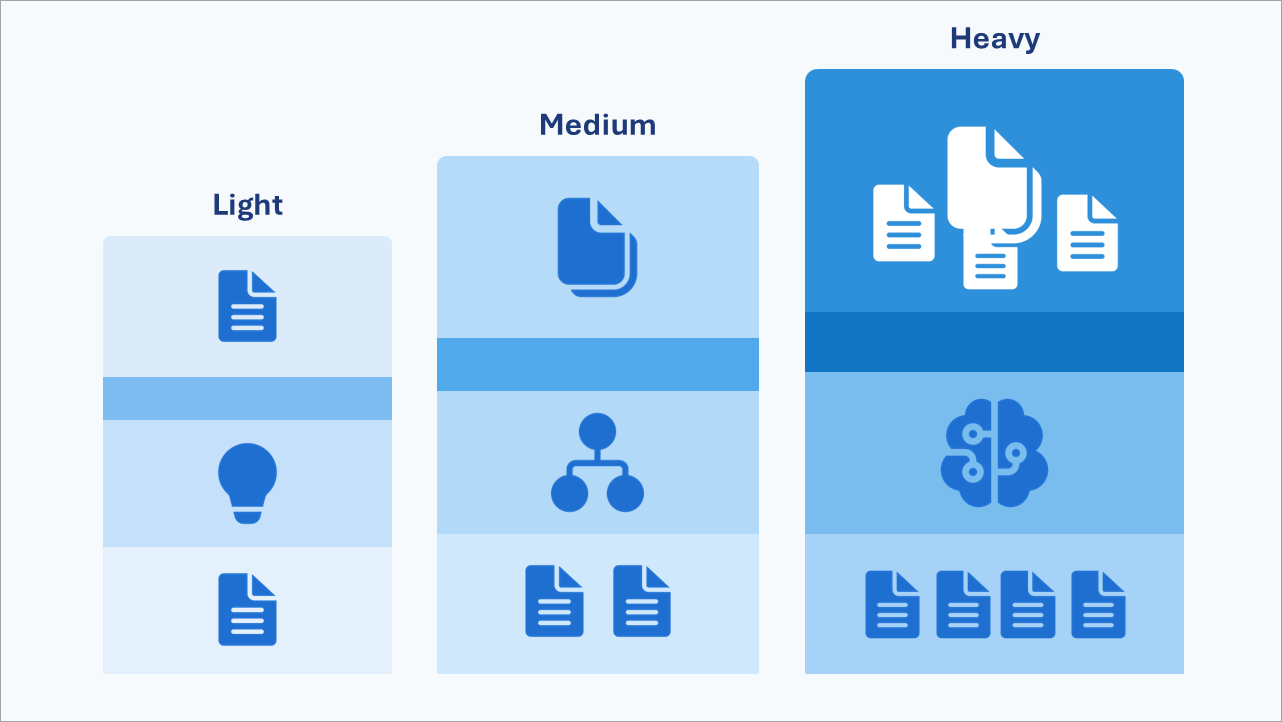
A practical way to plan is to group tasks by size:
| Task size | Typical characteristics | Examples |
|---|---|---|
| Light | A few data sources, light reasoning, one short deliverable | Reorganize a weekly schedule; turn a document into a visual |
| Medium | Many data sources, structured reasoning, two or more deliverables | Produce a weekly status report; build a project board from email |
| Heavy | Broad aggregation of data sources, deep reasoning, many deliverables | Prepare a full handoff before leave; onboard a new team member |
These groups are a planning aid, not fixed product tiers. The same request can move between groups depending on its scope. A handoff for one project is very different from a handoff across a whole portfolio.
How Auto helps
Auto is an automatic model-selection option in Copilot. Instead of choosing an AI model yourself, you let Copilot select one based on the needs of your request.
When Auto is selected, Copilot chooses a model for each request, balancing accuracy, speed and cost. Simple requests do not need the most capable model, so Auto helps match capability to what the work needs. Auto supports cost optimization by helping match AI capability and resource consumption to the requirements of the workload.
What you can influence
Before you run a large request, be clear about which sources matter and which deliverables you actually need. Then compare the credits consumed with the usefulness of the finished work, including any review and rework. Choosing the right tool for each task and retiring low-value work helps maximize the business value generated from the credits consumed.
Caldova decision
Caldova's department lead lists the tasks the team plans to delegate. Most are medium tasks, such as weekly client status reports. A few are heavy, such as preparing for quarterly client reviews. This gives the team a starting point for estimating consumption and establishing a usage baseline for the pilot.
Note
Think of a task your team would delegate to Copilot Cowork. Which inputs would drive its consumption, and would you classify it as light, medium or heavy? Could you narrow its scope without reducing the value of the result?