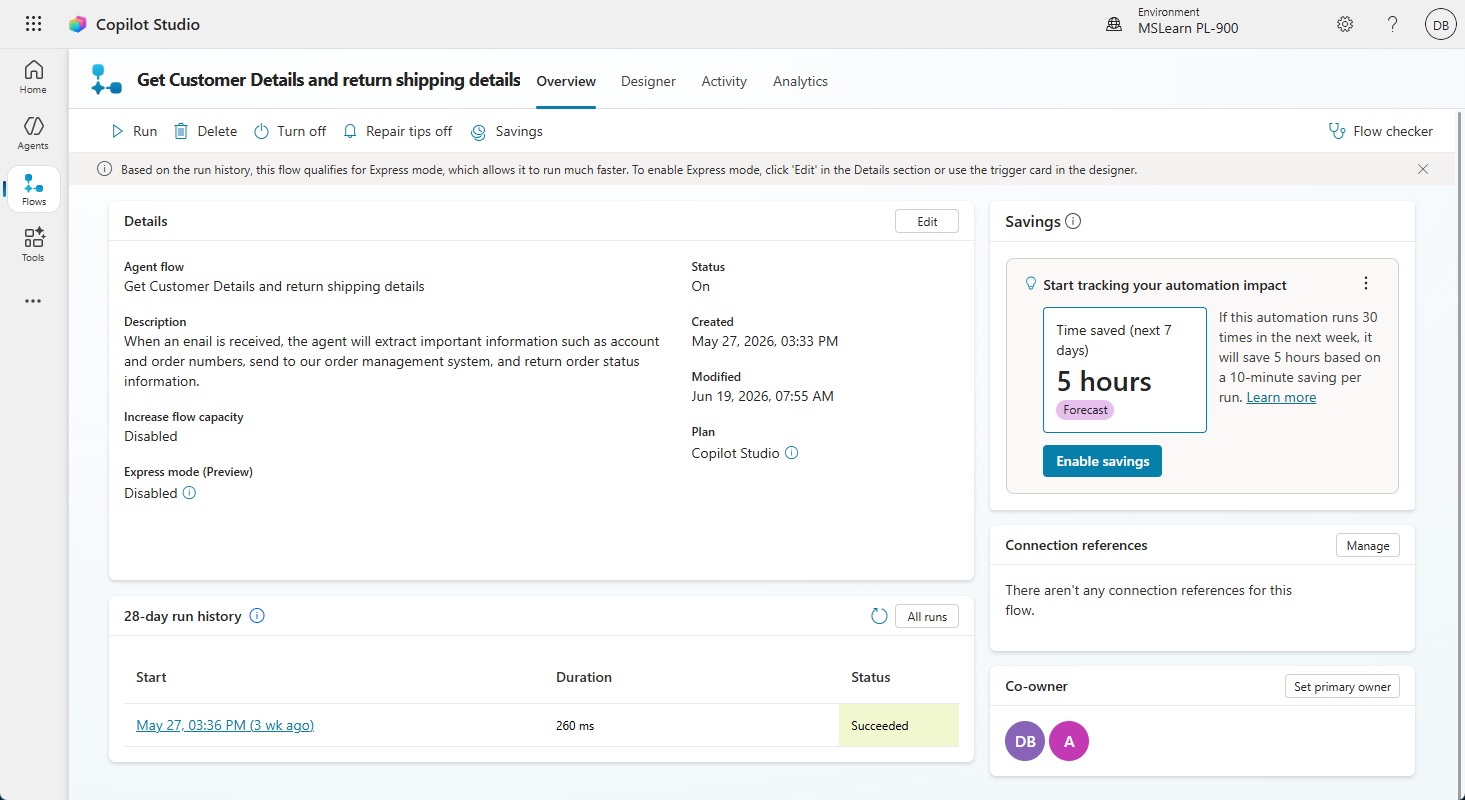
Describe agent flows
Agent flows are deterministic automation workflows built directly in Microsoft Copilot Studio that agents can invoke as tools. Unlike the AI orchestrator's dynamic reasoning, agent flows follow an explicitly defined sequence of steps—making them ideal for processes that must always execute in a specific order, apply fixed business rules, or interact with external systems in a controlled, auditable way.
What are agent flows?
An agent flow is a workflow designed to be called by an agent as one of its tools. When a user's request requires a predictable, structured process rather than an open-ended AI response, the agent invokes the appropriate flow. The flow executes its steps—reading from databases, calling APIs, applying Power Fx logic, sending notifications, performing calculations—and returns a result to the agent, which incorporates that result into its response.
When to use agent flows versus generative orchestration
Choosing between an agent flow and generative orchestration depends on how much control the process requires.
| Scenario | Use agent flow? | Reason |
|---|---|---|
| Calculate commission based on a fixed rate table | Yes | Business rules must always apply exactly the same way, with no variation |
| Answer a question about a company policy | No | Generative response from a knowledge source is appropriate and flexible |
| Submit a leave request to an HR system | Yes | Requires exact data entry, system interaction, and confirmation—not generative |
| Summarize a document the user uploaded | No | Generative response is well-suited for summarization tasks |
| Check inventory and reorder if below threshold | Yes | Rule-based, system-driven action that must follow a deterministic process |
| Answer an open-ended onboarding question | No | Context-aware, open-ended guidance is better handled generatively |
Agent flow capabilities
- Trigger types: Agent flows are triggered on demand by the agent using the "Run a flow from Copilot" trigger, or by Power Platform events, manual invocation, or a schedule.
- Power Platform connectors: Flows can call any of the 1,800+ Power Platform connectors to read from or write to external systems.
- Power Fx expressions: Flows support Power Fx for conditional branching, data transformation, and calculated values, enabling complex business logic without code.
- Approval gates: Flows can pause execution to request approval from a designated user via Outlook or Teams before continuing, supporting human-in-the-loop processes.
- Variables and parameters: Flows accept input parameters from the agent—such as user name, requested dates, or an order number—and return output values the agent incorporates into its response.
Contoso Professional Services in action
When an employee tells the Benefits Advisor agent they want to request five days of vacation, the agent collects the required information through conversation and invokes the Leave Request agent flow. The flow validates dates against company blackout periods using Power Fx, checks the employee's vacation balance via Dataverse, submits the request to the HR system via a connector, sends a confirmation email to the employee and their manager, and returns a confirmation number to the agent—all without human intervention and following exact company policy rules.