Introduction to Azure DevOps Services
Every project created within Azure DevOps comes with a number of services. You can use all the services or choose just those that fit within your workflow. These services include planning, version control, testing, and build & deploy tools.
Azure Boards
Azure Boards helps teams plan, track, and discuss work. The available features depend on the work item process that is selected for the project.
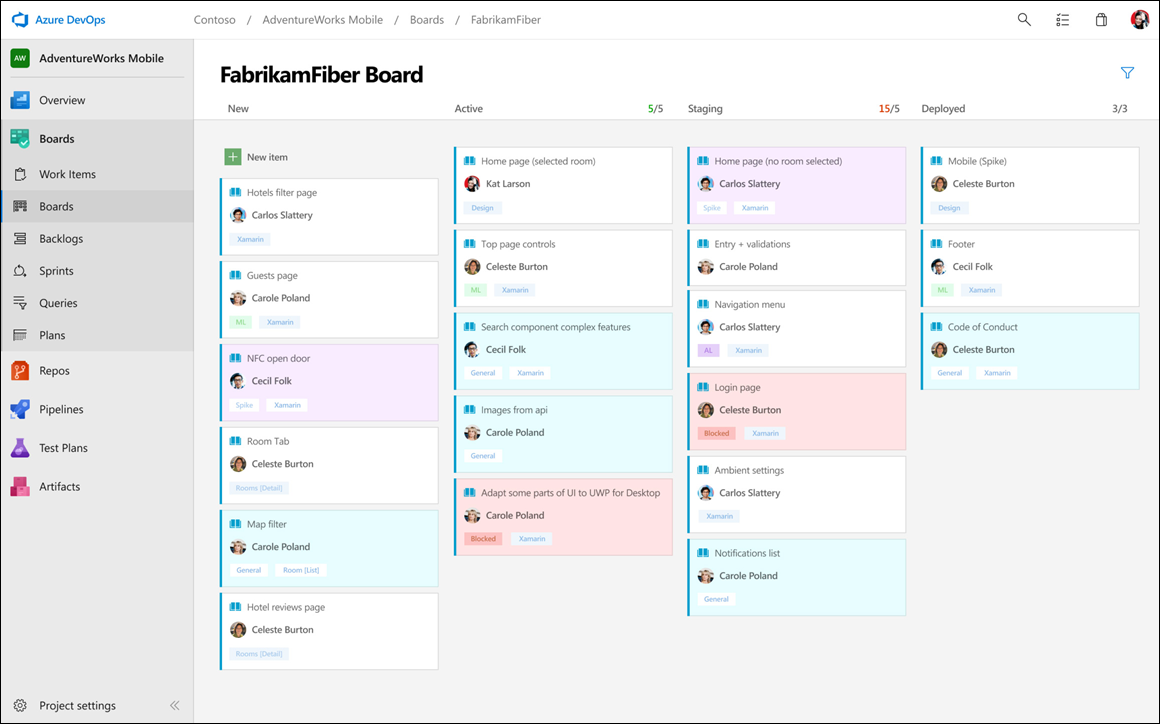
Azure Boards provides Kanban boards and backlogs to support your agile development process. Azure Boards provides drag-and-drop tools for sprint planning. Teams can organize work items in backlogs and prioritize them.
Azure Repos
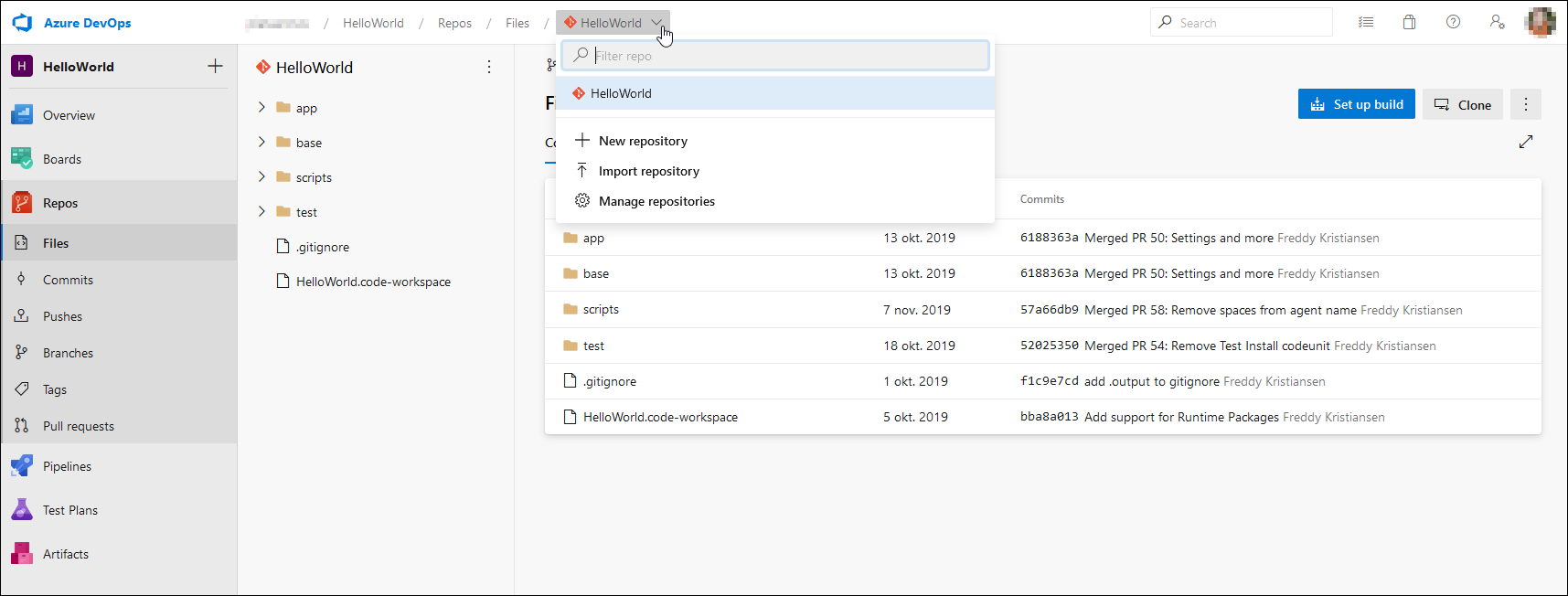
Azure Repos is the service that is used for version control. Azure Repos supports Git and Team Foundation Version Control (TFVC). New organizations and projects create Git repositories by default. TFVC repository creation is disabled by default. Git supports unlimited repositories. Store each AL extension in its own Git repository. A project can contain multiple repositories for customer-specific extensions.
Azure Repos provides access to files, commits, branches, and pull requests.
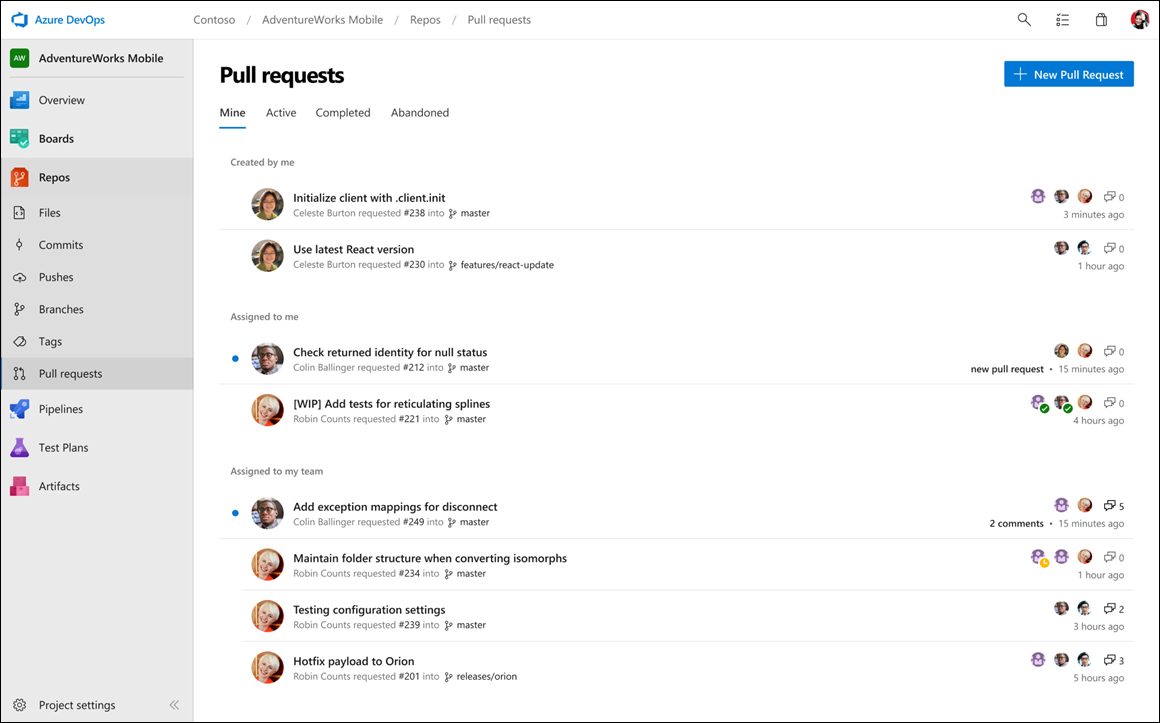
Pull requests can require code reviews before changes are merged. Pull requests can also trigger automated builds.
Azure Repos supports webhooks and REST APIs. These features can automate validations and respond to repository events.
Azure Pipelines
Azure Pipelines supports automated testing, builds, and deployments. Pipelines run on build agents. Build agents can run in Microsoft-hosted environments or on your own infrastructure. Use local build agents when you need access to local resources or an on-premises Business Central server. Local build agents do not have runtime limits.
A build agent is a small executable that you can install on one or more servers or desktop computers. You can group them in an agent pool. When a build starts, Azure Pipelines uses the next available agent in the selected pool. Multiple agents can run builds simultaneously.
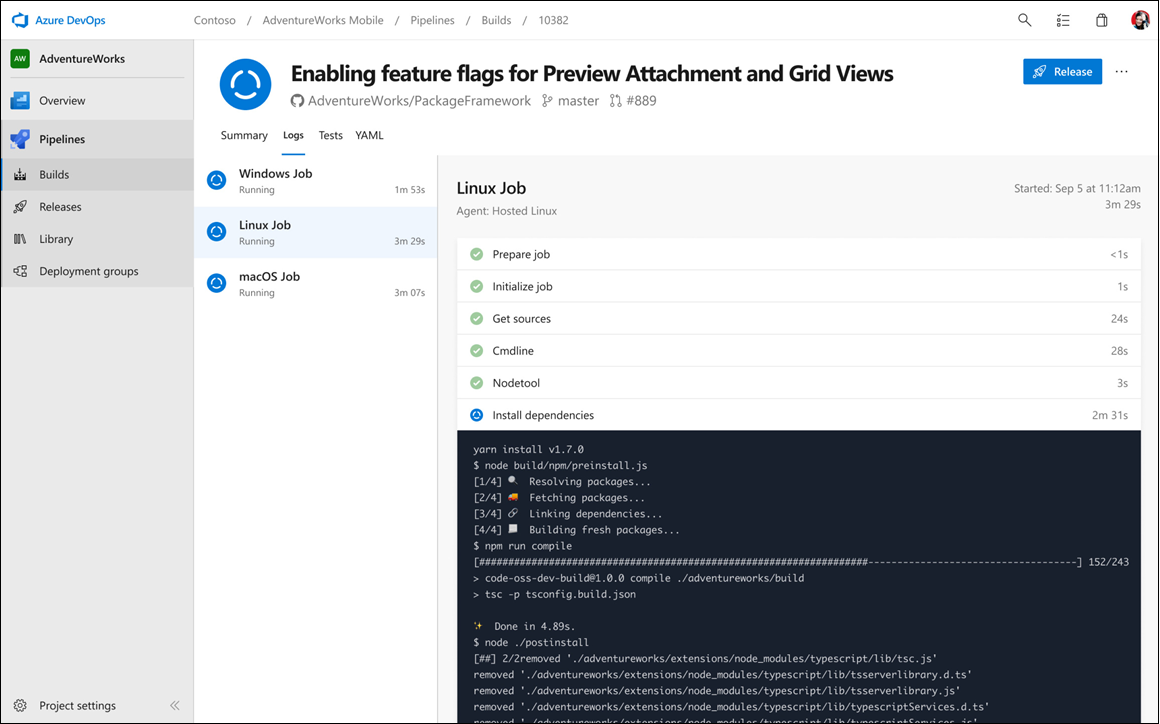
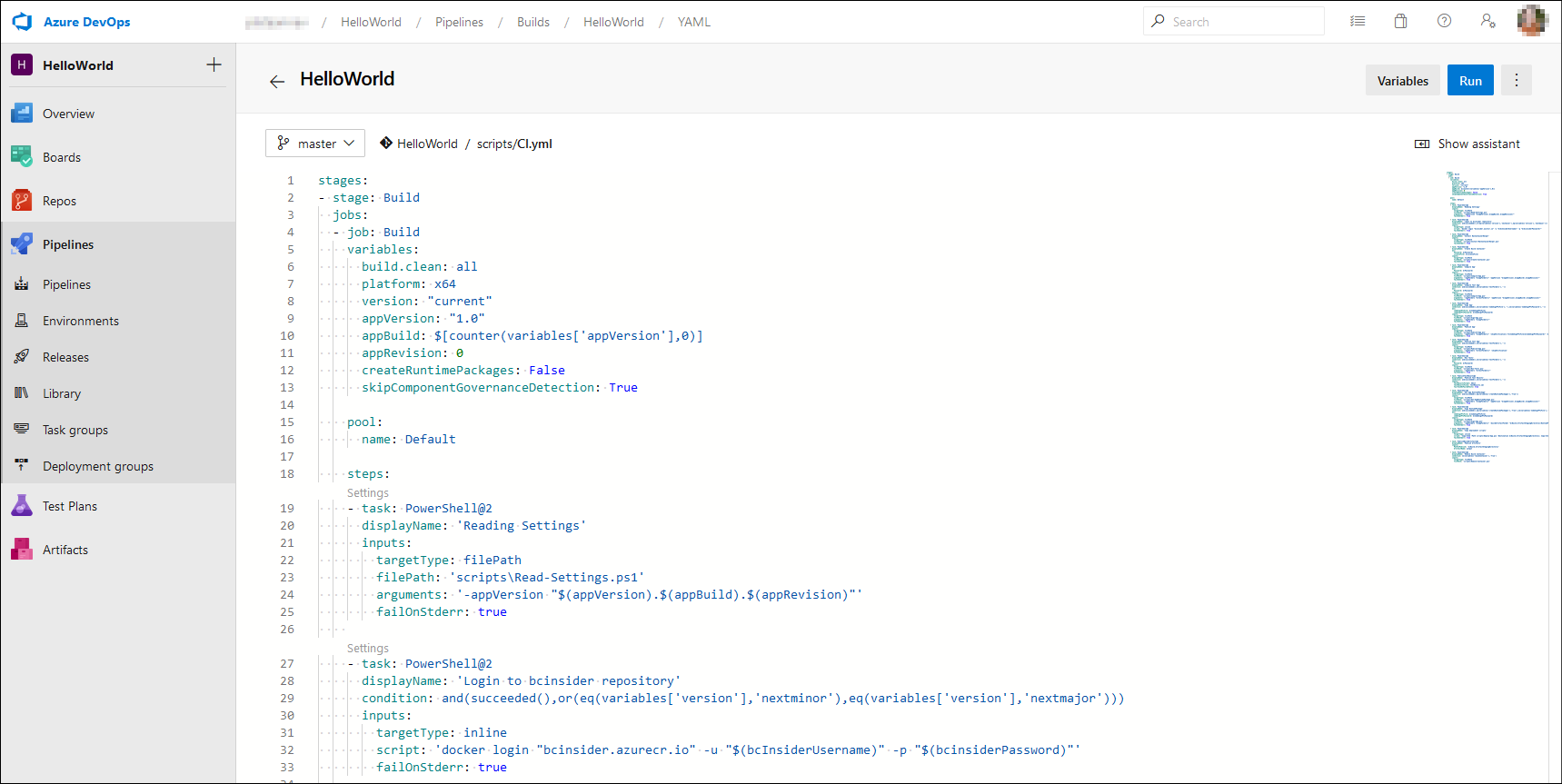
Azure Pipelines supports multiple programming languages and Docker containers. For Business Central, build pipelines often use PowerShell scripts. Typical tasks include retrieving source code from a Git repository, compiling the extension, creating an app file, and running automated tests.
Unit and integration tests run as part of a build pipeline. If a test fails, the pipeline reports a failed build.
Even if you are using GitHub as your version control system, you can integrate with Azure Pipelines to set up an automated build system. YAML files define the steps in a build process.
Azure Test Plans
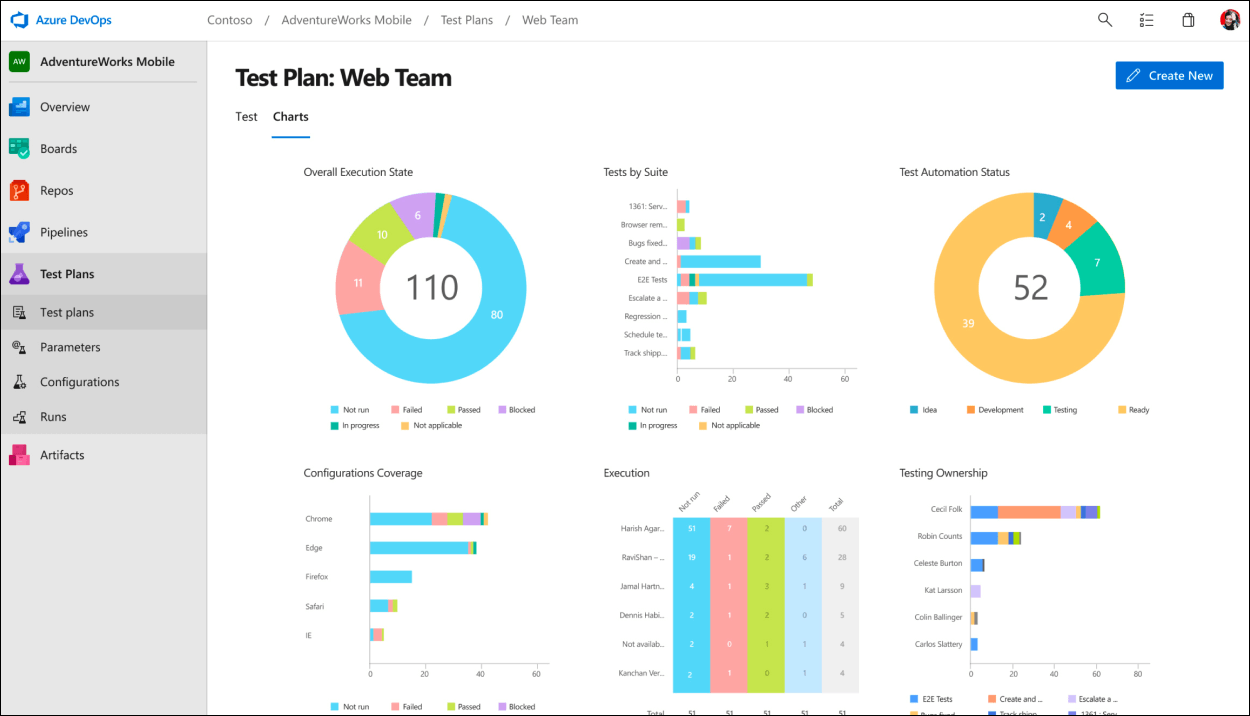
Azure Test Plans supports manual testing. You can define test steps that guide testers through an application's workflow. You can use Azure Test Plans to test desktop and web applications.
Each step will be recorded so that when an error occurs, a bug work item can be created with the steps that the tester performed before the error occurred. This service is an extra paid service or is part of a Visual Studio Enterprise subscription.
Azure Artifacts
Azure Artifacts provides integrated package management. This can be easily integrated with your Azure Pipelines. For .NET applications, Azure Artifacts provides access to reusable packages and dependencies. You can use existing packages instead of developing the functionality yourself. Package repositories such as NuGet store these packages.
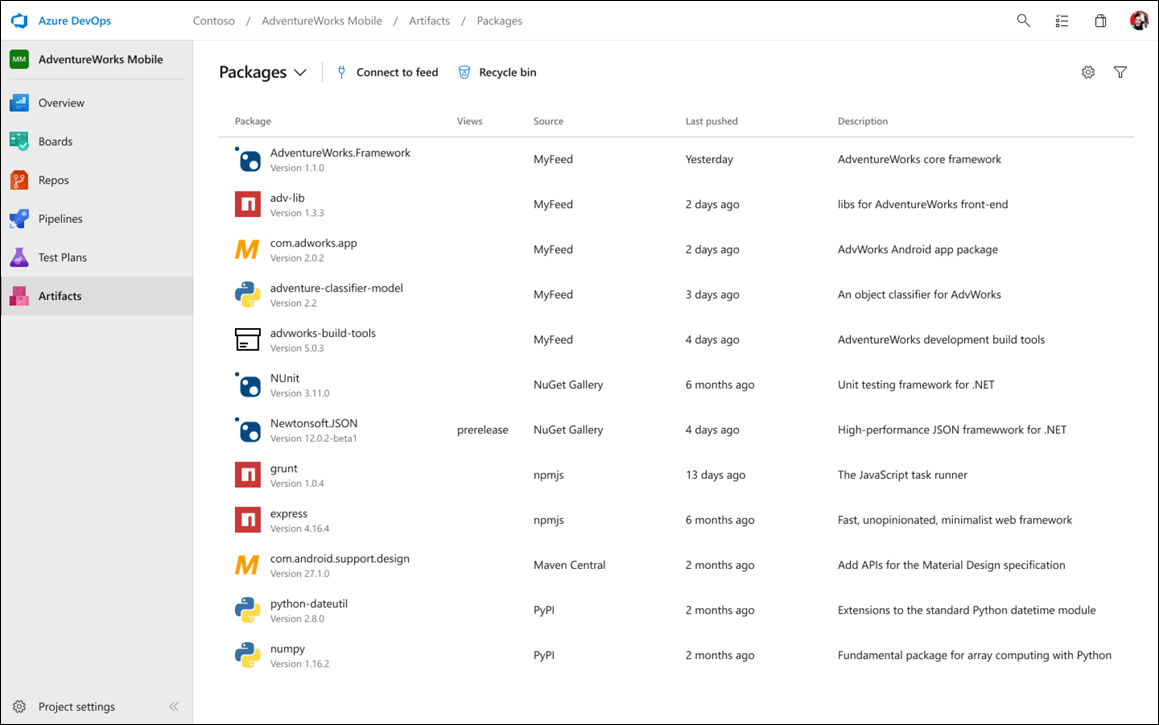
Azure Artifacts can host reusable packages that can be shared across projects. Build pipelines can retrieve packages directly from Azure Artifacts.